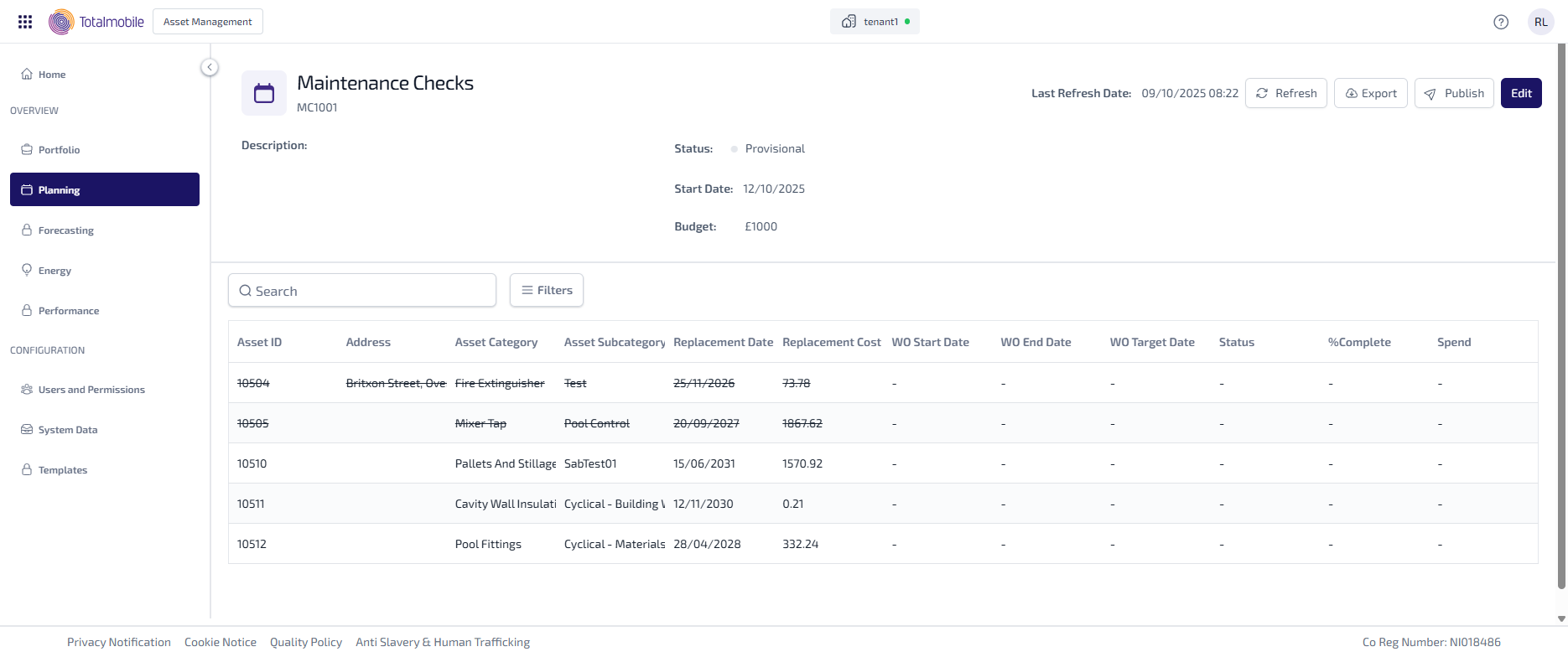
Edit Programme
To edit a programme of work:
-
In the Navigation menu, in the Overview section, select Planning.
-
In the Overview tab, select View against the relevant programme.
-
In the programme details select Edit.
-
The page shows the fields which can be updated.
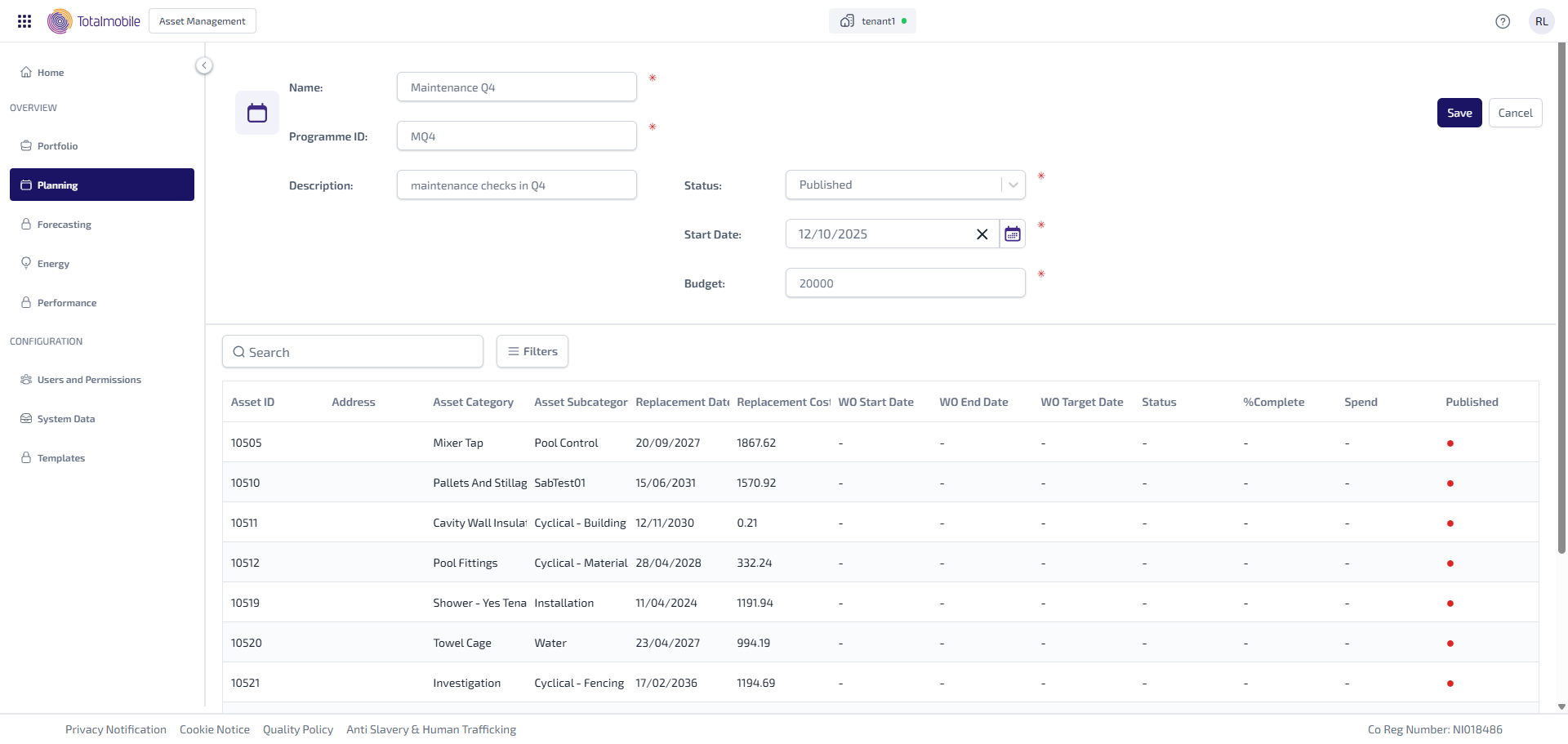
The following can be updated as required:
-
Name
-
Programme ID
-
Description
-
Status - select the dropdown list, then select one of the following:
-
Provisional - the programme of work is provisional, and has yet to be confirmed.
-
Confirmed - the programme of work has been confirmed.
-
In Progress - the programme of work is in progress.
-
Complete - the programme of work is complete.
-
-
Start Date - select the field, then select the date the work is due to start from the calendar.
-
Budget
-
-
Select Save.
Remove Assets
Assets can only be removed from a programme which has not already been published to Job Management (Connect).
To remove assets from an unpublished programme:
-
In the Navigation menu, in the Overview section, select Planning.
-
In the Overview tab, select View against the relevant programme.
-
In the programme details select Edit.
-
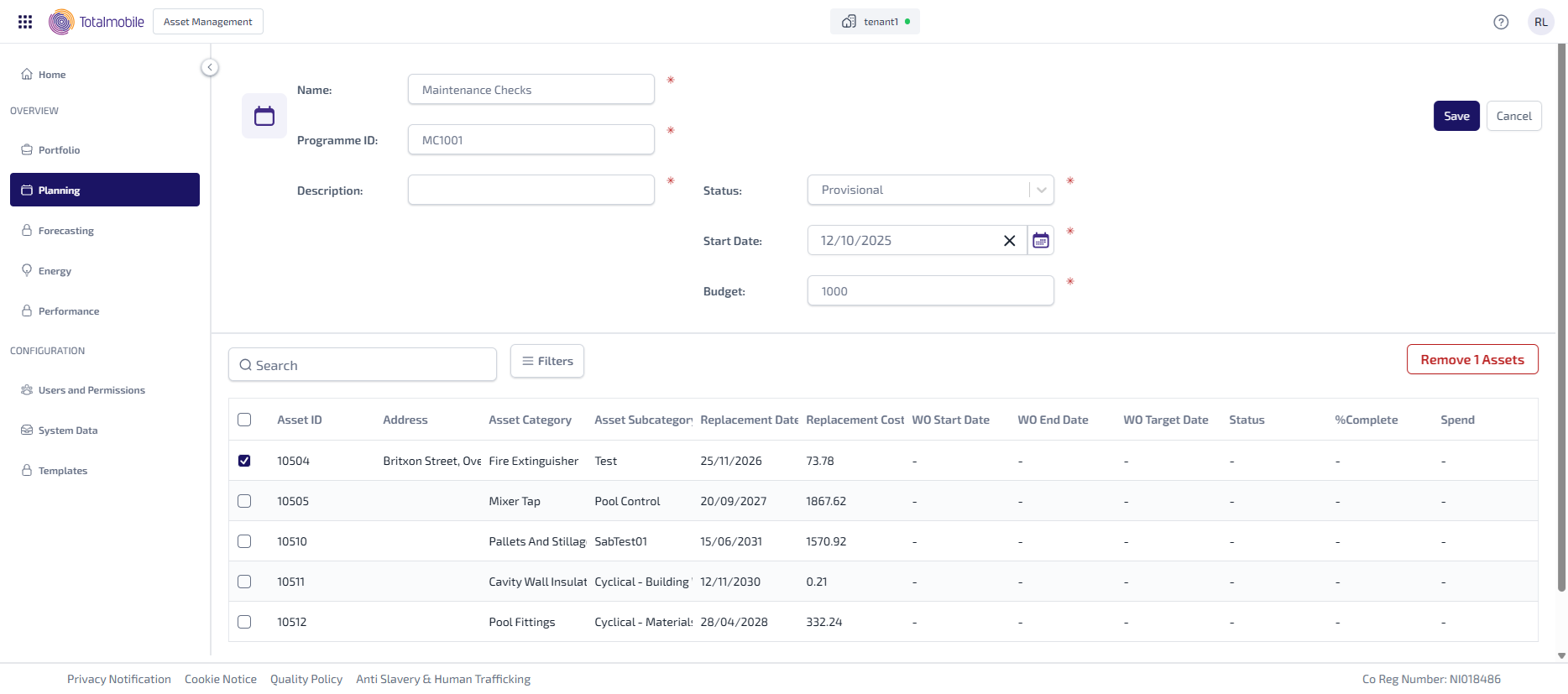
Select the checkbox against each asset to be removed.
-
Select Remove Assets.
-
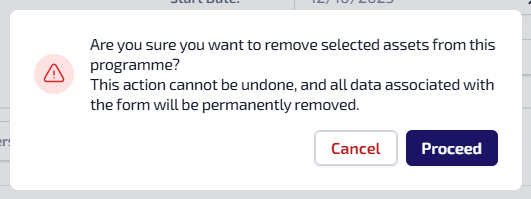
A confirmation message dialog appears.
-
Select Proceed. The programme details page updates and the removed assets appear with a strikethrough.