Lifecycle
The Lifecycle tab shows an overview of assets by their lifecycle, and provides you an easy way to see such things as which are operational, or under maintenance.
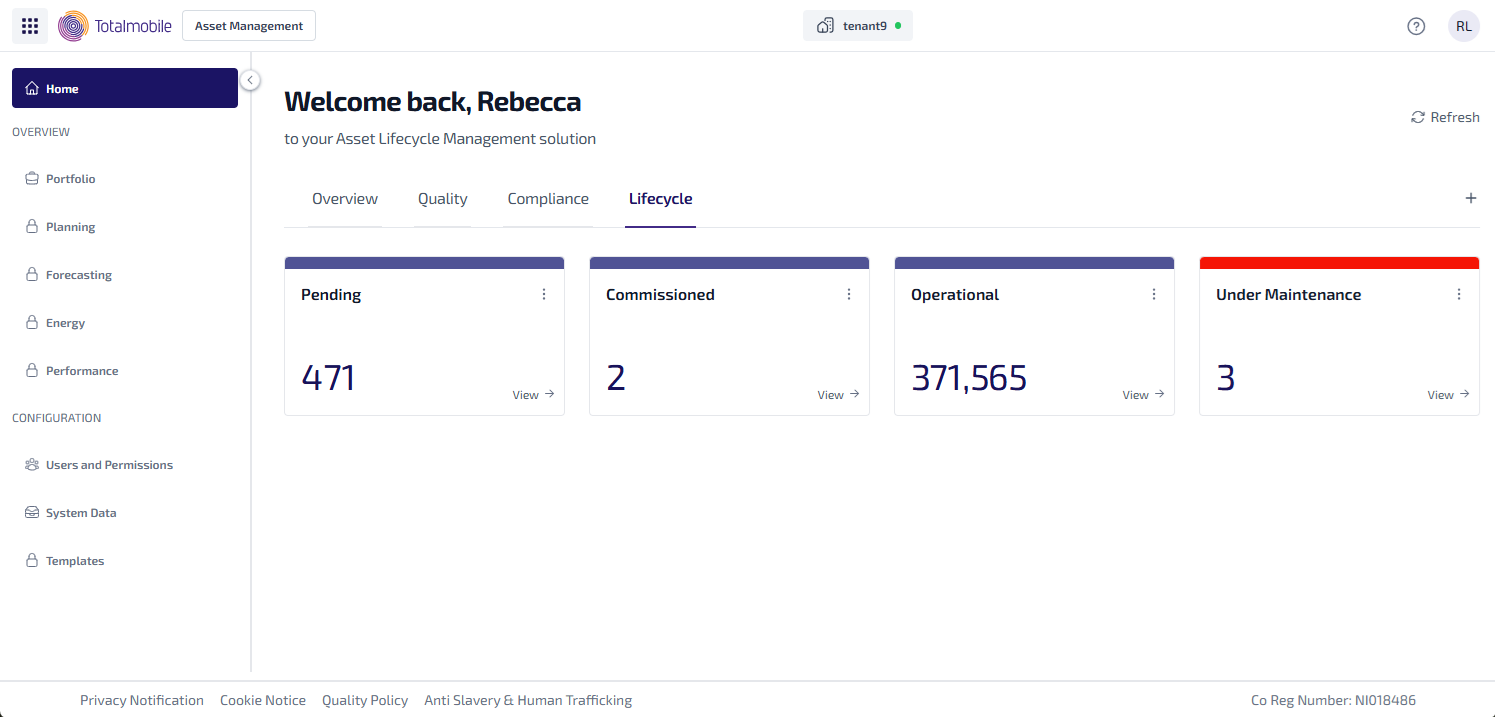
Here is an example of the types of widgets which could be used on the Lifecycle tab:
-
Pending - the number assets at an ALM Status of Pending.
-
Commissioned - the number assets at an ALM Status of Commissioned.
-
Operational - the number assets at an ALM Status of Operational.
-
Under Maintenance - the number assets at an ALM Status of Under Maintenance.
To see the assets related to each widget, select View. The Asset Register is shown, with the filters used to configure the widget applied, and listing all the matching results for the widget.