Window Characteristics
The Window Characteristics section allows you to capture information like window and glazing types for energy calculations.
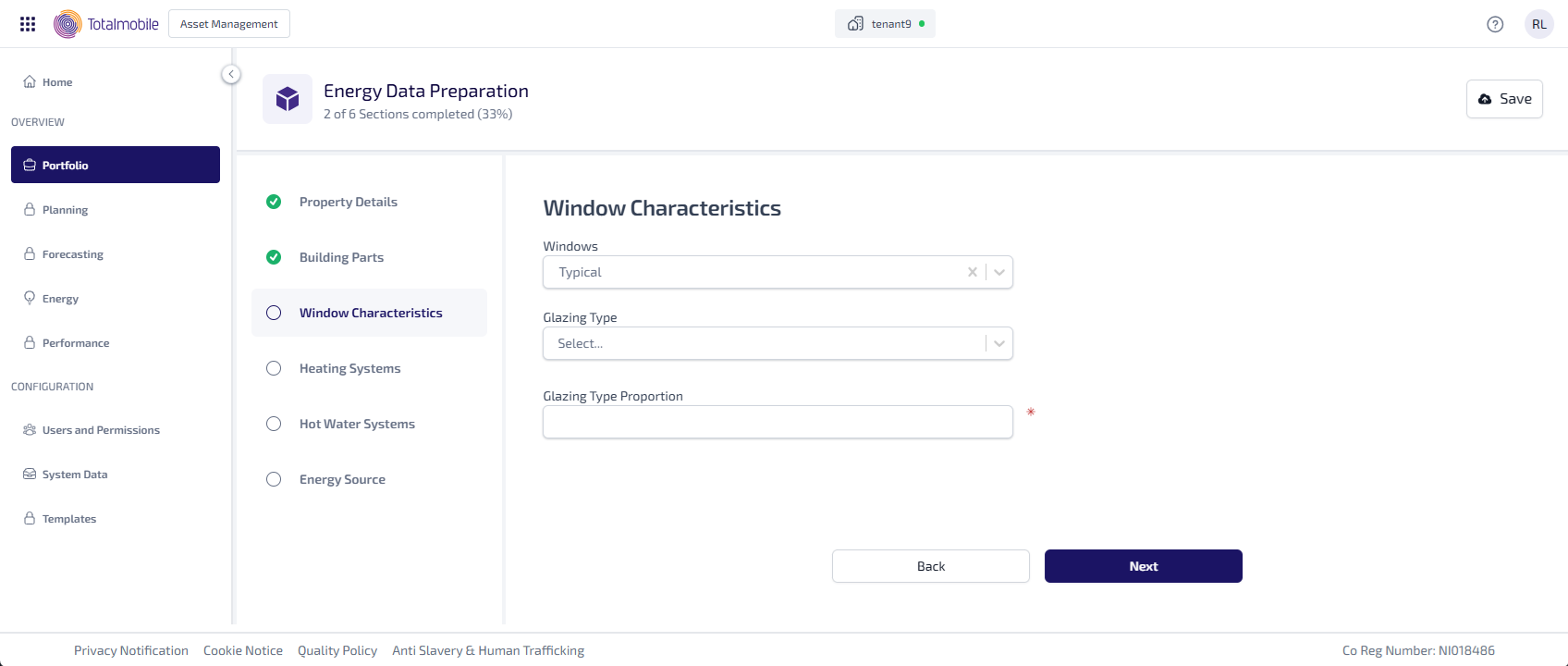
Select the Windows dropdown, then select the amount of windows:
-
Typical
-
More than typical
-
Less than typical
-
Much more than typical
-
Much less than typical
The options select determines what information can be entered.
Typical, More Than Typical, or Less Than Typical
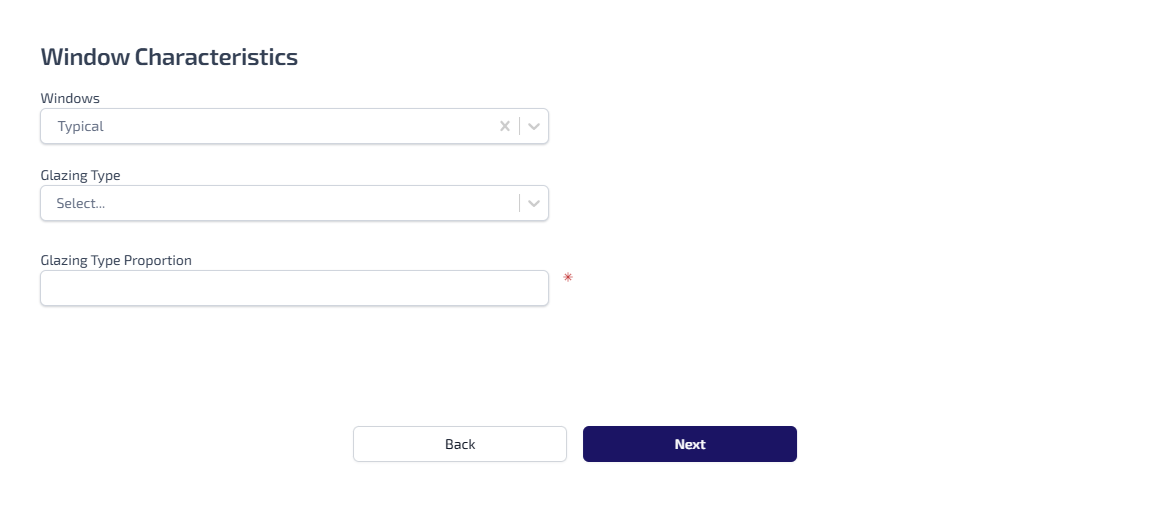
Enter the following information:
-
Select the Glazing Type dropdown, then the type of window glazing such as, Double Glazing Pre Year 2002 or Triple Glazing.
-
Enter the Glazing Type Proportion.
Much More Than Typical or Much Less Than Typical
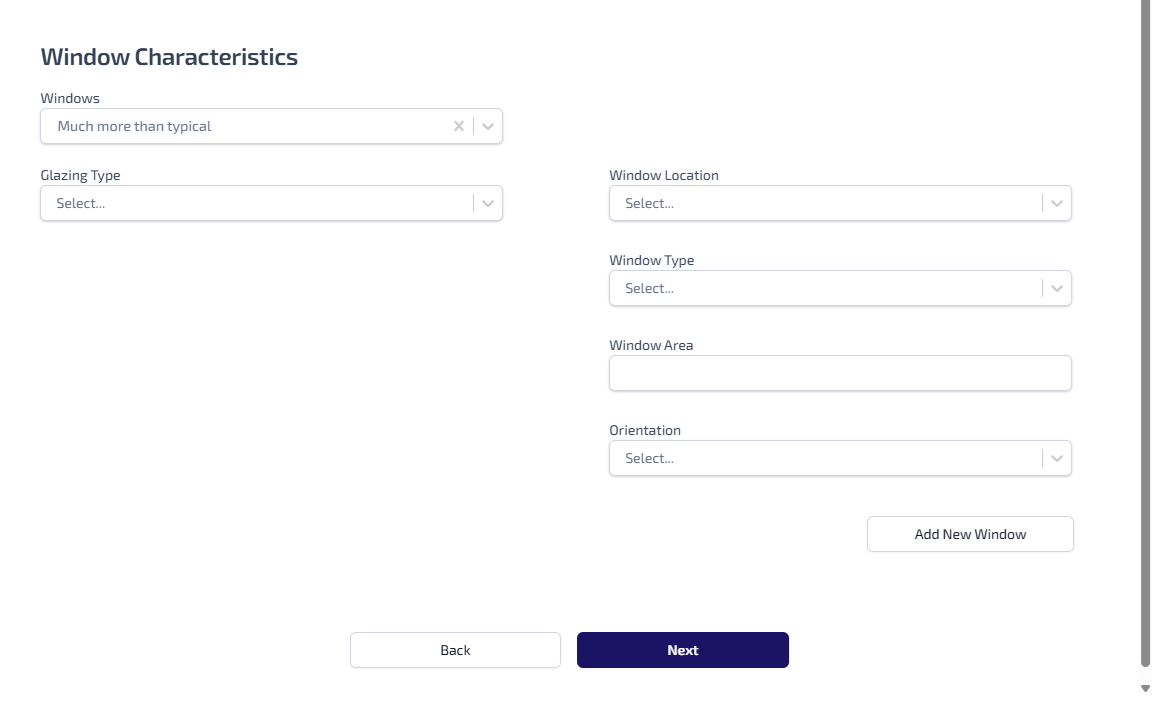
Enter the following information:
-
Select the Glazing Type dropdown, then the type of window glazing such as, Double Glazing Pre Year 2002 or Triple Glazing.
-
Select the Window Location dropdown, then where in the building the window is located such as, Main or Extension 1.
-
Select the Window Type dropdown, then select whether the type of window is either Window or Roof Window.
-
Enter the Window Area.
-
Select the Orientation dropdown, then select the orientation of the window such as, North or South.
-
Select Add New Window to add the details for a new window. Enter all the appliable information for the new window.