Add Attributes
In the Update Attribute Details for Job screen, the user can search and filter available attributes and select one or multiple attributes. Available attributes when selected will move to the Selected column. After saving the selection, the attributes will update in the Job window.
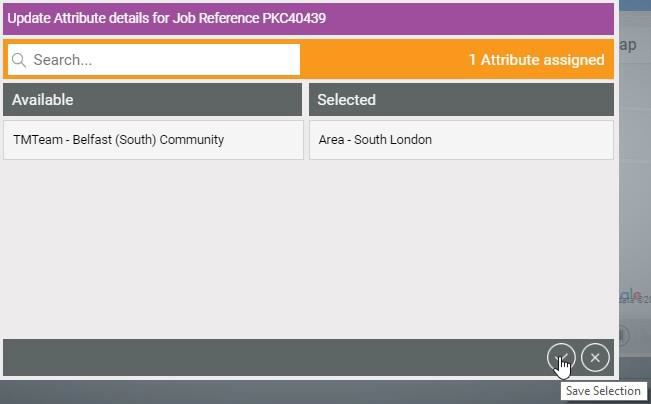
The Attributes that appear in the Update Attribute Details for Job details window consist of:
-
Attributes of Jobs in the World you are scheduling in.
-
Attributes of Resources assigned to Rosters in the World you are scheduling in.
-
Attributes of Resources loaned to the World you are scheduling in.
Refer to the Users section of the User Administration user guide and the Record Loan section of the Optimise Schedule user guide for more information.