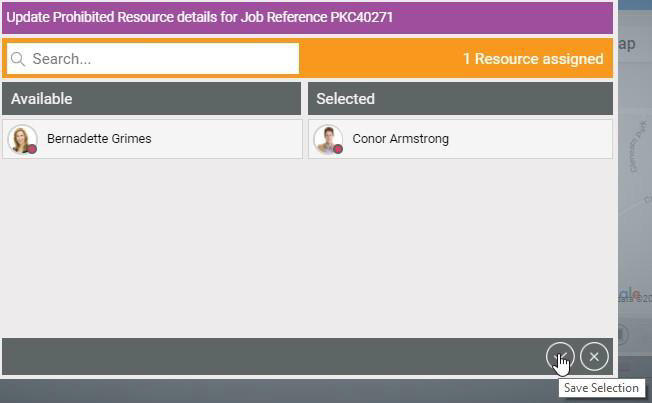
Add Resources
The following Resources can be added to a Job:
- Add Mandatory Resource
- Add Preferred Resources
- Add Prohibited Resources
Add Mandatory Resource
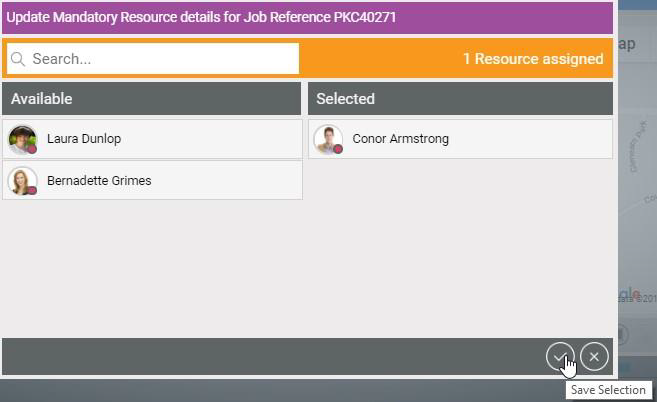
In the Update Mandatory Resource Details for Job screen, the user can search and filter available resources and select one resource only. Available Resources when selected will move to the Selected column. After saving the selection, the Job window will update with the mandatory Resource.
Add Preferred Resources
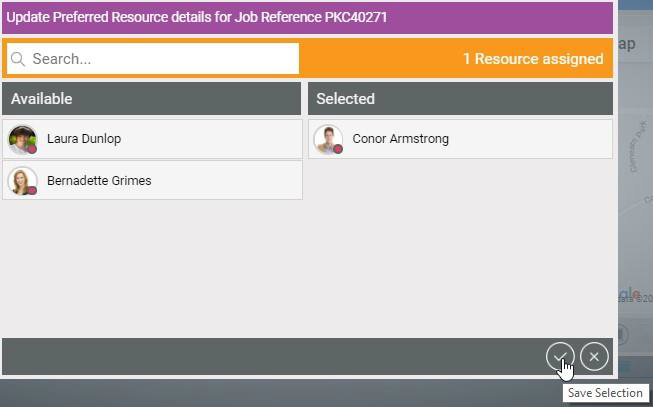
In the Update Preferred Resource Details for Job screen, the user can search and filter available resources and select one or multiple resources. Available Resources when selected will move to the Selected column. After saving the selection, the Job window will update with the preferred Resource(s).
Add Prohibited Resources
In the Update Prohibited Resource Details for Job screen, the user can search and filter resources and select one or multiple resources. Available Resources when selected will move to the Selected column. After saving the selection, the Job window will update with the prohibited Resource(s). If Mendel reschedules the Job, it will not reschedule it to any Prohibited Resource(s).