Assign Appointment
Assign Appointment Slot Templates per World for different teams or contracts. Refer to the Assign Appointment Slot Templates section for more information on Appointment Slot Templates.
-
In WebAdmin click Optimise Admin.

-
The Universal Settings and Worlds window appears. Navigate to the Worlds section and click a World.

-
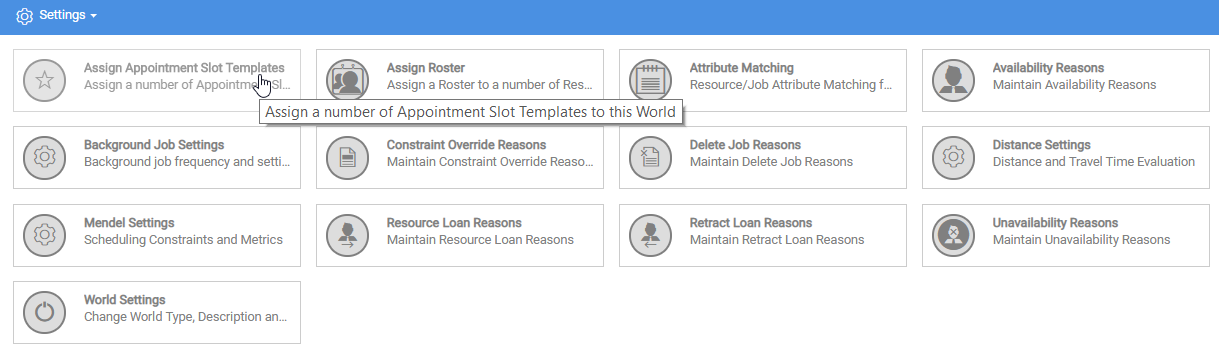
The World Settings and Permissions window appears. Navigate to the Settings section and click Assign Appointment Slot Templates.
-
The Assign Appointment Slot Templates window appears.
-
Click in the search bar and type an Appointment Slot Template name.
-
Click Appointment Slot Templates to assign to the World, or click the Select All
 icon.
icon. -
Click Save.
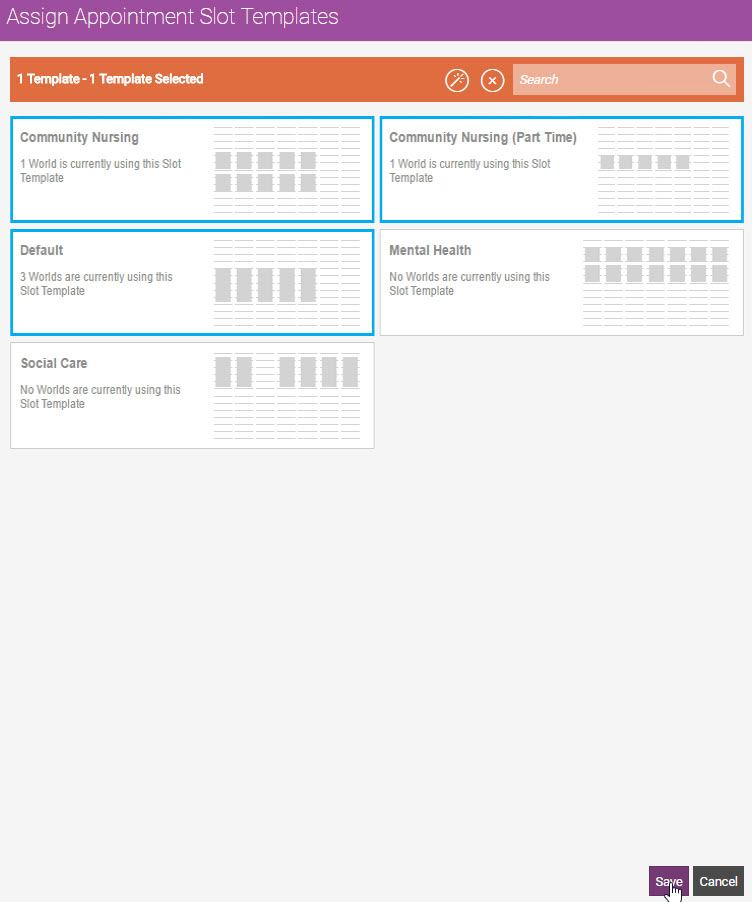
Optimise Admin assigns the Template(s) to the World.
-