Assigning Users Permissions for New Worlds
Once you have created a World, you can assign specific permissions within that World to the appropriate users. For example, you might want to give some users the ability to update job details, such as preferred resources or priorities, in Optimise Schedule. Then you might give administrator users permissions to configure a World's settings, for example distance and Mendel settings.
For details of the available permissions, refer to Permissions List.
-
In WebAdmin, select Optimise Admin.
The Optimise Admin page appears.
-
Select a World.

The World Settings and Permissions page appears.
-
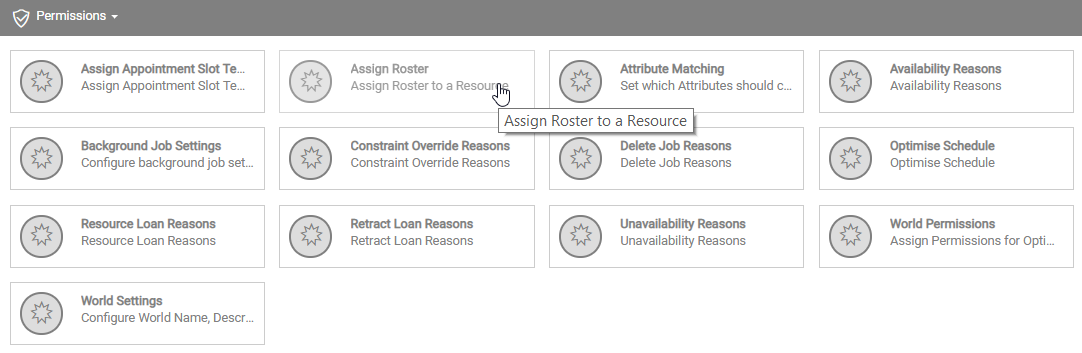
Under Permissions, select the required permission.
-
In the Permission dialog, select one or more users for the permission. To assign the permission to all users, select Select All
 .
. Use the Search field to filter the list of users.
-
Select Save.