Attribute Matching
Add Attribute
Add Attributes which must match for Jobs to be scheduled to Resources. For example, you set an Attribute of Area to match. Jobs with an Attribute of Area and Attribute value of South Belfast are only scheduled to Resources with the same Attribute and Attribute value.
-
In WebAdmin click Optimise Admin.

-
The Optimise Admin window appears. Select a World.

-
The World Settings and Permissions window appears. Navigate to the Settings section and click Attribute Matching.

-
The Attributes window appears. Click Add Attribute Match
 .
. -
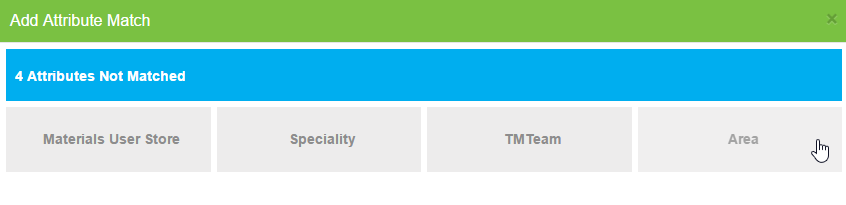
The Add Attribute Match window appears. Click an Attribute.
-
The Attribute is added to match. Click off the Add Attribute Match window or the exit icon at the top right of the window to return to the previous window.
Delete Attribute
-
Hover your cursor over an Attribute.
-
Click the delete icon that appears.

-
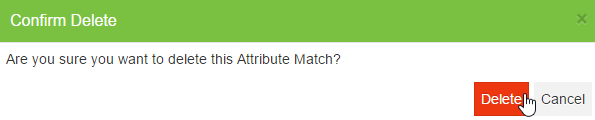
The Confirm Delete window appears. Click Delete.