Delete Job - Delete Reasons
-
In WebAdmin select Optimise Admin.

-
The Optimise Admin window appears. Select a World.

-
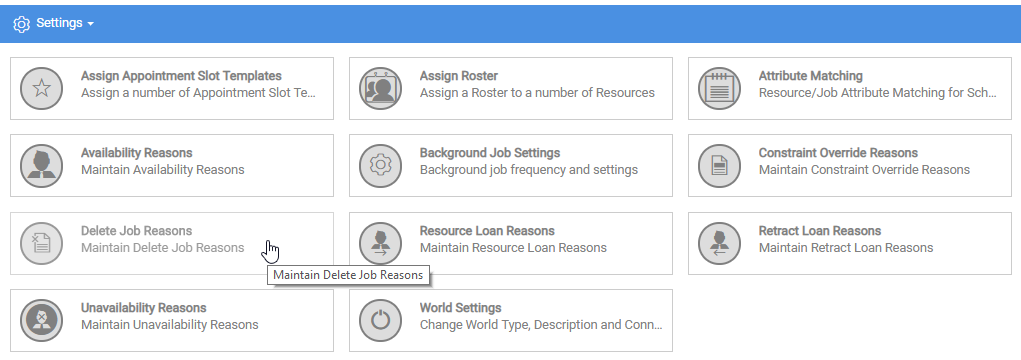
The World Settings and Permissions window appears. Navigate to the Settings section and select Delete Job Reasons.
-
Select the delete icon on a Delete Job Reason Code.

-
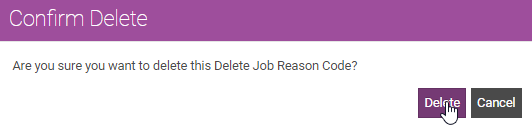
The Confirm Delete window appears. Select Delete.