Appointments
Appointment Start Tolerance / Appointment End Tolerance
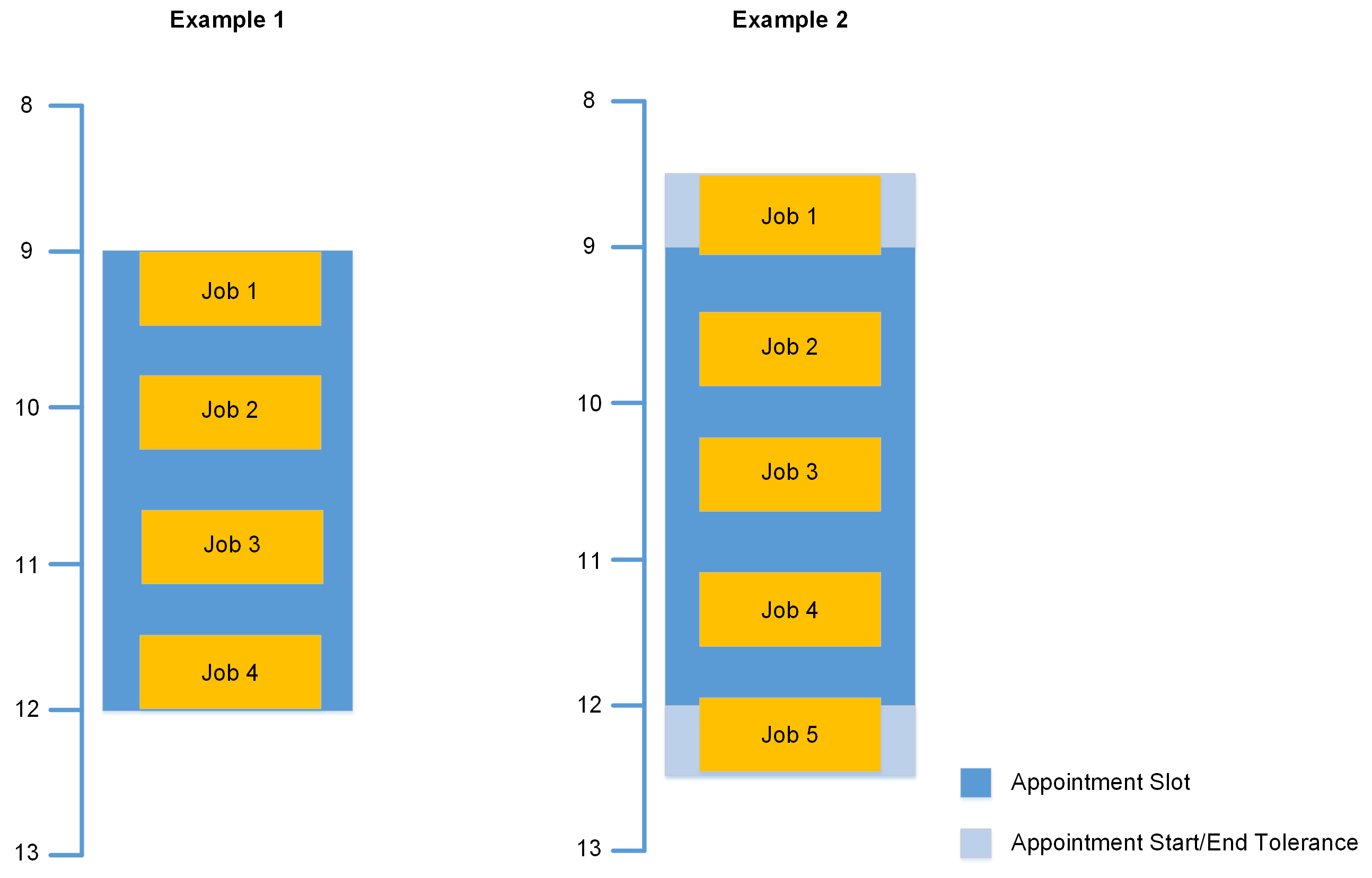
You can add Appointment Start and End Tolerance times which provide additional movement for scheduling Jobs within Appointment Slots and preventing penalties, which creates better schedule plans. In Example 1, notice there is no Appointment Start or End Tolerance and Mendel calculates a schedule with 4 Jobs within the Appointment Slot. If Mendel attempts to schedule 5 Jobs it is likely one or two of the Jobs would invoke the Appointment Missed Penalty because they are partially scheduled outside the Appointment Slot. However, in Example 2 there is an Appointment Start Tolerance of 30 minutes and an Appointment End Tolerance of 30 minutes. Mendel calculates a schedule with 5 Jobs within the Appointment Slot and the Start and End Tolerance boundaries. The additional half an hour Appointment Start Tolerance and half an hour End Tolerance allows Mendel to schedule an additional Job within the Appointment Slot without invoking the Appointment Missed Penalty. Refer to the Optimise Admin user guide for more information on Appointment Slots.
Applying Appointment Start and End tolerances will allow Jobs to be scheduled outside the start/end appointed times.
For example, if a value of 15 is entered for the Appointment Start Tolerance, this means the Job can start 15 minutes prior to the original appointed start time. The Job is still considered to have started within the appointment slot and no appointment missed penalty will be applied.
If Appointment Start/End tolerances have been applied in conjunction with the End Use Time lateness setting, this can schedule Jobs to end equal to and not later to that of the Job's appointed start time.
For example, a value of 15 has been entered for the Appointment Start Tolerance, allowing the Job to be started 15 minutes prior to its Appointment Start Time. Applying the End Use Time setting can then schedule the Job to end 15 minutes before its Appointment Start Time.
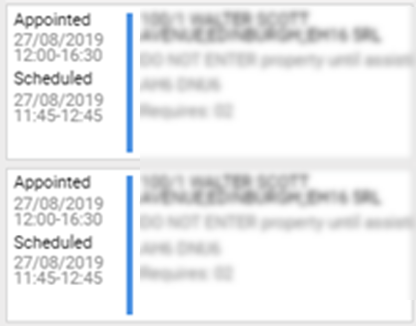
Figure 1 shows a Job with an Appointment Start Tolerance value of 15 applied and the Use End Time setting enabled.
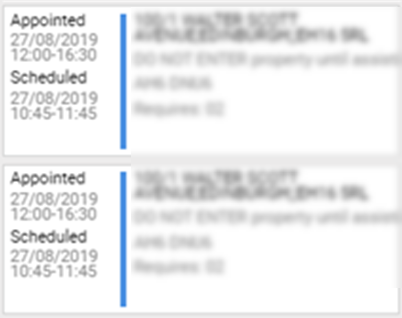
Figure 2 shows the same job with an Appointment Start Tolerance value of 15 applied and the Use End Time setting disabled.