Priorities
Priority can be configured as an instruction for Mendel to favour scheduling of one Job over another Job according to how high the priority is. Priority levels need to be defined per World.
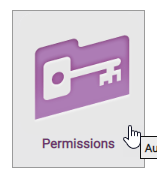
In order to use the Priority feature, users need to be assigned the Priorities permission via WebAdmin's 'Permissions' module.
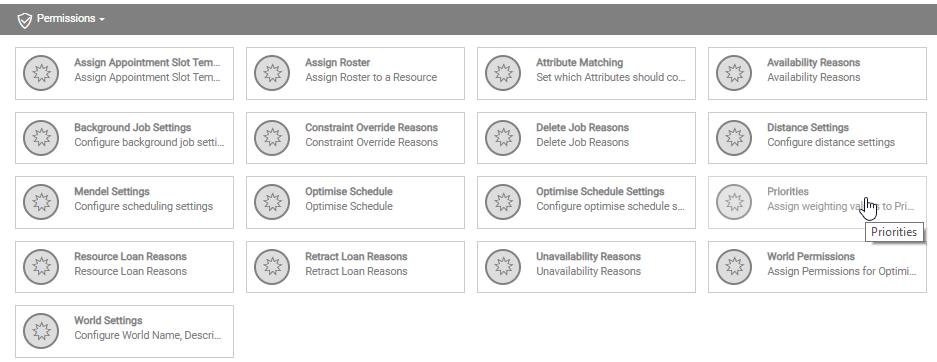
Furthermore, users will then need to be given permission to use Priorities for a specific World. Do this by selecting a World and then Priorities under Permissions.
Configure Priorities Settings
-
In WebAdmin select Optimise Admin.

-
The Optimise Admin window appears. Click a World.

-
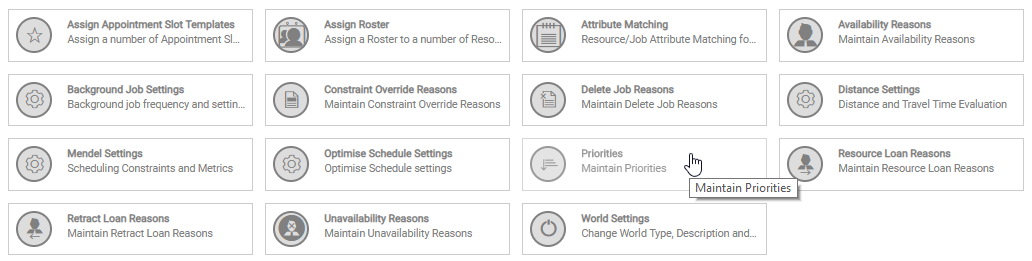
The World Settings and Permissions window appears. Navigate to the Settings section and select Priorities.
-
The Priorities window opens.
-
Select the add icon to add a new priority
 .
. -
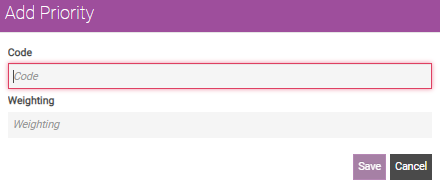
Input a Code and a Weighting.
-
The Code can be a number or word that represents different levels of priority i.e. 1, 2, 3, low, medium, high etc.
-
Enter a number for Weighting. The greater the number, the higher priority it will have.
In the example screenshot below, 'Important' has the highest priority because the weighting is '1000' and '3' has the lowest priority because the weighting is '10'.

-
-
Select Save.