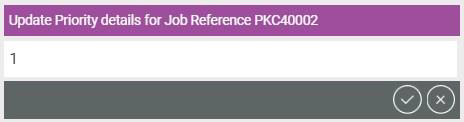
Update Priority
Editing the priority will bring up a text window where the user can enter different levels of priority i.e. 1, 2, 3, low, medium, high etc. If the text window is left blank, the Priority field will state No Priority Specified.
Priority levels need to be predefined per World. See the Priorities section of the Optimise Admin guide for more information and how to configure Priority levels.