Viewing Resource Details
-
In WebAdmin, select Optimise Schedule.

-
The Worlds window appears. Select a World.

-
The Optimise Schedule window appears. Select a Resource.
-
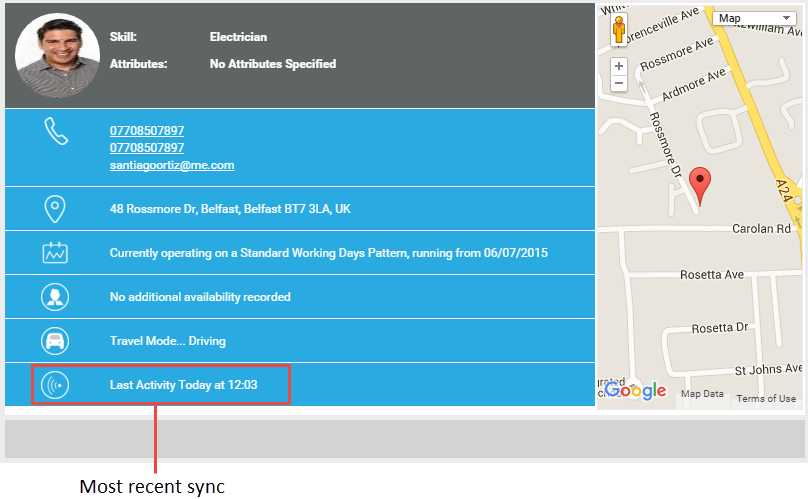
The Resource Details window appears.
-
To email the Resource hover your cursor over the email address and select it. Your primary email application opens.

-
To view the Resource's current Roster hover your cursor over the Roster details and select it. You are taken to Rosters. Refer to the Rosters section of the Optimise Admin user guide for further instructions.
-