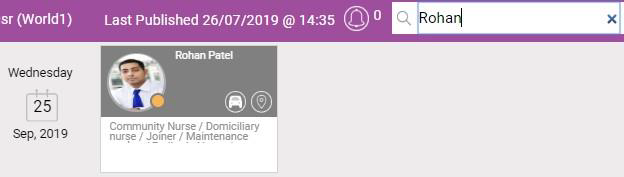
Viewing Resources Activity and Searching for Resources
-
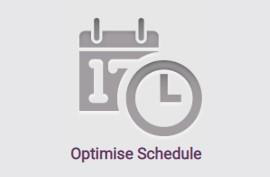
In WebAdmin, select Optimise Schedule.
-
The Worlds window appears. Select a World.

The Optimise Schedule window appears. Resources with:
-
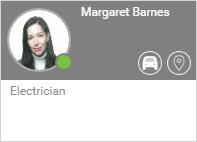
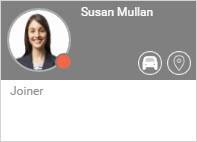
A green circle on their profile image have synced on the Totalmobile app within the last hour.
-
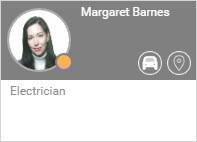
An amber circle on their profile image have synced on the Totalmobile app today but more than an hour ago.
-
A red circle on their profile image have not synced on the Totalmobile app within 24 hours.
-
You can search for Resources in two ways:
 Scrolling through the Resource List
-
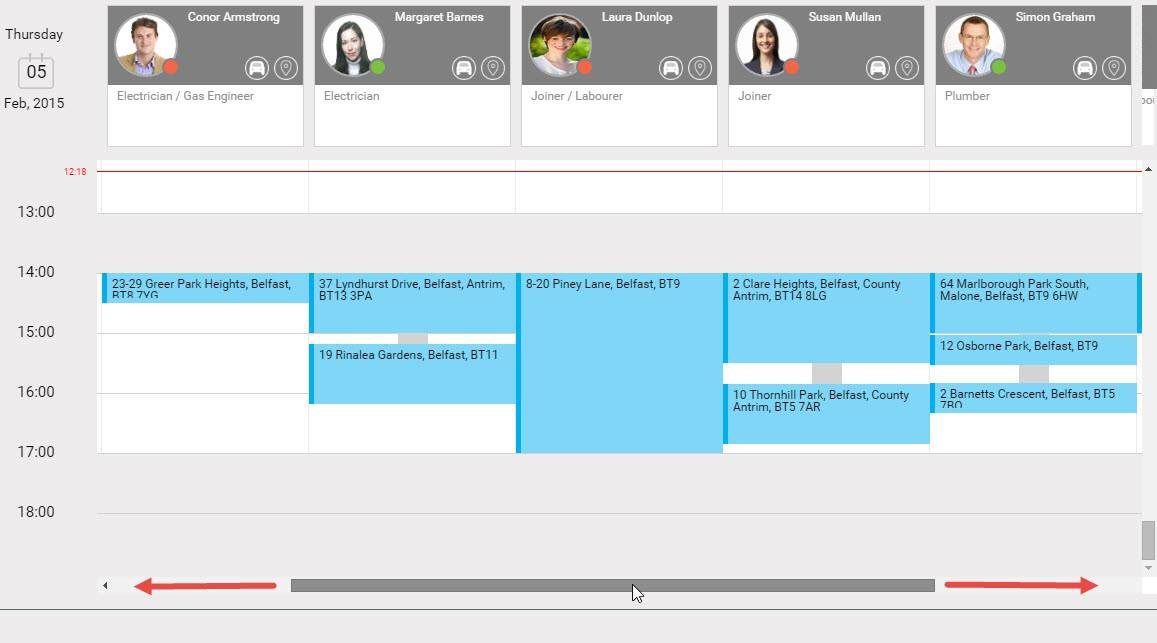
Hover your cursor over the scrolling bar at the bottom of the screen until it becomes a darker grey colour.
-
Select and drag left or right as required.
Using the Search Field
-
Select in the Search field.
-
To filter the Resources begin typing the forename and/or surname. The Resource list filters.