Assign Roles
To assign roles to multiple users:
-
In the Navigation menu, in the Configuration section, select Users.
-
On the Your Users page select the checkbox for each user to be assigned the role, or roles.
-
Select Actions, then select Assign Roles from the context menu.
-
The Bulk-Assign Roles dialog appears:
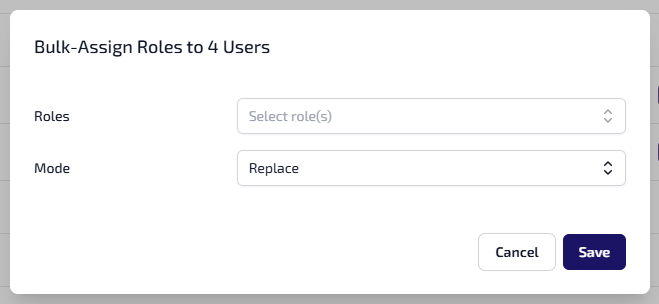
Enter the following:
-
Select the Roles dropdown, then select each role to be assigned to the users. Select the Roles dropdown to minimise it.
-
Select the Mode dropdown, then select from either:
-
Replace - this replaces the users existing roles with the ones selected.
-
Append - this adds the selected roles to the users existing roles.
-
-
-
Select Save.