Delete User
Once a user has been deleted they cannot be reinstated, please be certain before deleting a user, and ensure you have selected the correct user.
If necessary a new user with the same username can be created again, for example if the user was deleted in error.
If necessary a new user with the same username can be created again, for example if the user was deleted in error.
Delete a user
-
In the Navigation menu, in the Configuration section, select Users.
-
On the Your Users page select Edit against the user to be deleted.
-
The user details page appears.
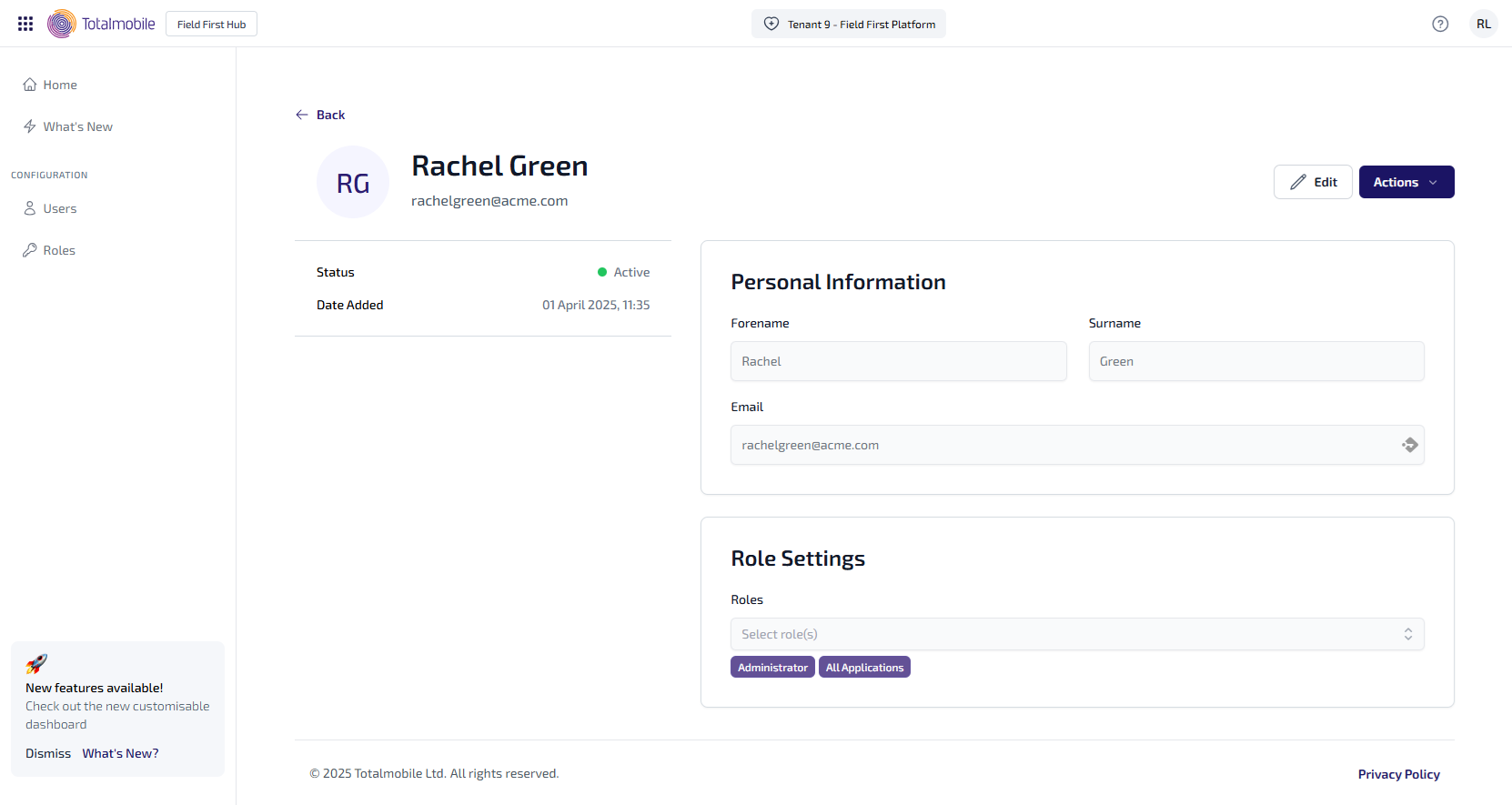
Select Actions, then select Delete User from the context menu.
-
A confirmation message displays, warning the action cannot be undone.
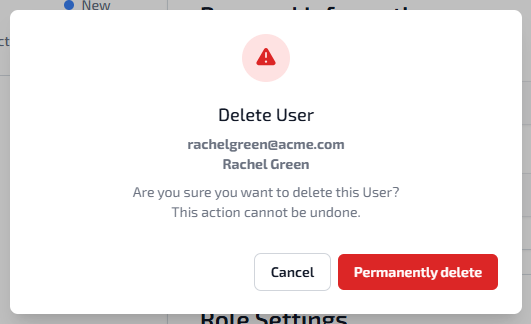
To confirm deletion, select Permanently Delete.
-
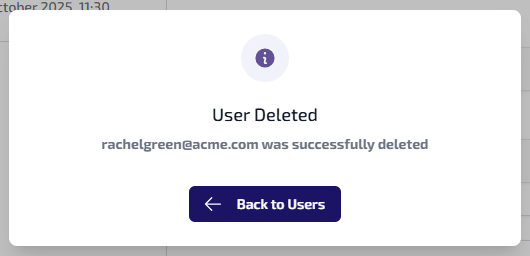
A confirmation message displays, confirming the user has successfully been deleted.
-
Select Back to Users to return to the Your Users page.