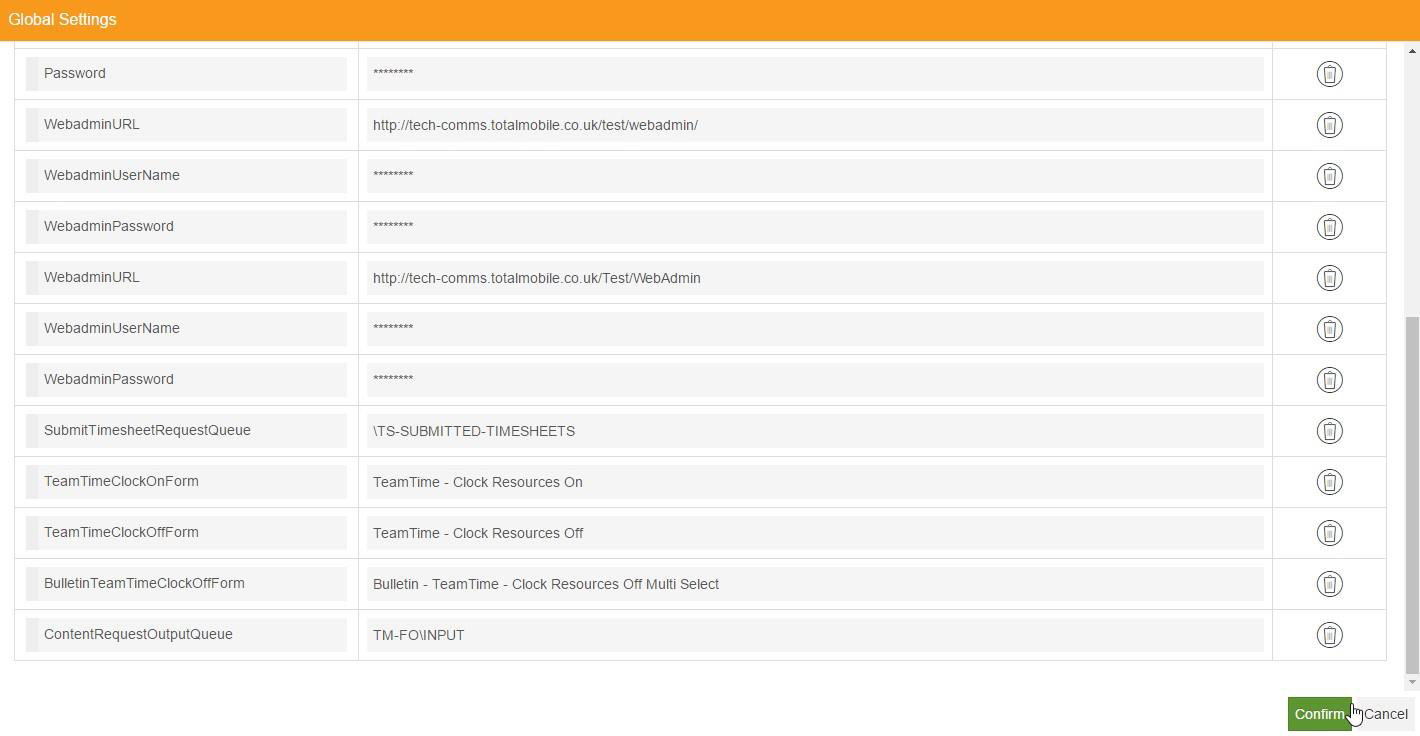
Manage Global Settings
Global settings apply to all subscriber and publisher queue adapters, meaning you don't have to add multiple instances of the same setting to multiple adapters. For example, instead of specifying the Subscriber Folio Input Queue as a ContentRequestOutputQueue setting on both the Visits Input and Kanban Response subscriber queues, you can specify the Folio Input Queue in the global settings and it applies to any relevant adapters.
-
In WebAdmin select Integration.
-
Under Integration Instances, select an instance.
Use the Search field to filter the list of instances.
The Integration Instance Configuration page appears.
-
Select Global Settings
 .
. The Global Settings dialog appears.
-
To add a global setting:
-
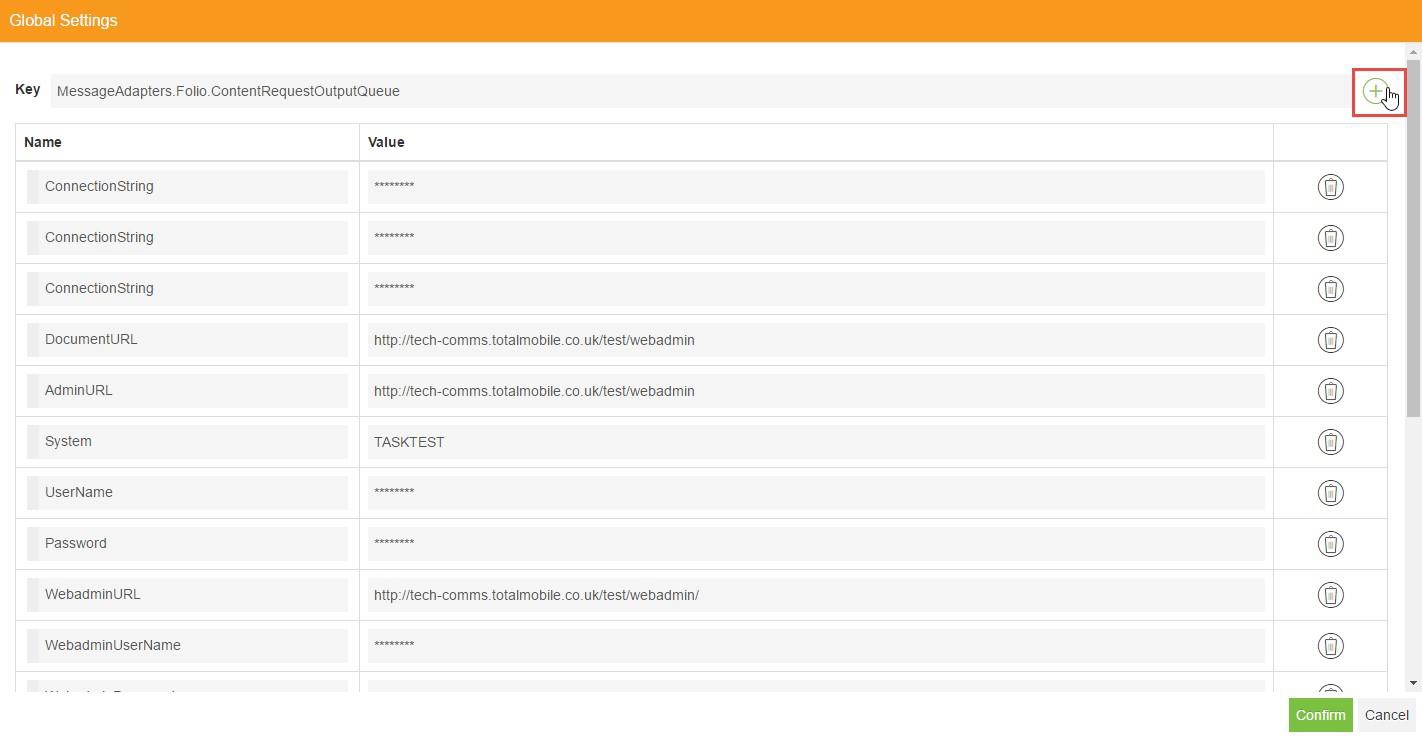
Select the Key field.
-
Enter a Setting name.
-
Select Add new setting
 .
.
-
-
To add or edit a setting's value:
-
Scroll to a new or existing setting.
-
Select the Value field, and enter a new value or amend the existing one.
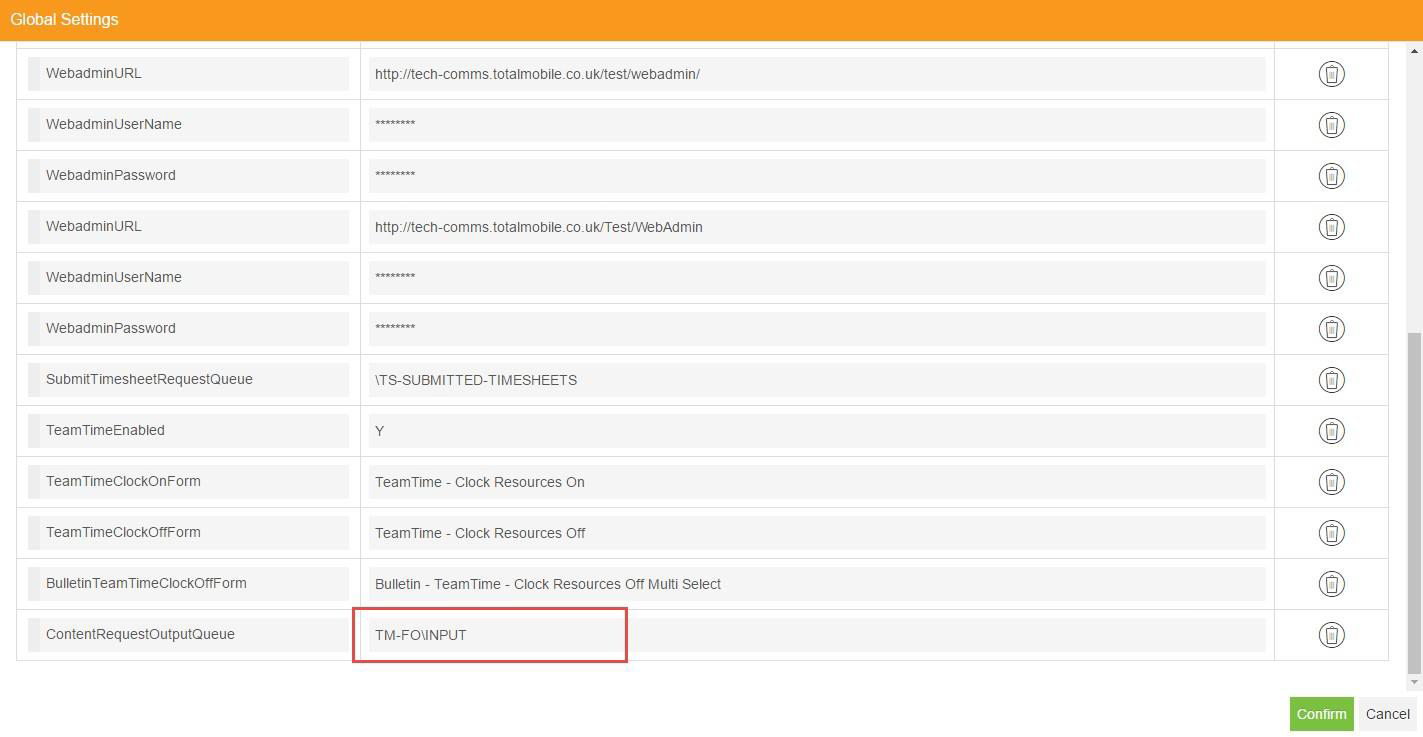
-
-
To delete a global setting:
-
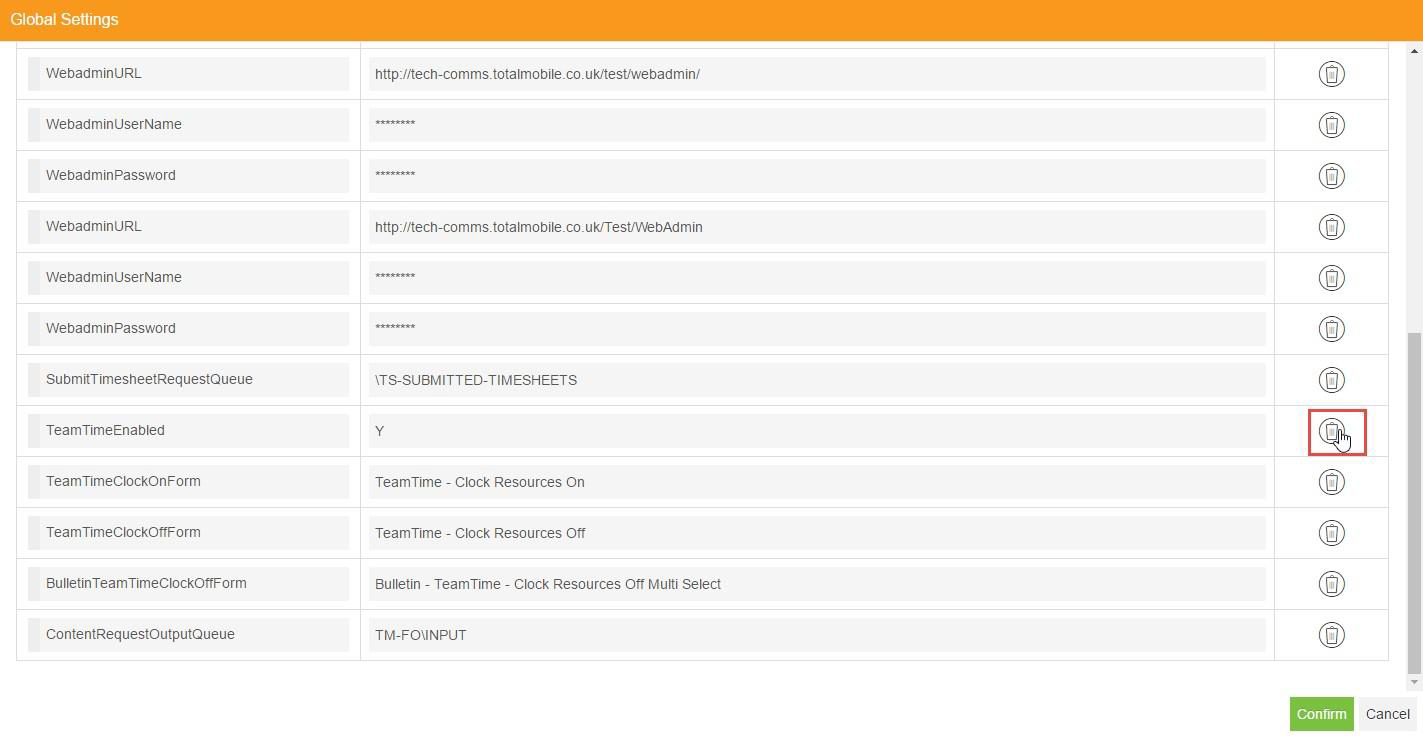
Locate the setting you want to delete, and select Delete setting
 .
.
-
On the Confirm Delete dialog, select Delete.

-
-
To save the global settings, select Confirm.