Edit an Image
You can edit an image's name, and also assign it to multiple categories.
-
In WebAdmin select Image Library.
The Image Library page appears.
-
Select an image Category.
-
Select the image you want to edit.
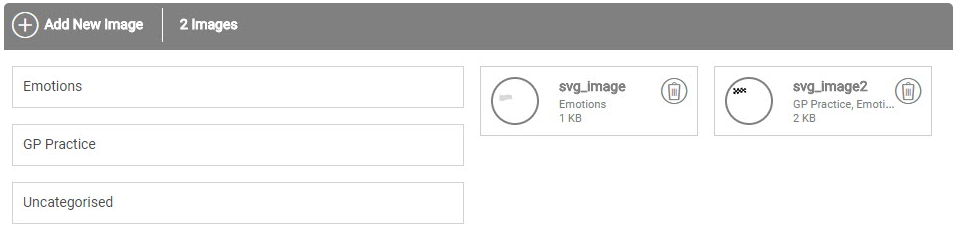
Use the Search field to filter the images if required.
-
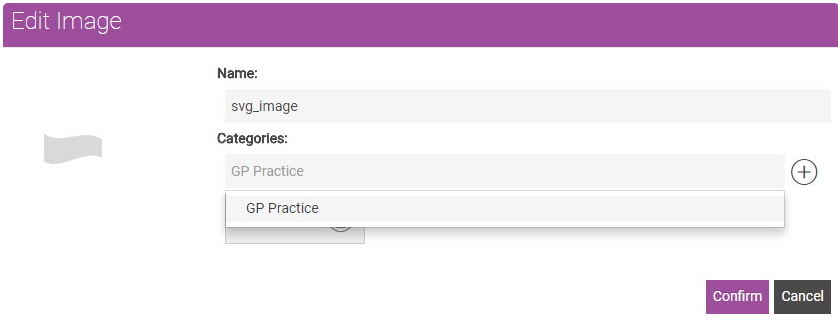
In the Edit Image dialog:
-
If required, select the Name field and edit the image name.
-
To add the image to another category, select the Categories field and select a category from the dropdown.
-
Select Confirm.
-