Override the Integration Lock
When another WebAdmin user is editing an integration instance, a lock displays on the instance on the WebAdmin > Integrations page:

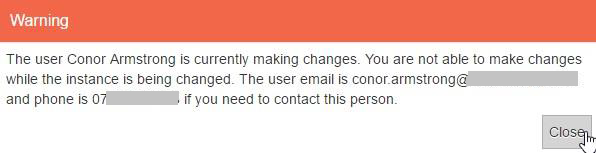
If you try to make a change to that instance, for example to add a subscriber queue, a warning dialog appears:
You can override the integration lock and make changes after another WebAdmin user has made changes if you have the Break the Integration Lock permission. For more details, refer to Permissions in the Administrator Guide.
Only assign the Break the Integration Lock permission to high-level administrator WebAdmin users. Incorrect amendments to an integration instance can prevent Totalmobile messages from processing and the solution from working as expected.