Remove and Delete Images
You can remove images from image categories and also delete images from the Image Library altogether.
You cannot delete images which are in use, for example by a form control or Image List. You can remove these images from categories.
-
In WebAdmin select Image Library.
The Image Library page appears.
-
Select an image Category.
-
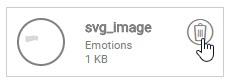
Select Delete on an image.
-
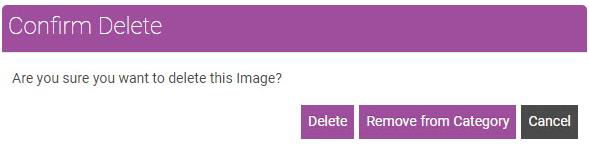
In the Confirm Delete dialog, select Delete to delete the image from the Image Library, or select Remove from Category to remove the image from the selected category.