Update Personal Details
Each lone worker is registered on the Safe Hub platform by your administrator. Your profile is also linked to any lone worker protection devices that you may have — this includes the mobile device that you might use to access the Safe Hub app.
If you need to update or complete your personal details, you can do so yourself through the Safe Hub Knowledge Base.
Using the Safe Hub app to access the Knowledge Base
-
Open the Safe Hub app on a compatible Android or iOS device, such as a mobile phone.
-
Select the More
 menu.
menu.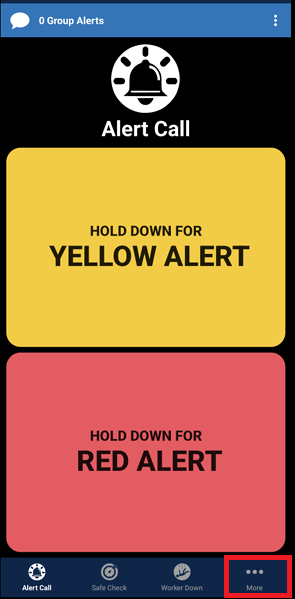
-
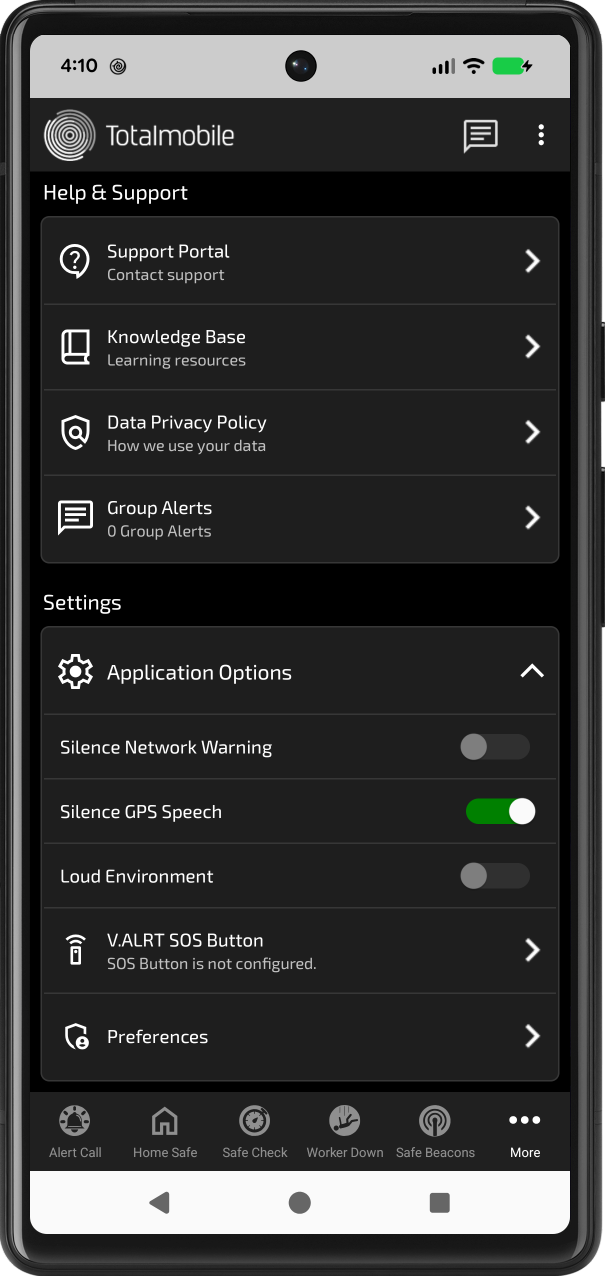
The More menu loads. Select Knowledge Base.
-
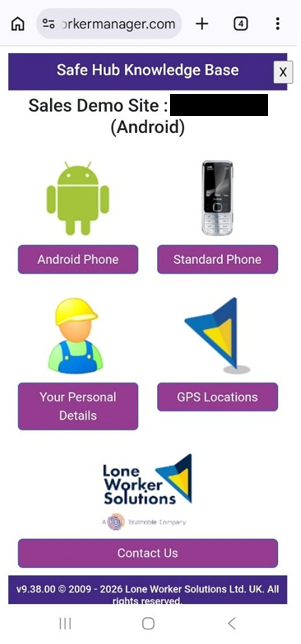
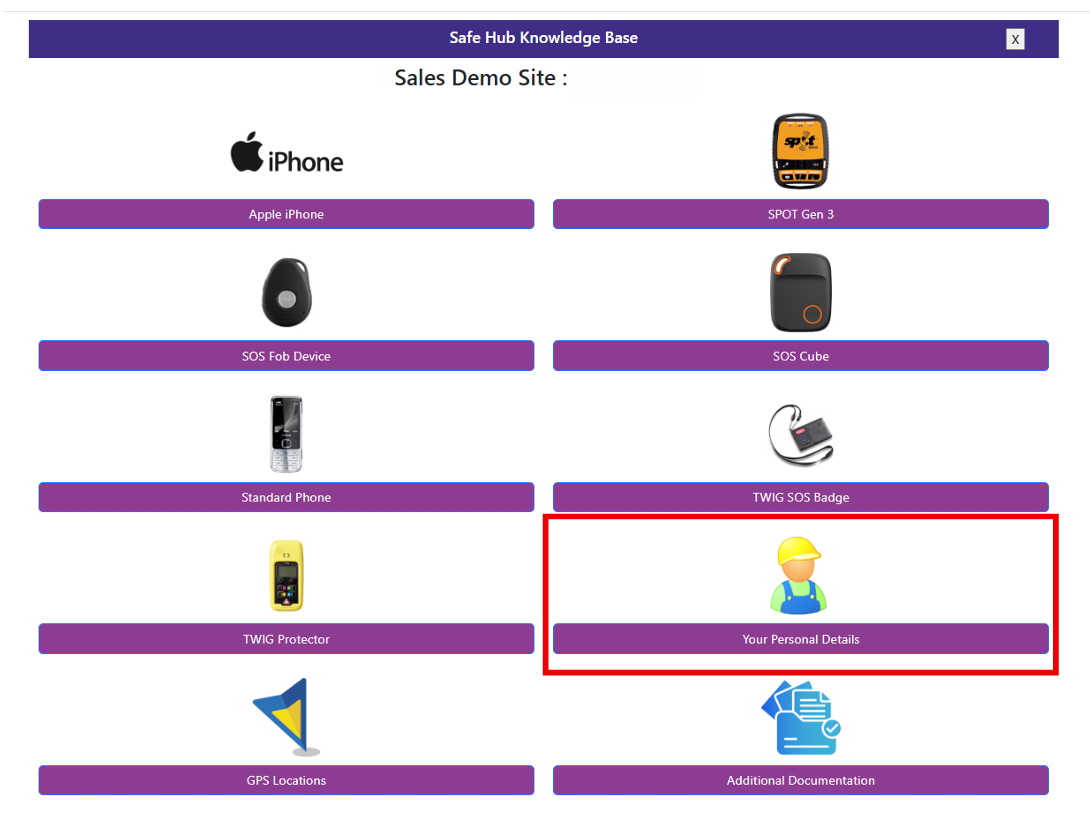
The Safe Hub Knowledge Base page loads. Select Your Personal Details.
Using the welcome email to access the Knowledge Base
-
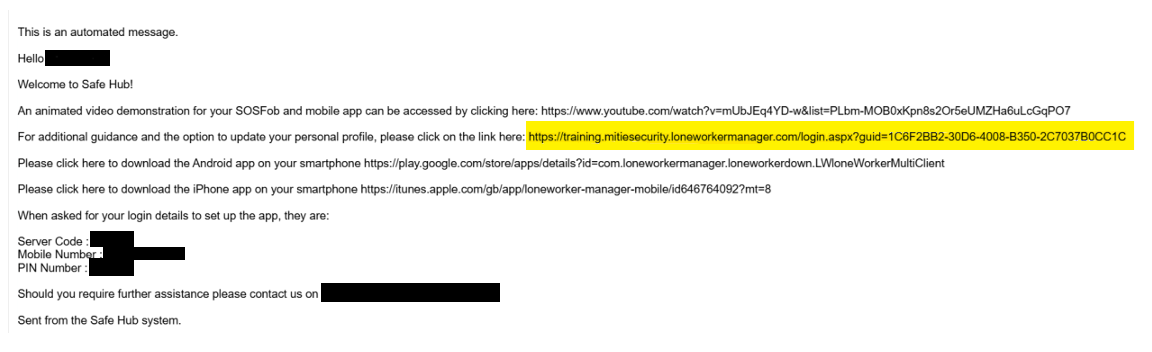
Open the welcome email that you receive from the system.
-
Select the URL that invites you to get additional guidance and the option to update your personal profile.
-
The Safe Hub Knowledge Base page loads.
Access and update Your Personal Details
-
From the Safe Hub Knowledge Base page, select Your Personal Details.
-
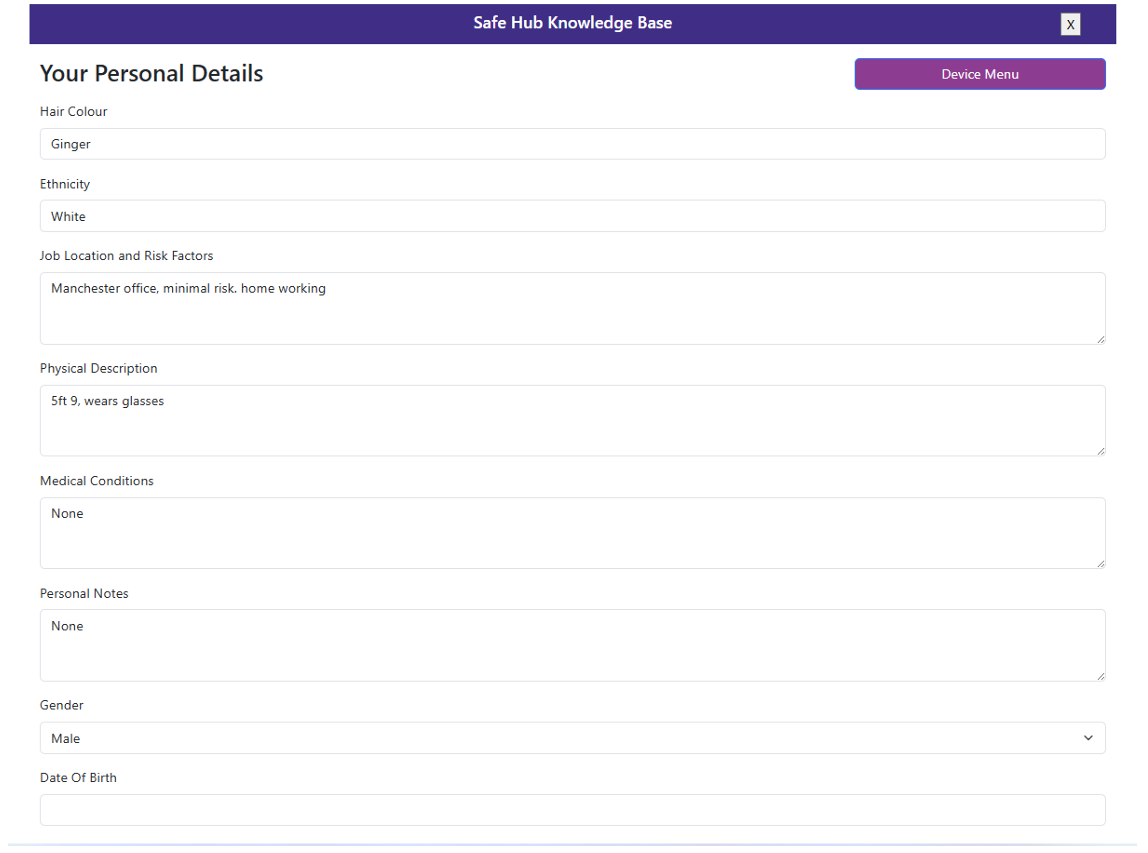
The Your Personal Details page loads. Add or update information in the relevant fields. It is best to add as much detail as possible. This information is used in the event of a genuine alarm by the Alarm Response Centre (ARC).
-
When you have finished updating your details, select Save Your Personal Details at the bottom of the page.
