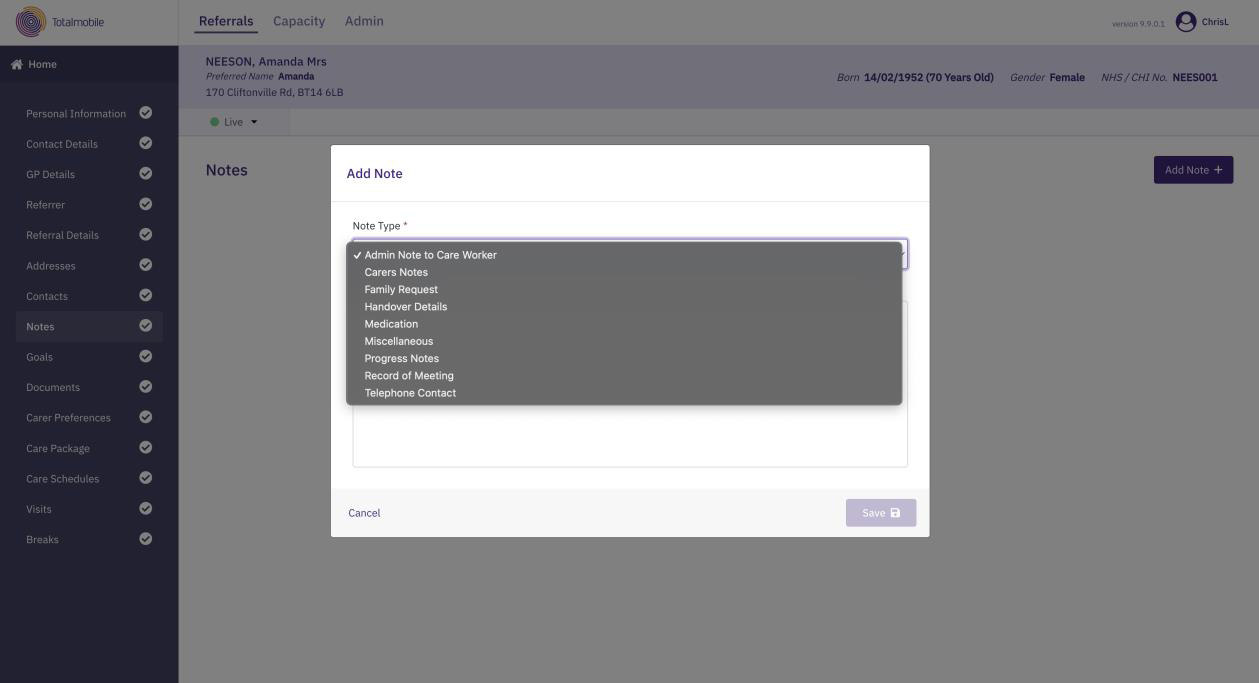
Add Notes
You can add notes to a referral by choosing a note type (for example, a family request or handover details to another carer) and then adding details. Notes are visible on the mobile device via a live folio. Care workers can also enter notes on the mobile device and these are then integrated to Referral Management (Carelink).
The Notes page in a referral lists all available notes for the referral along with the created and modified dates and the person responsible.
To add a note to a referral:
-
On the Referrals tab, select a referral for the required service user.
-
In the Referral Summary panel, select Edit.
-
On the referral's navigation menu, select Notes.
-
Select Add Note.
-
Select the Note Type* dropdown, and select from the available options.
-
Enter the note content in the Note Text field. The note can be up to 4000 characters.
-
Select Save.
* Required field.