Create External Providers
You need to create external providers in Referral Management (Carelink) before they can access the Care Provider Portal.
To create an external provider:
-
In Referral Management, select the Admin tab.
-
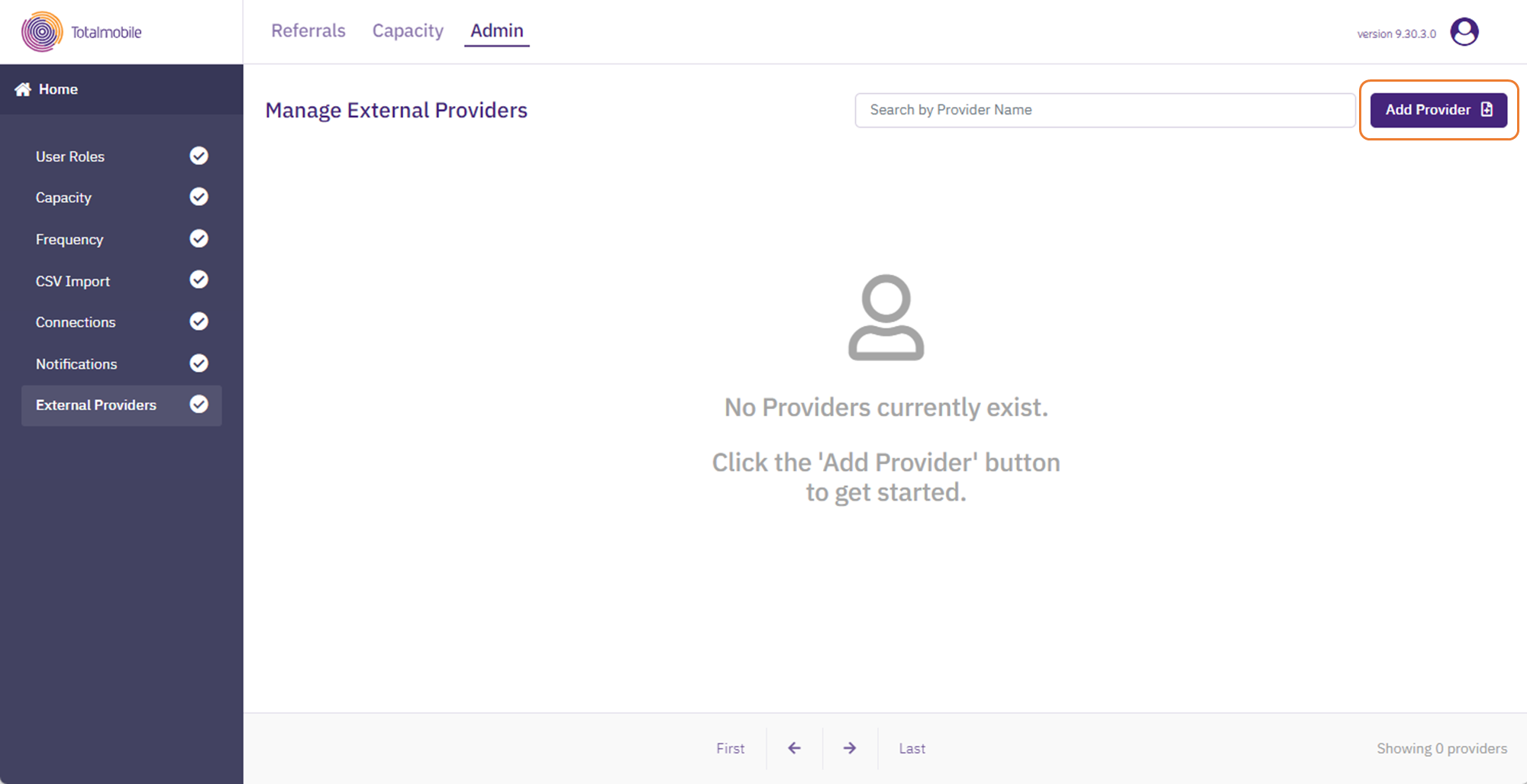
On the navigation menu select External Providers.
-
Select Add Provider.
-
On the Add Provider dialog, enter the following information:
-
Provider Name* - the name of the external provider.
- Address Line 1* - first line of the provider's address. If configured, you can select the Address Lookup field and start typing the address.
-
Address Line 2, Address Line 3, Address Line 4, Address Line 5
-
Postcode*
-
Scheduling & Outcomes - select the options required, for example Send Visits to Mobilise.
-
CSV Upload Permissions - if required, select one or both of the following:
-
Allow CSV Upload - enables the external provider to upload planned visits in a CSV file.
-
Allow Completed CSV Upload - enables the external provider to upload completed visits in a CSV file. If you select this option, Allow CSV Upload is automatically selected.
-
-
Email Address - if required, enter the email address which is to receive care request notifications. This means any time a care package is sent to the external provider, they receive an email notification informing them a care package has been sent to them and is awaiting their attention.
Totalmobile recommends using a group email, as only one email address can be entered against an external provider.
-
API Client ID - If you are using an API integration to update visits in the Care Providers Portal, enter the API client ID used for authentication. For more details of the API integration, contact Totalmobile.
-
Associated Users - select the field and enter the name, username, or email address of any users who are allowed to see the care packages in the Care Provider Portal.
* Required field.
-
-
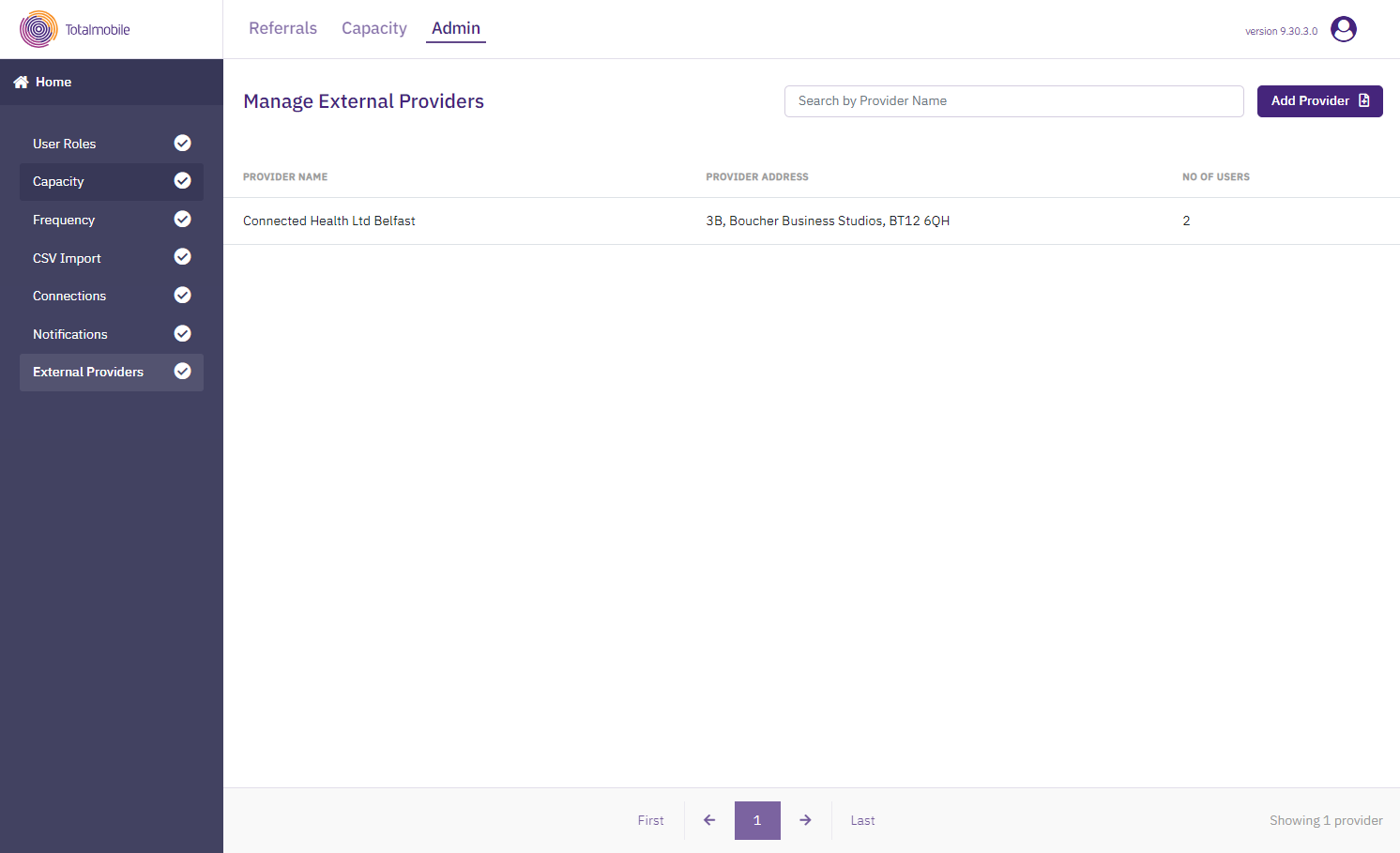
Select Save.
-
Follow steps 3 - 5 for each new external provider to be added.