Assign Appointment Slot Templates
Assign appointment slot templates for different teams or contracts per World.
For more details of creating and editing appointment slot templates, refer to Appointment Slot Templates.
You need the Assign Appointment Slot Templates permission to access this feature. For more details refer to Permissions.
-
In WebAdmin, select Optimise Admin.
The Universal Settings and Worlds page appears.
-
Select a World.

The World Settings and Permissions page appears.
-
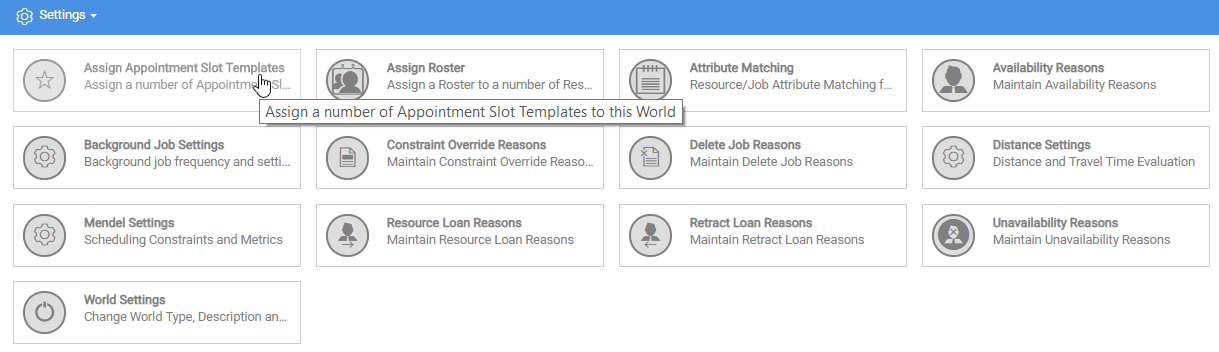
In the Settings section, select Assign Appointment Slot Templates.
-
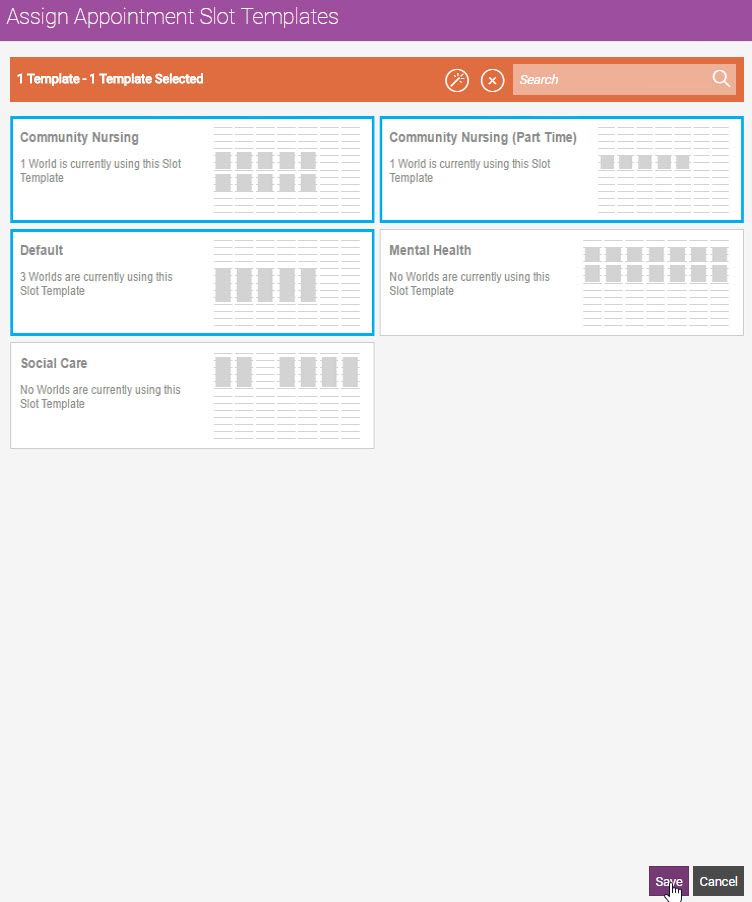
In the Assign Appointment Slot Templates dialog:
-
Select a Template. To assign all available templates to the World, select Select All
 .
. Use the Search field to filter the list of resources.
-
Select Save.
-