Attribute Matching
Attribute matching defines which attributes must match both a job and a resource in order for the job to be scheduled or committed to that resource. For example, if you include the Area attribute for matching in a World, jobs that have the Area attribute with a value of South Belfast can only be scheduled to resources with the same attribute and attribute value.
You need the Attribute Matching permission to access this feature. For more details refer to Permissions.
Add an Attribute
-
In WebAdmin select Optimise Admin.
The Universal Settings and Worlds page appears.
-
Select a World.
The World Settings and Permissions page appears.
-
In the Settings section, select Attribute Matching.

The Attributes page appears.
-
Select Add New Attribute Match
 .
. -
On the Add Attribute Match dialog, select an attribute.
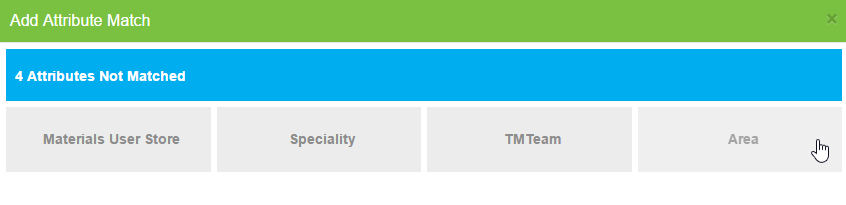
The attribute is removed from the dialog and appears on the Attributes page.
-
Click outside the dialog to close it.
Delete an Attribute
-
On the Attributes page, position your cursor over an attribute.
-
Select the Delete icon.

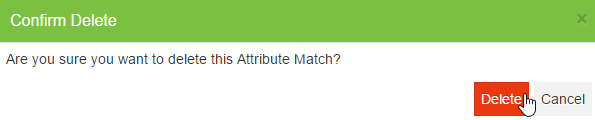
The Confirm Delete dialog appears.
-
Select Delete.