Change the Diary Date
-
In WebAdmin select Optimise Schedule.
The Worlds page appears.
-
Select a World.

The Optimise Schedule page appears.
-
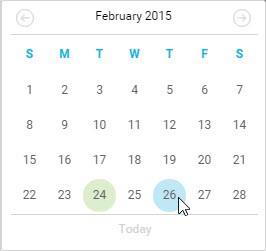
Hover your cursor over the date area, and select the left or right arrow to adjust the date.

-
Alternatively, select the date to display a calendar, then select a date from the calendar.