Decommit Jobs
-
In WebAdmin select Optimise Schedule.
The Worlds page appears.
-
Select a World.
The Optimise Schedule page appears.
-
Select a committed job.
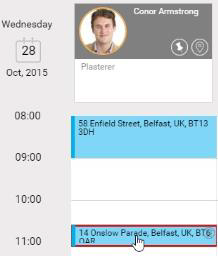
The Job Details dialog appears.
-
Select Commit Information.
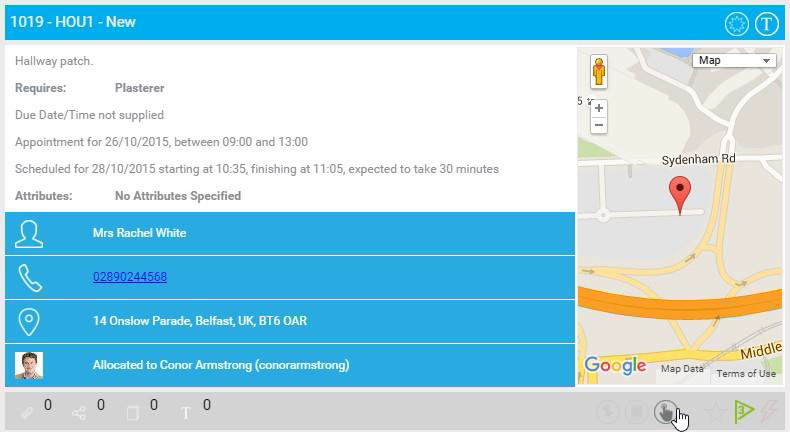
The Commit Information for Job dialog appears.
-
Select Decommit Job.

-
In the Please Confirm dialog, select Decommit.
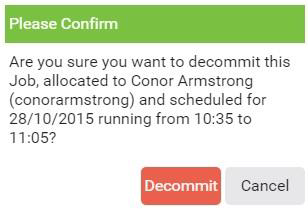
The job is no longer committed and can be rescheduled by Mendel.