Export World Settings
You need the Optimise World Export permission to access this feature. For more details refer to Permissions.
The Optimise World Export option enables you to save a World's settings into a JSON file. You can then import this file into another Optimise World, either in the same tenant or a different one, removing the need to re-create those settings separately.
You can choose which settings you want to export. Note that the options for an Enterprise or Cloud World include settings that are not available in an Essentials World, for example Mendel settings.
To export World settings:
-
In WebAdmin select Optimise Admin.
The Universal Settings and Worlds page appears.
-
In the Worlds section, select a World.

The World Settings and Permissions page appears.
-
In the Settings section, select Optimise World Export.
The World Export dialog appears. All options are selected by default.
-
To remove any settings from the export, toggle them to No.
-
To toggle all settings to No, select Unselect All
 .
. -
To toggle all settings to Yes, select Select All
 .
.
-
-
Select Export.
The export file is downloaded to your default download folder. The Export dialog appears, displaying the results from fetching the requested data.
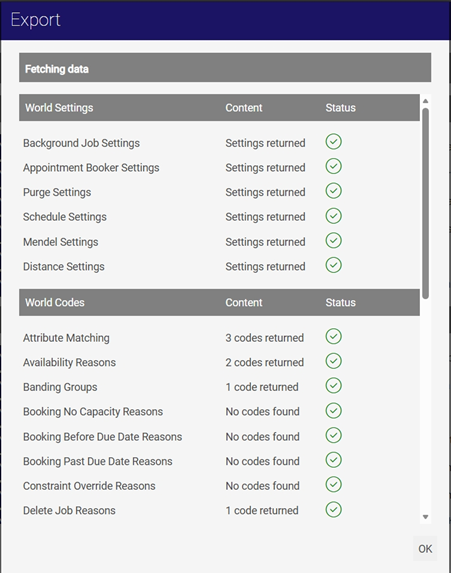
-
Check the results are as expected, then select OK.