Upload a Jobs File to a World
You can upload job details in a text file in .CSV format. The first line of the file must contain column names, and subsequent lines then contain the data for those columns. The jobs in the file are then loaded into Optimise Schedule.
For details of how the file should be structured, including mandatory columns and character limits, refer to Job Upload File Format.
To upload a jobs file:
-
In WebAdmin select Optimise Job Upload.
-
Select a World.
You can only see the Worlds where you have the Optimise Job Upload permission. For more details refer to Permissions.
The Optimise Job Upload dialog appears.
-
Select Select File (.csv).
-
Browse to and select the import file.
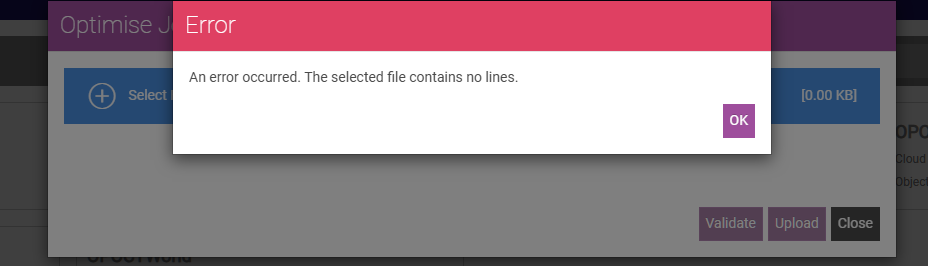
Dynamic Scheduling performs some basic file checks at this stage. If there is an issue with the file, an error dialog appears.
-
Select Validate.
Dynamic Scheduling checks the format and content of the file to ensure it meets the mandatory requirements.
-
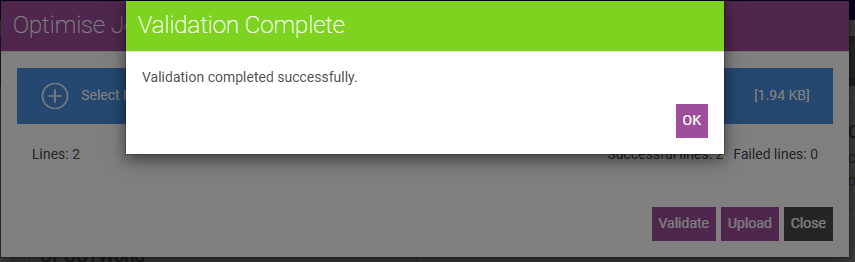
If validation is successful, the following dialog appears:
-
If the validation process detects errors, the following dialog appears:
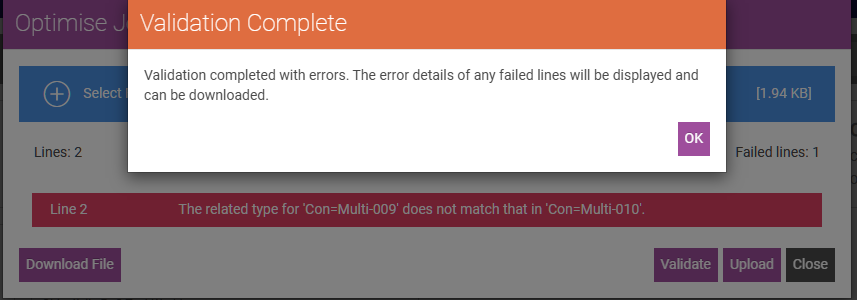
Select OK to view the error details. If required, select Download File to download the file and fix the errors before uploading and validating again.
-
-
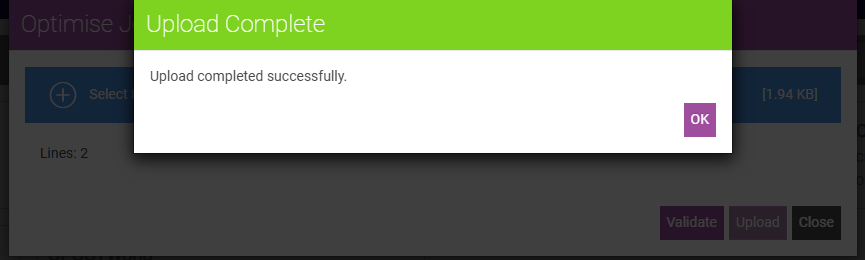
Once the file is successfully validated, select Upload.
A confirmation dialog appears.