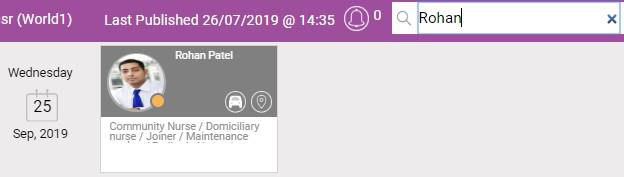
View Resources Activity and Search for Resources
-
In WebAdmin, select Optimise Schedule.
The Worlds page appears.
-
Select a World.
The Optimise Schedule page appears.
Resources with:
-
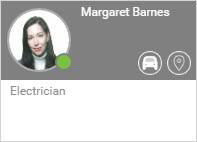
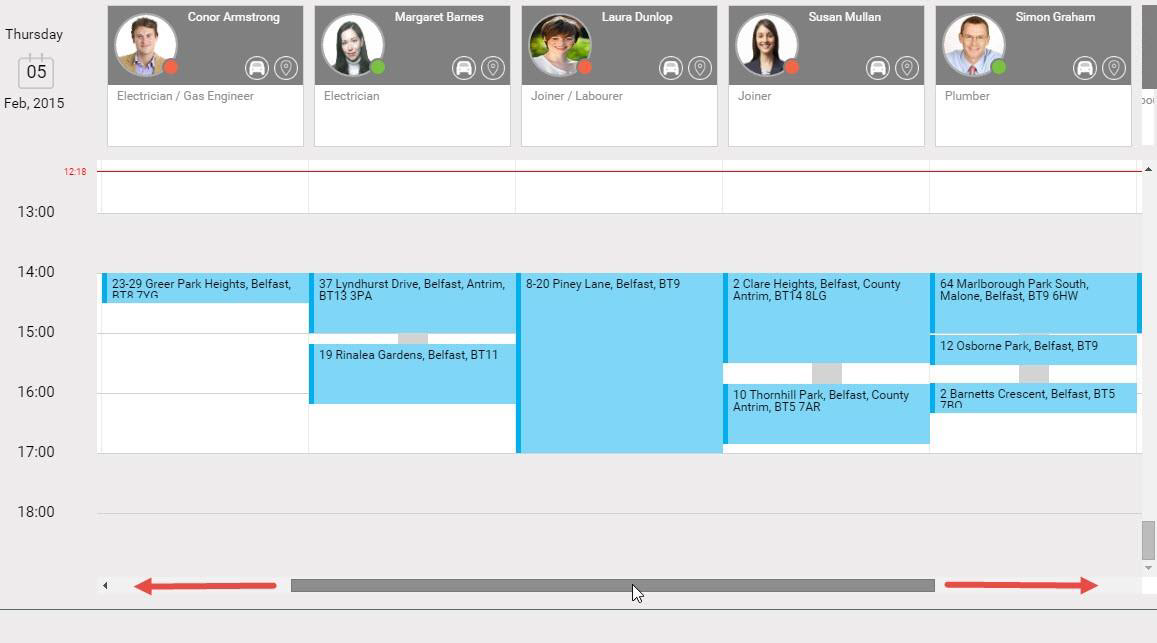
A green circle on their profile image have synced on the Totalmobile app within the last hour.
-
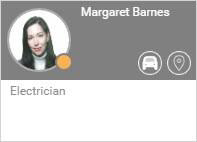
An amber circle on their profile image have synced on the Totalmobile app today but more than an hour ago.
-
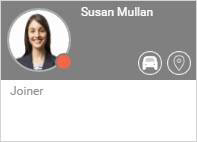
A red circle on their profile image have not synced on the Totalmobile app within the last 24 hours.
-
You can search for resources in two ways:
 Scrolling through the Resource List
-
Hover your cursor over the scrolling bar at the bottom of the screen until it becomes a darker grey colour.
-
Select and drag left or right as required.
Using the Search Field
-
Select the Search field.
-
Start typing a resource's forename and/or surname.
The Resource list filters.