Image Context for Form Controls
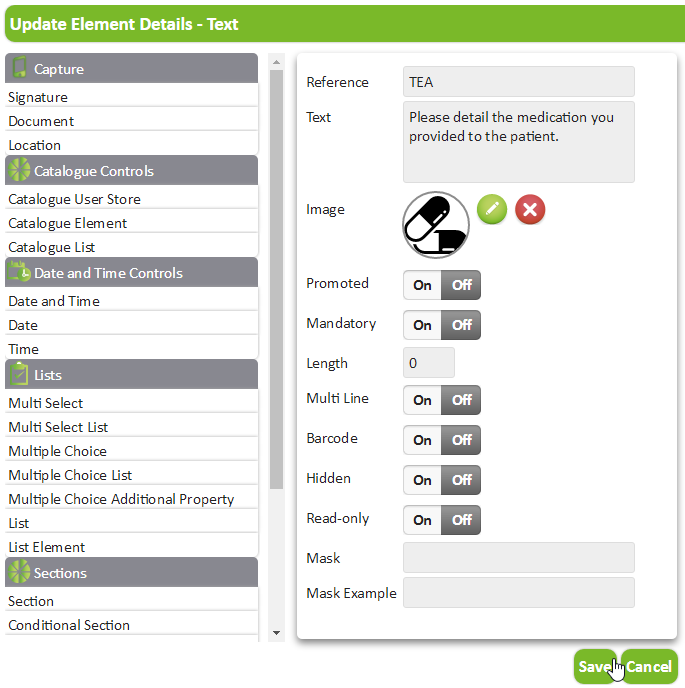
You can configure form controls to have contextual images which assist users in forms. For example, you add an image of pills to a Text control which requires the user to enter medication they prescribe to patients.
Use the WebAdmin > Image Library page to add images. For more details refer to Image Library.
To add a contextual image to a form:
-
In WebAdmin select Forms.
-
Select the required form.
-
Navigate to the form control where you want to add a contextual image.
-
Select Maintain element settings
 .
. -
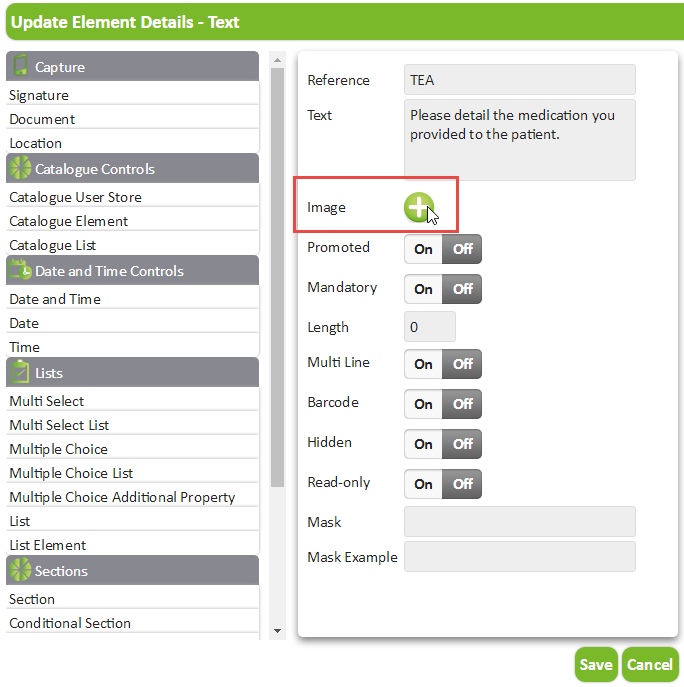
In the Update Element Details dialog, select Select Image.
-
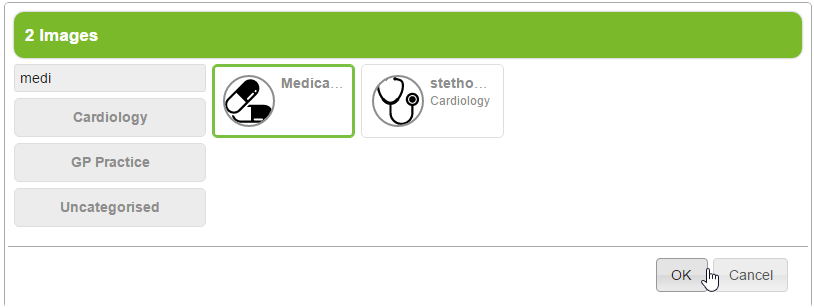
In the Select Image dialog:
-
Select an image Category, or select the Search field and type to locate an image.
-
Select the required image.
-
Select OK.
-
-
Select Save.
-
Save
 and Publish
 the form.