Label Control
Use the Label control to add non-editable text without an answer field to a form. This is useful for user instructions or reminders.
Configure the Label Control
-
In WebAdmin, select Forms.
-
Select an existing form, or select Add New Form to create a new one.
-
Navigate to an existing element within your form or select Insert a new Element
 .
-
Select Maintain Element Settings
 .
-
In the Update Element Details dialog:
-
Select the Label control.
-
Select the Text field, and enter a description for the new control.
-
Configure other control options as required. For more details refer to Form Sections and Controls.
-
Select Save.
-
-
Save
 and Publish
 the form.
-
Ensure the form is assigned to an application or visit task within a solution.
 Using the Label Control on Android
-
On the device, navigate to the form.
-
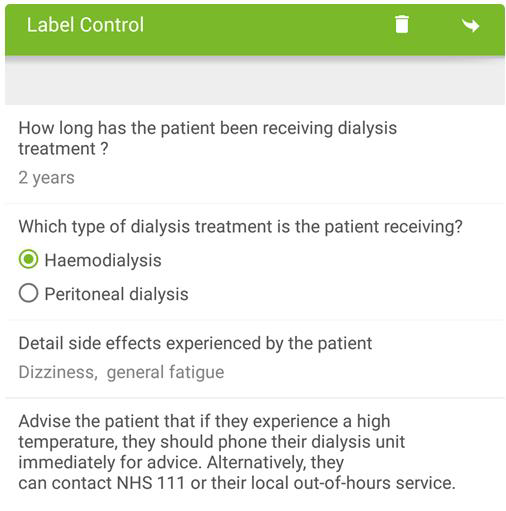
You cannot enter or choose an answer against the label control. The description entered in the Text field in the Form Designer is shown.
Using the Label Control on iOS
-
On the device, navigate to the form.
-
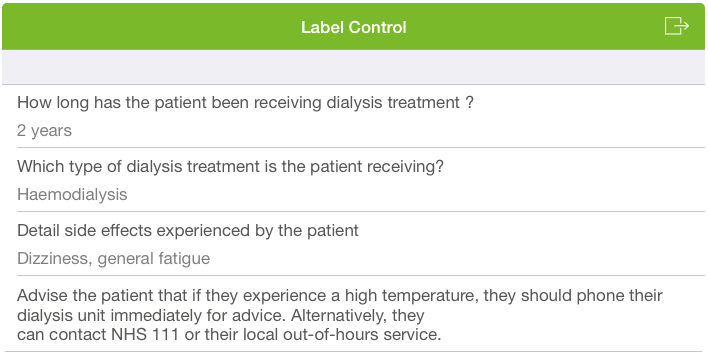
You cannot enter or choose an answer against the label control. The description entered in the Text field in the Form Designer is shown.