Scan Barcode into Text Control
You can scan barcodes and QR codes to populate values into Text controls in forms.
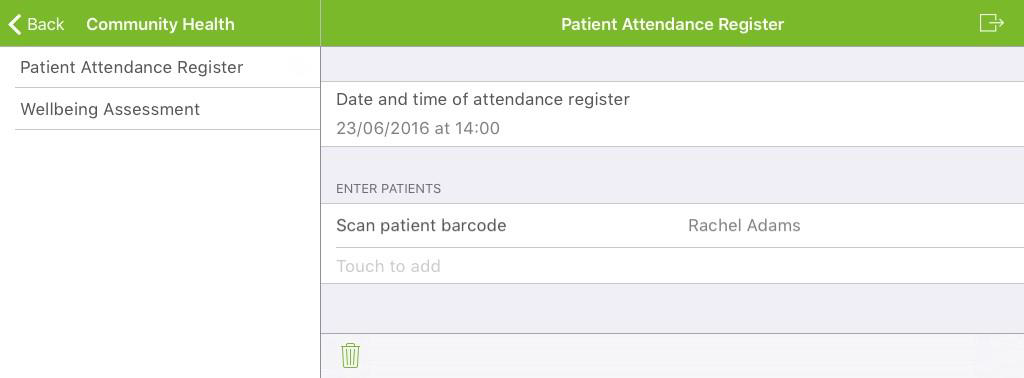
Example: You record the attendance of patients on your ward during a nightly routine by scanning the barcodes on the beds of the patients into Text controls in Repeatable Sections.
Prerequisites
-
Totalmobile server 6.1 and Totalmobile 6.1 for Android or Totalmobile 6.2 for iOS.
-
Code-128 linear, Code-2of5Interleaved linear, or QR Code barcodes. Linear barcodes must have a minimum of 6 digits.
Scanning Barcodes into Text Controls
This example demonstrates scanning a text value from a QR code into a Text control in a form.
This example uses the following QR code, which converts to a value of 'Rachel Adams': 
The following section and controls define the example form:
|
Control/Section |
Reference |
Description |
Notes |
|---|---|---|---|
|
Section |
SA |
Section |
|
|
Date and time |
TEA |
Date and time of attendance register |
Part of the SA section |
|
Repeatable section |
TEB |
Enter patients |
|
|
Text |
TEC |
Scan patient barcode |
Part of the TEB section.
|
 Scanning Barcodes into Text Controls on Android
-
In the form, select the Repeatable Section.
-
Select the barcode icon to the right of the Text control, or select the Text control.

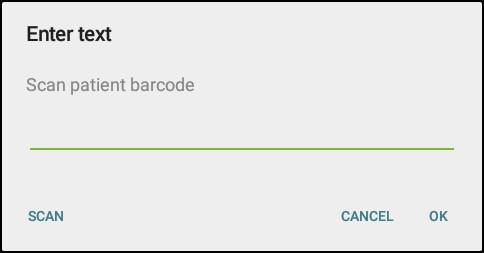
If you select the Text control, the Enter Text screen appears. Select SCAN.
-
Scan the QR code.
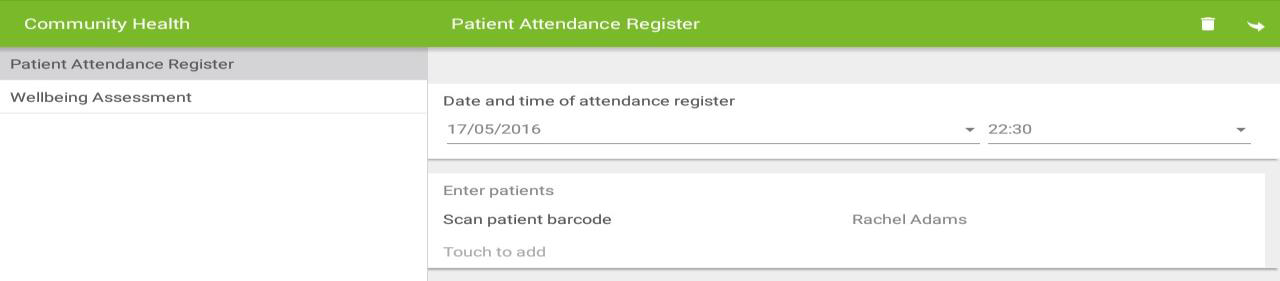
The patient name populates the Text control.
-
Select the tick icon to save the Repeatable Section.

The first level of the form reappears.
-
Select the Repeatable Section to add more patients.
Scanning Barcodes into Text Controls on iOS
-
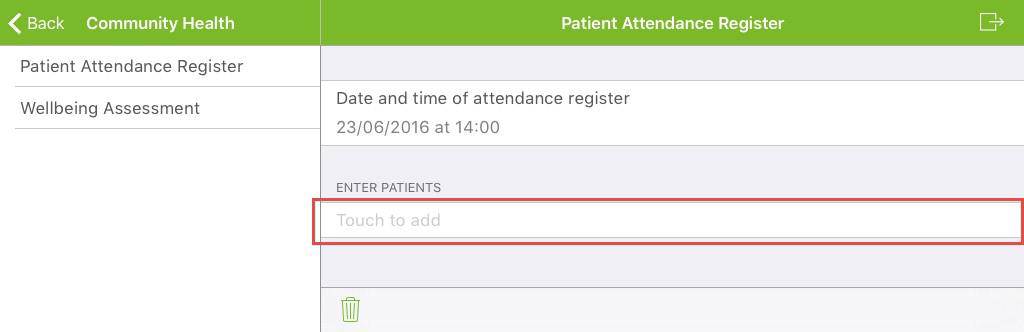
In the form, select the Repeatable Section.
-
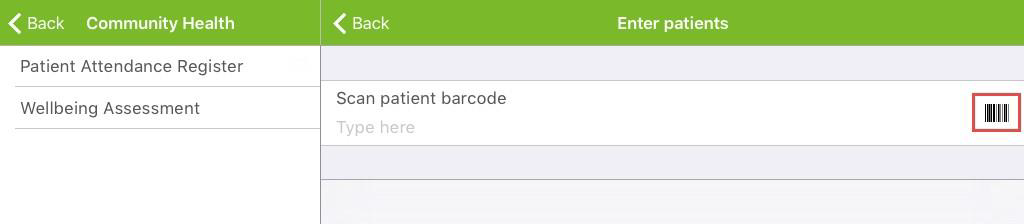
Select the barcode to the right of the Text control.
-
Scan the QR code.
The patient name populates the Text control.
-
Select Back to save the Repeatable Section.
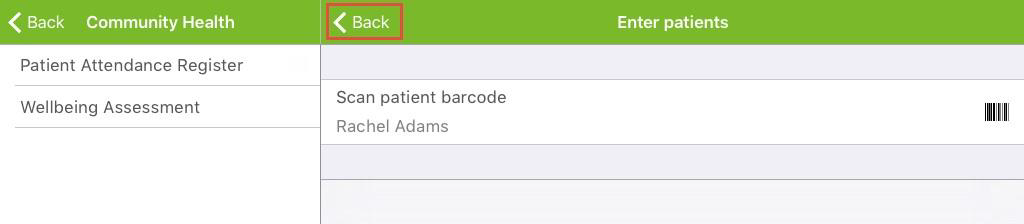
The first level of the form reappears.
-
Select the Repeatable Section to add more patients.