View Image Usage
You can view which images in the Image Library are being used by Mobile Working features, for example by a form control or in a list.
-
In WebAdmin select Image Library.
The Image Library page appears.
-
Select an image Category.
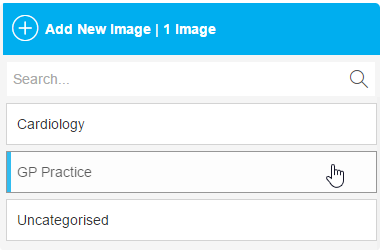
The images in the category appear. A number beside an image indicates it is in use.
-
Select an image which is being used in Mobile Working.

The Edit Image window appears, which lists the Usage Type(s).
-
To view the image usage, select Edit.
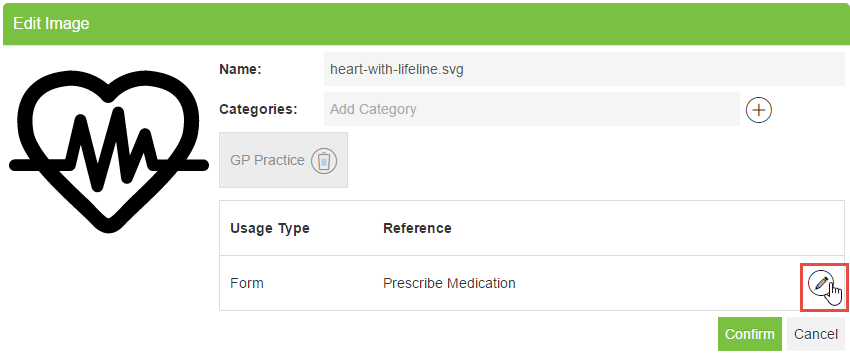
The location where the image is used appears - for example a form, or a list.
Mobile Working does not highlight which particular control in a form uses the image.
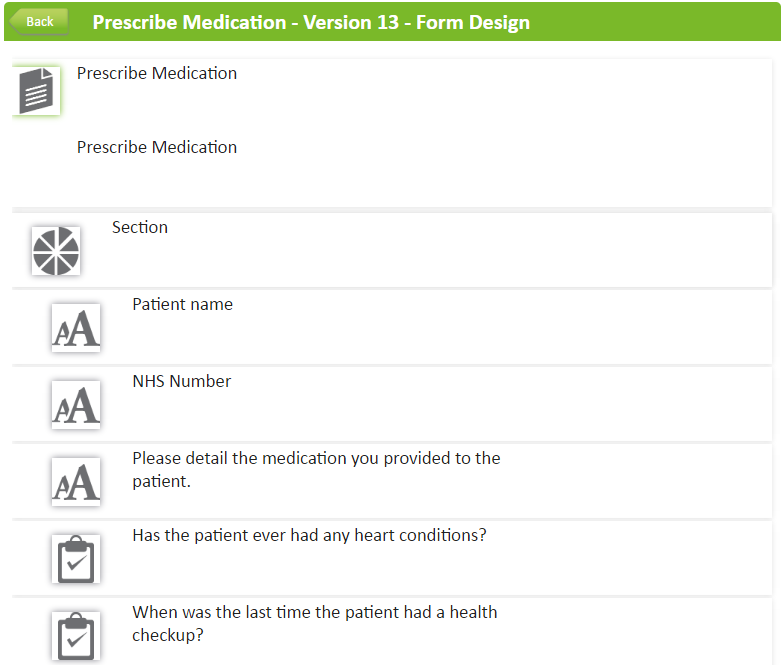
Viewing the Image Context for a Form Control
 On Android
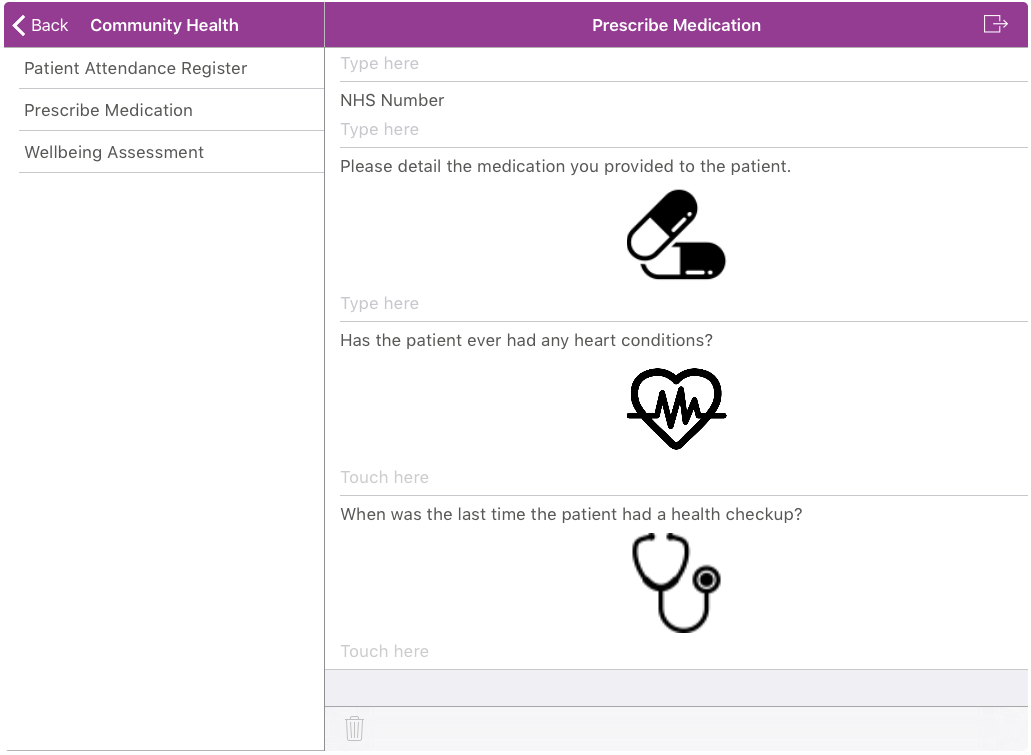
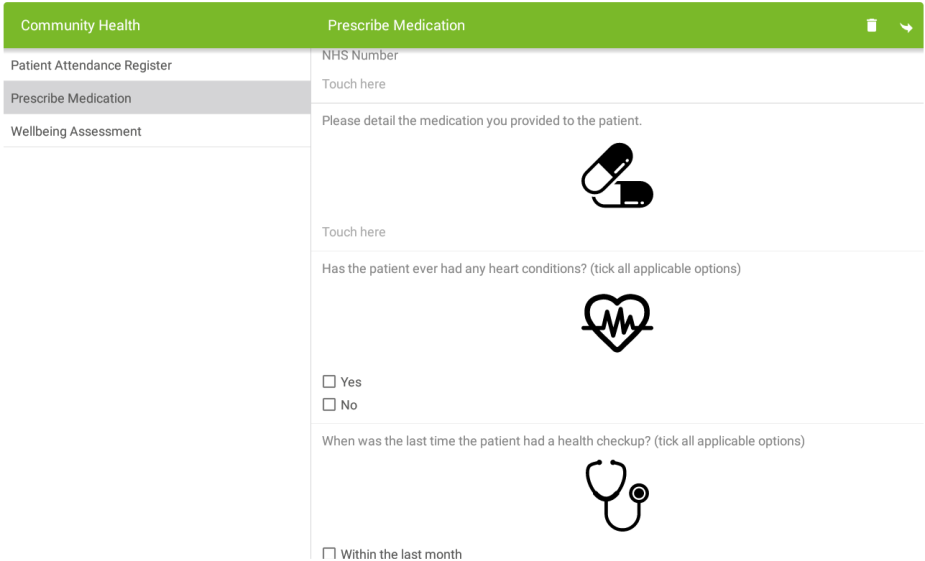
Navigate to a Form control which has an contextual image configured. The images display alongside the form controls.
On iOS
Navigate to a Form control which has an contextual image configured. The images display alongside the form controls.