Capacity Alerts
Staff Capacity
Analysis >Monitor > Staff Capacity
Definition screen for setting the capacities at locations:
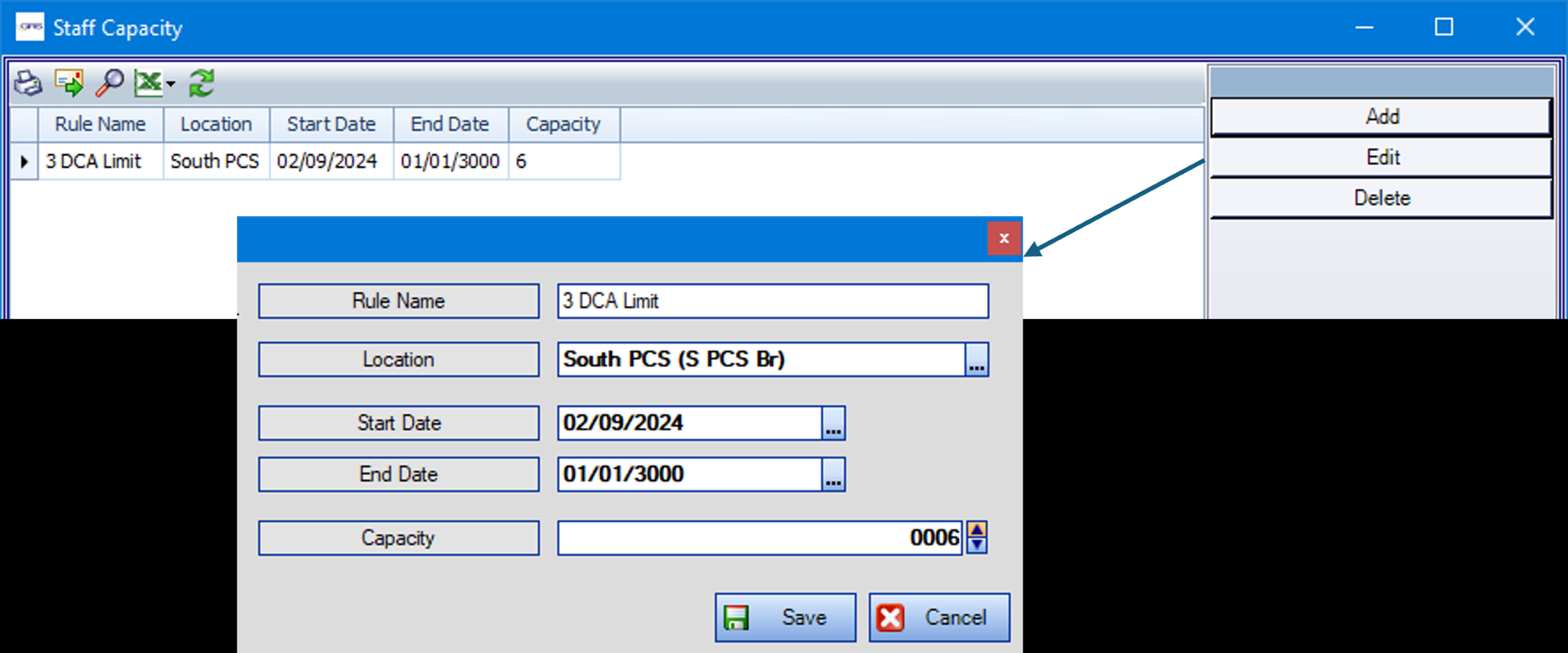
The Location field can only be set to work units, not branches.
End date of 01/01/3000 indicates an open-ended rule.
The Capacity value is the maximum number of people allowed to be posted to the location.
Roster Alerts
Rosters > Roster Definitions > Roster Alerts
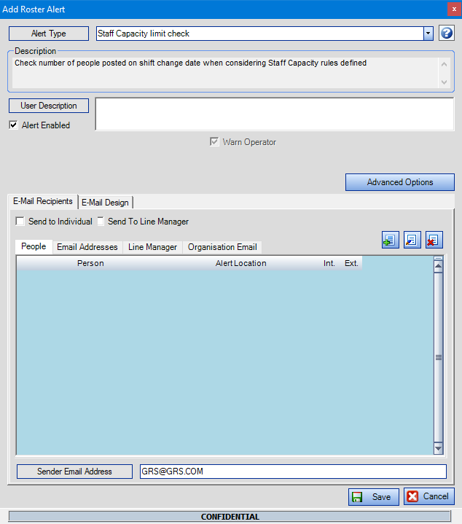
Click Add on the right-hand side and enable the Roster Alert Staff Capacity limit check.
If required, use the Advanced Options to limit triggering this rule to specific Locations etc.
Warn Operator is always selected so that the warning is enabled on the Posting Sheets.
Effect on Posting Sheets
The system checks on that there no more than X number of people on shifts at any point during the day, where X is the value in the Staff Capacity definition.
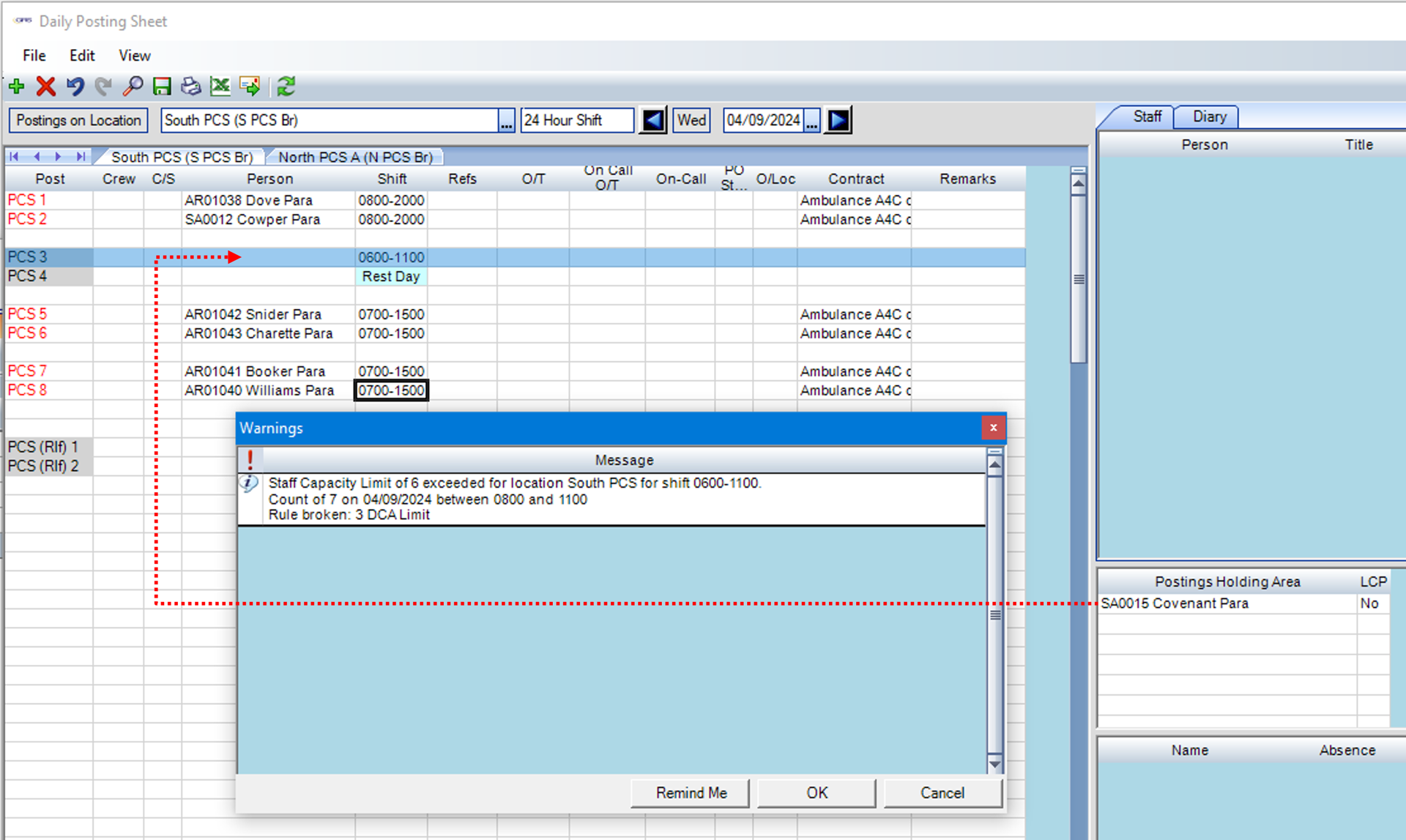
The example below shows the warning on the Daily Posting Sheets (in this case, the warning shows because of dragging and dropping a person on to a post).
The Alert will be checked everywhere in the system that does posting checks, including the direct posting feature of GRS Web - Vacancy Filler for both normal posting to shifts, and for posting to virtual location vacancies (see Demand Gap Planner development).