Creating an announcement
Compile and publish announcements for your colleagues to view in WORKSuite and myTIME. This is useful for announcing fixed 'shut downs' or changes to clocking in procedures.
-
Open the Home tab and click to
 the left of the screen: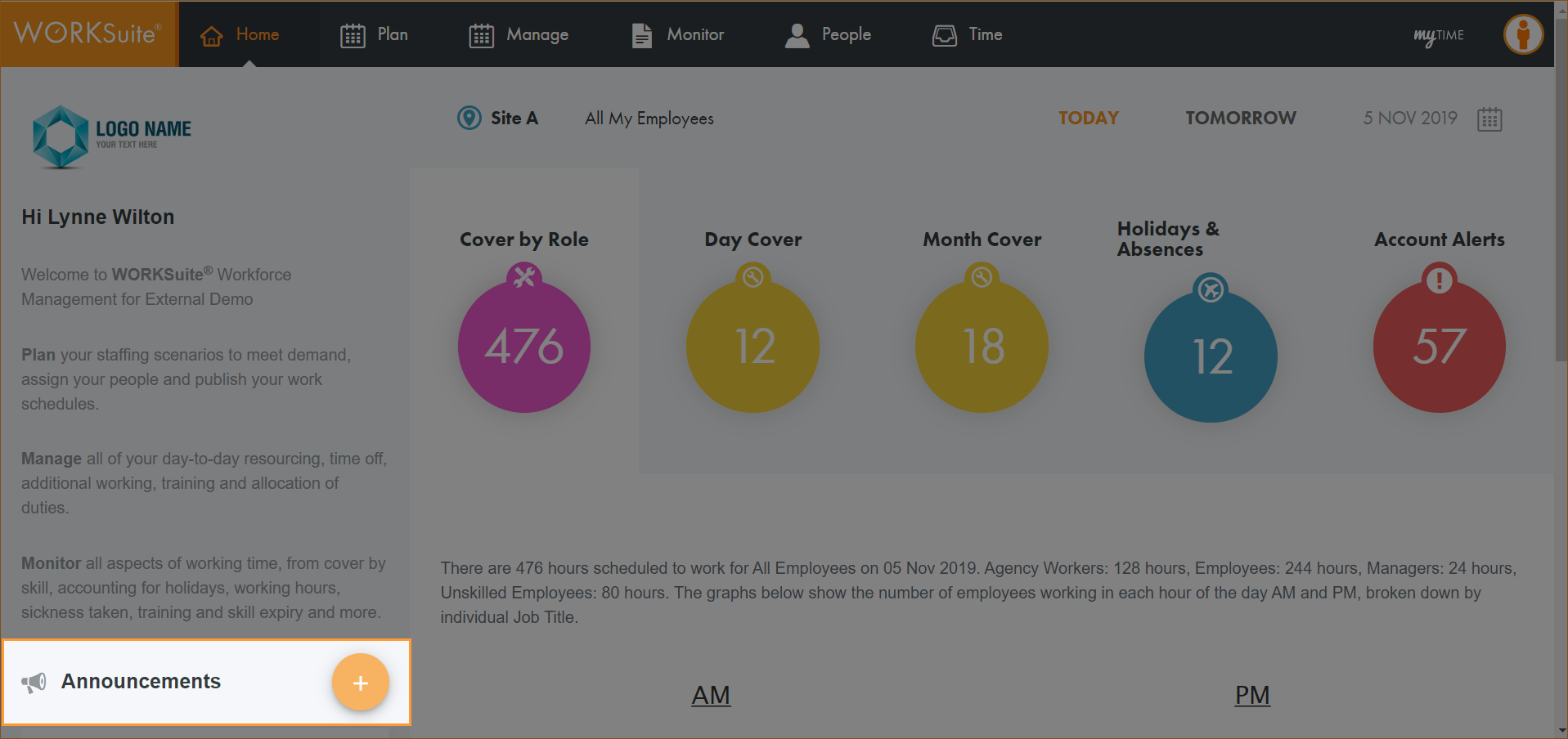
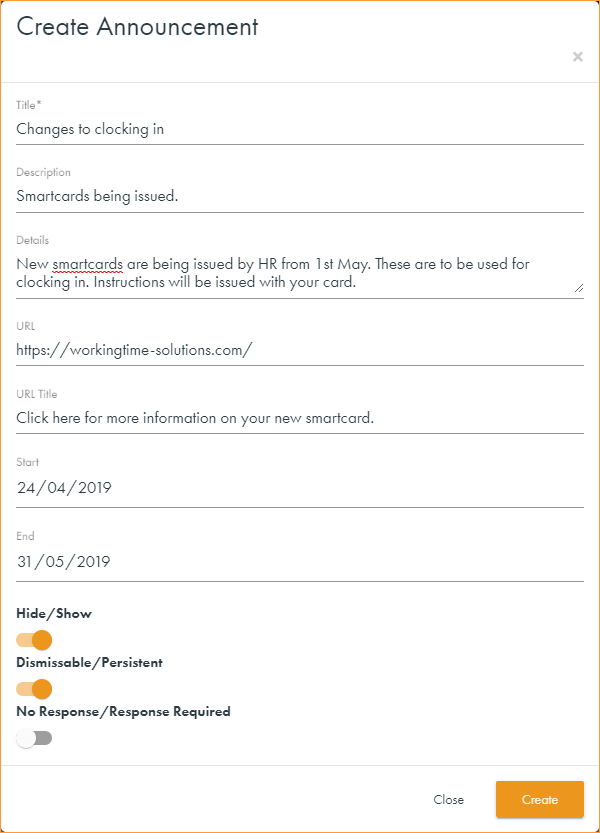
The Create Announcement window is displayed:
-
Enter a Title for the announcement and add body to the announcement message in the Description field.
-
Enter any further relevant Details in the field available.
-
Enter a URL and user friendly title for the URL, where applicable. For example if you are announcing details of a new clocking in system add a link with details of the new system here and use the URL Title of 'Click here for information about your new Smartcard'.
-
Enter Start and End dates for the message. This is optional.
-
Use the sliders to select how the message is displayed to users:
-
Hide/Show. 'Show' must be selected.
-
Dismissable/Persistent. Select Dismissable if you want the employee to be able to remove the announcement from their Home page.
-
No Response/Response Required. Select Response Required and the employee gets an 'Accept' or 'Reject' option which triggers an email to the manager with their response.
-
-
Click Save changes.
Your announcement is displayed in the Home tab.