GDPR purge
Choose to purge system data to ensure that GDPR is adhered to.
Anonymous data is retained in WORKSuite for audit and reporting purposes.
Purge data either:
-
Prior to a specific date.
or
-
For a specific employee.
-
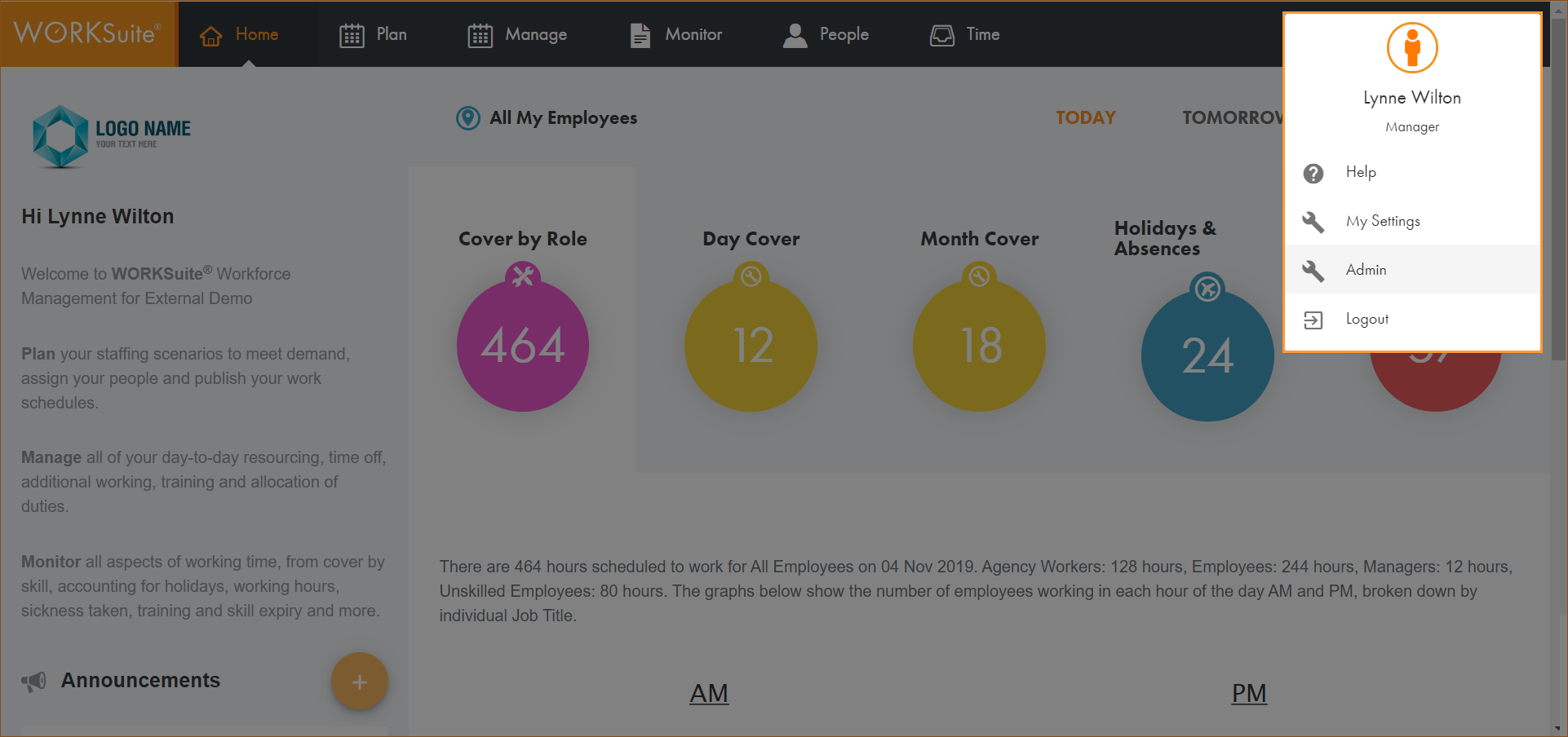
Click on your avatar in the top right of any screen and select Admin:
-
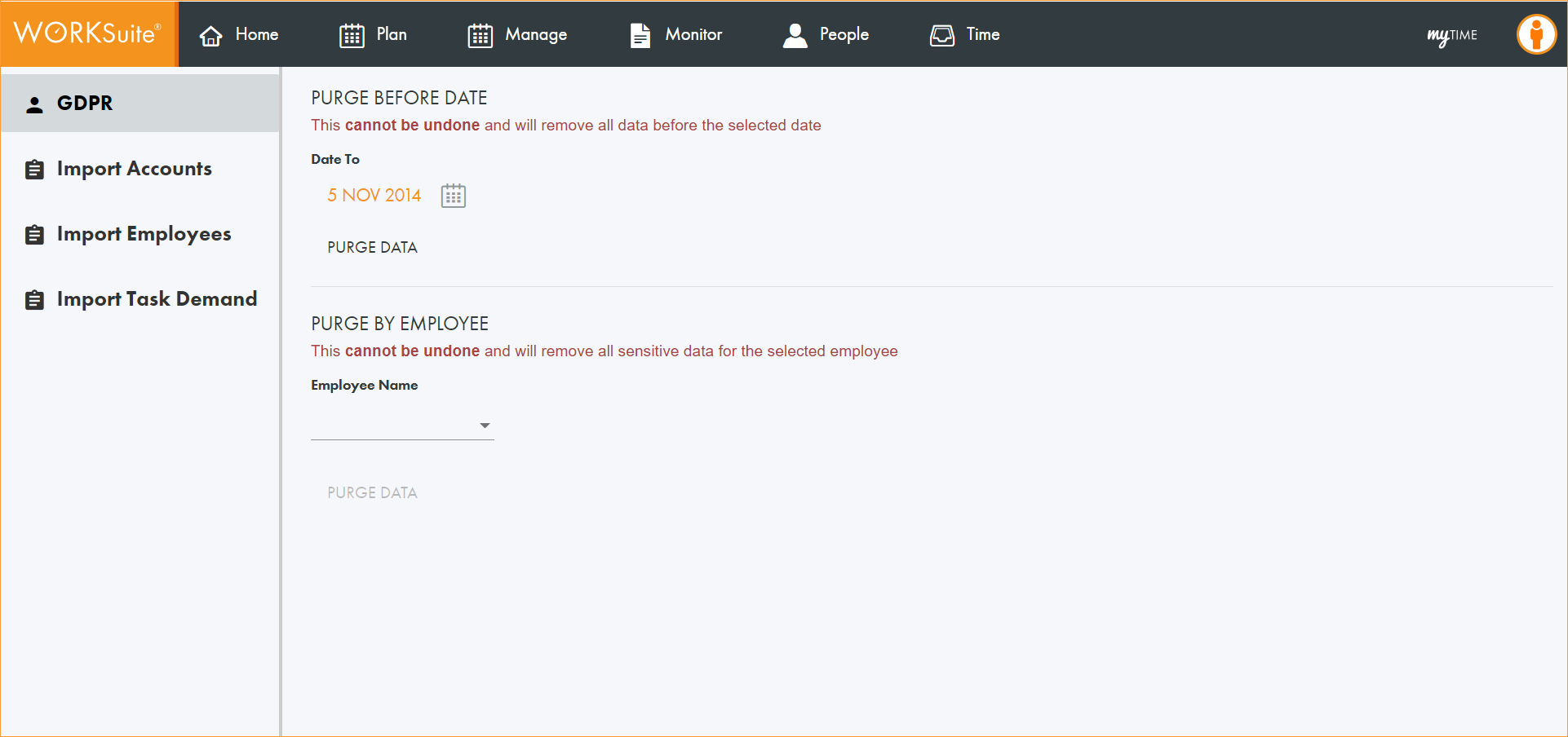
Select GDPR from the left hand menu:
-
Either:
-
Click
 and select a date from the calendar displayed. All data up to this date will be purged. Any employees set to leave before the selected date are also purged.
or
-
Click on the Employee Name dropdown and select the employee whose data you want to purge.
-
-
Click PURGE DATA.
A warning message is displayed asking you to confirm if you want to proceed.
-
Click Proceed.
A message is displayed confirming that the data has been purged.