Import account information
Import employee details to save time and ensure that records are up to date. Upload account opening balance, carry forward or adjustments for employees from a spreadsheet in a single transaction.
-
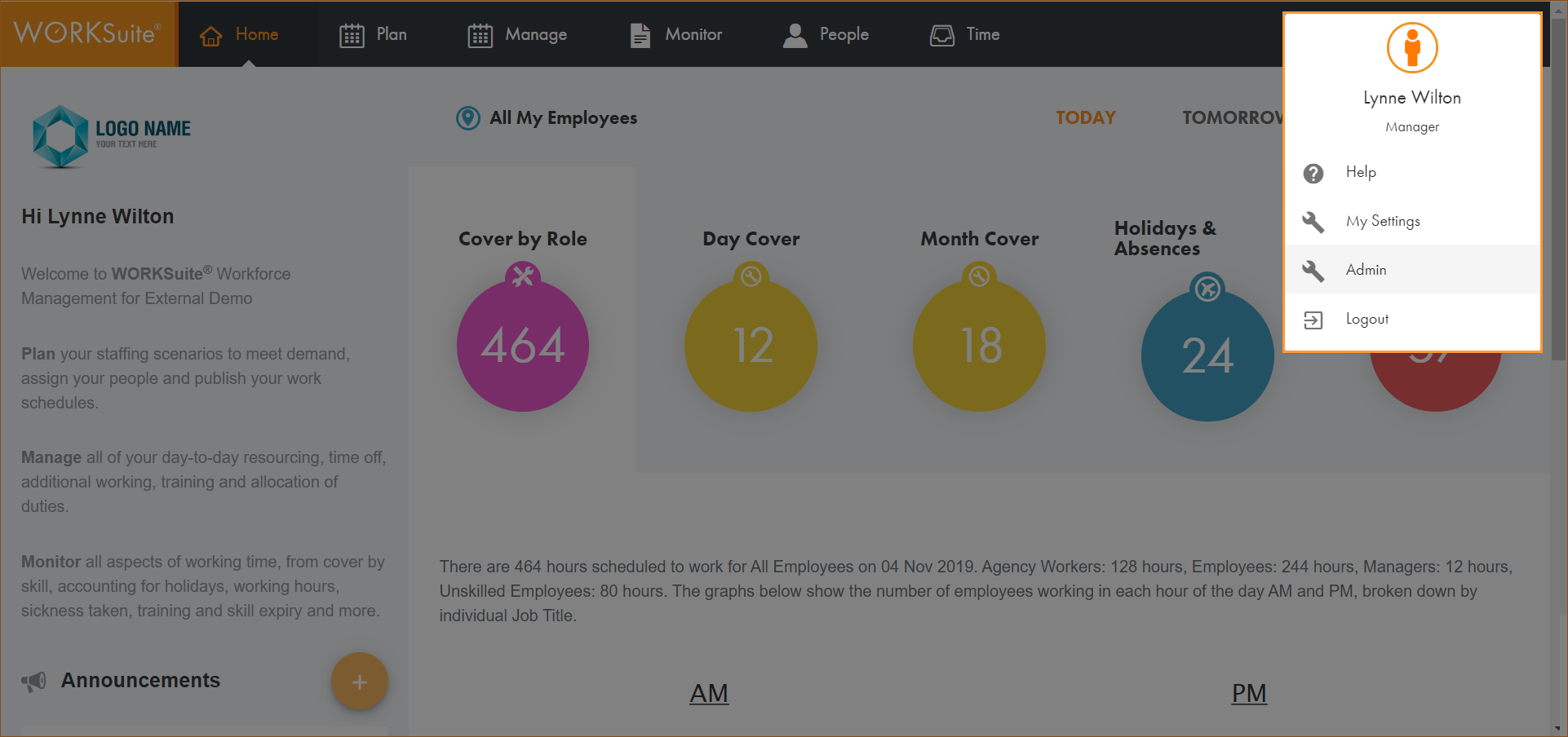
Click on your avatar in the top right of any screen and select Admin:
-
Select Import Accounts from the left hand menu.
The import file needs to be in .csv format. Click here to see an example.
-
Either:
-
Drag the file into the pop-up window.
or
-
Click browse to select the file.
-