Select a calendar or add a new calendar
Use the Plan tab to select or add a new calendar when planning work shifts for teams of employees. Each team’s shifts are held in a calendar within a work area.
For example, calendars could be ‘Headquarters’ and ‘Factory’ in the work area of ‘Manchester’. Each calendar holds teams made up of employees.
-
Open the Plan tab and click
 to display the area dropdown.
 -
Either:
-
or
-
Select an existing work area to work with:
-
Click
 and start typing the name of the area you want to work with: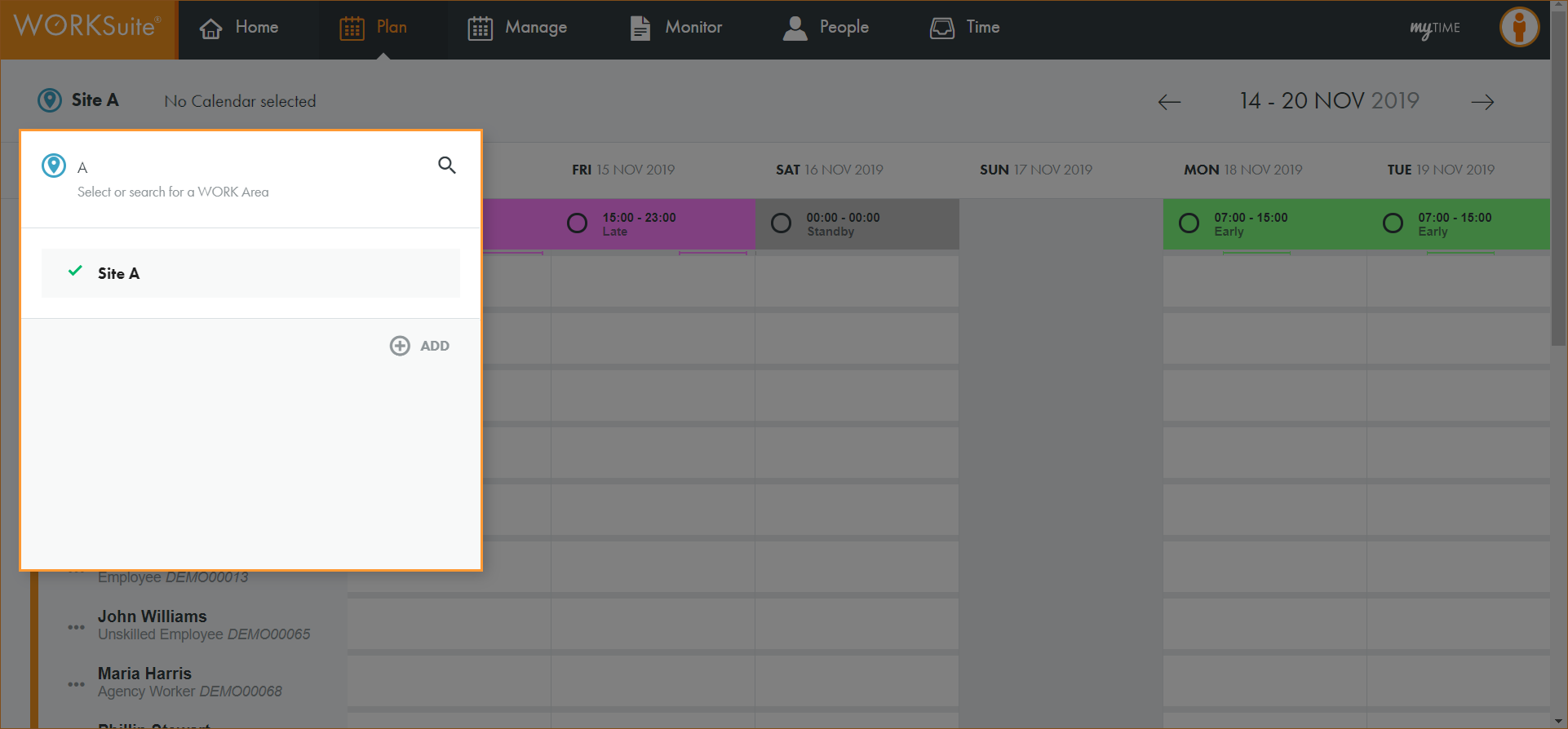
The list of areas is filtered.
-
Click on an area in the list to select it.
-
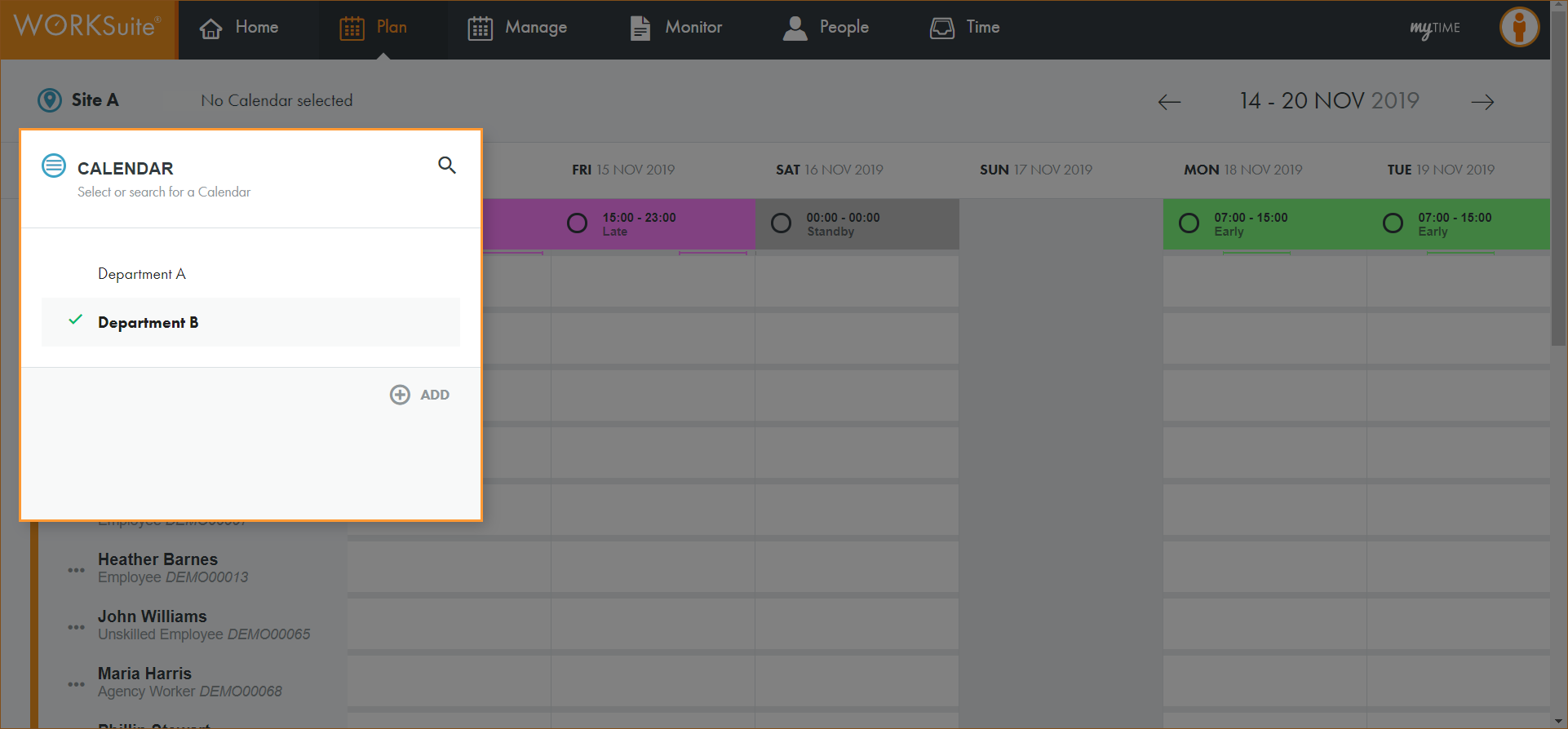
The calendar search box is displayed:
-
-
Either:
-
 Select a calendar from the list
-
Click
and start typing the name of the calendar you want to work with. -
The list of calendars is filtered.
-
Click on a calendar in the list to select it.
or
-
-
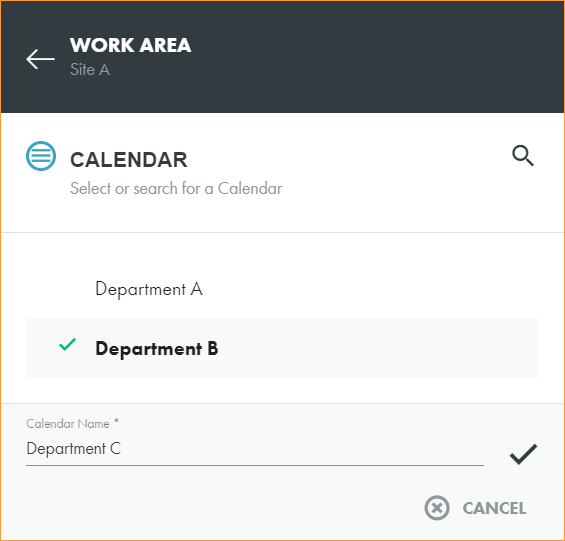
Click ADD to add a new calendar
-
Enter a clear and concise name for the calendar:
-
Click
 to save.
 -
The calendar search box closes.
-
Refresh the page.
-
Click No Calendar selected in the header to display the new calendar.
-
Select the calendar that you want to work with.
-
-
-
You are now ready to import a team and team shift pattern into the calendar.