Clone Widget
To clone an existing widget:
-
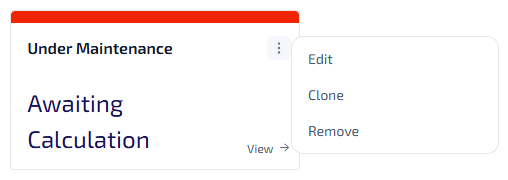
On the widget you want to be cloned, select
 .
.
-
From the widget menu, select Clone.
-
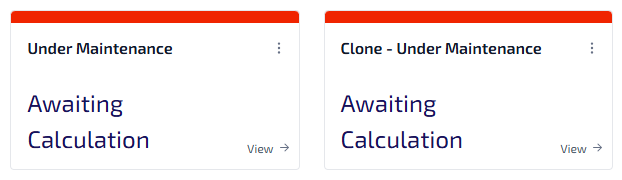
The widget is cloned, predefined with the settings from the original widget. It is immediately visible in the next available position.
-
The cloned widgets name is displayed as Clone - [Original widget name] to differentiate it from the original.
-
You can edit the cloned widgets settings, including the widget name, as required. For more information refer to Add New Widget.
The cloning process does not affect the original widget.