Creating Security Profiles
Configuration > Manage Security > Security Profiles
You can define very granular security profiles in the system and then allocate users to the desired profile.
To create new profiles select Add Security Profile and select the options you want. Be aware of things like workflow items under the More menu, if you export data from a grid then the system navigates to the workflow page, so if you have not enabled access the system will display an error. In general when creating a new profile you need to do a reasonable amount of testing to ensure there are no unwanted issues before releasing to users.
On the User Edit page you can select a user to be an Admin, this is not generally recommended as this by-passes the security profile and the user will see every menu, page and tab. Security profiles are applied when the user logs on.
For further information, refer to the tutorial Security Profiles
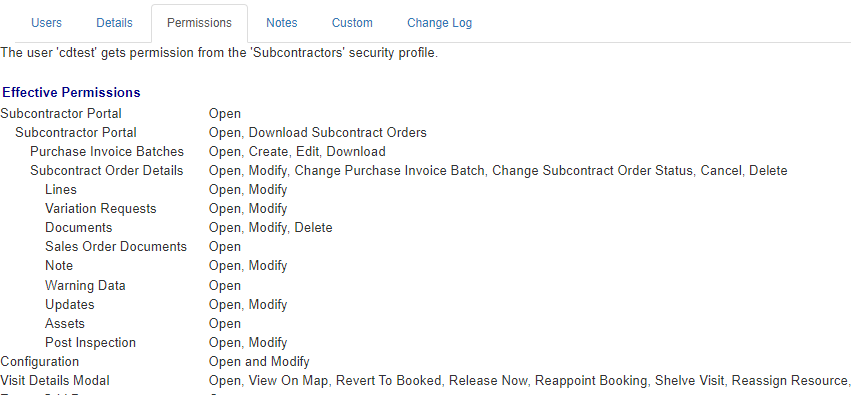
The example page shot below indicates the level of detail available for restricting user access.