Assign a Layout to a User
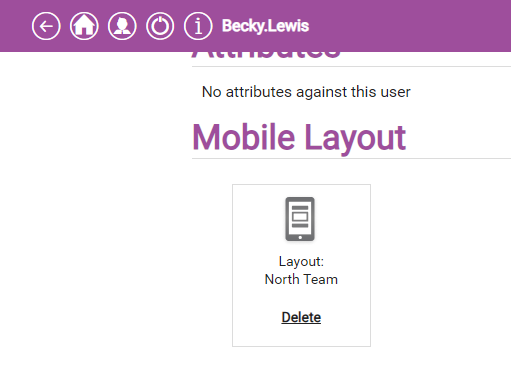
You can assign a mobile layout within a user profile. When the user's device next syncs, it will be updated to use the assigned layout.
For more details of creating layouts, refer to Add a Layout in the Solution Manager Guide.
-
In WebAdmin select Users.
-
Select a User.
Use the Search field to filter the list of users.
-
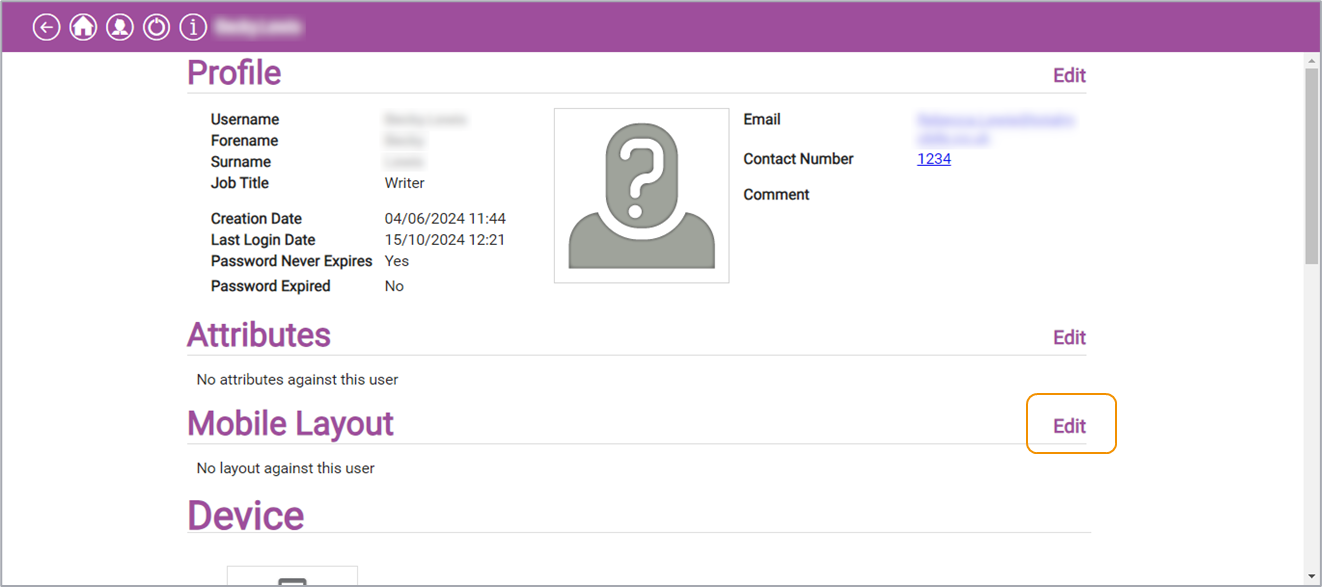
In the Mobile Layout section, select Edit.
-
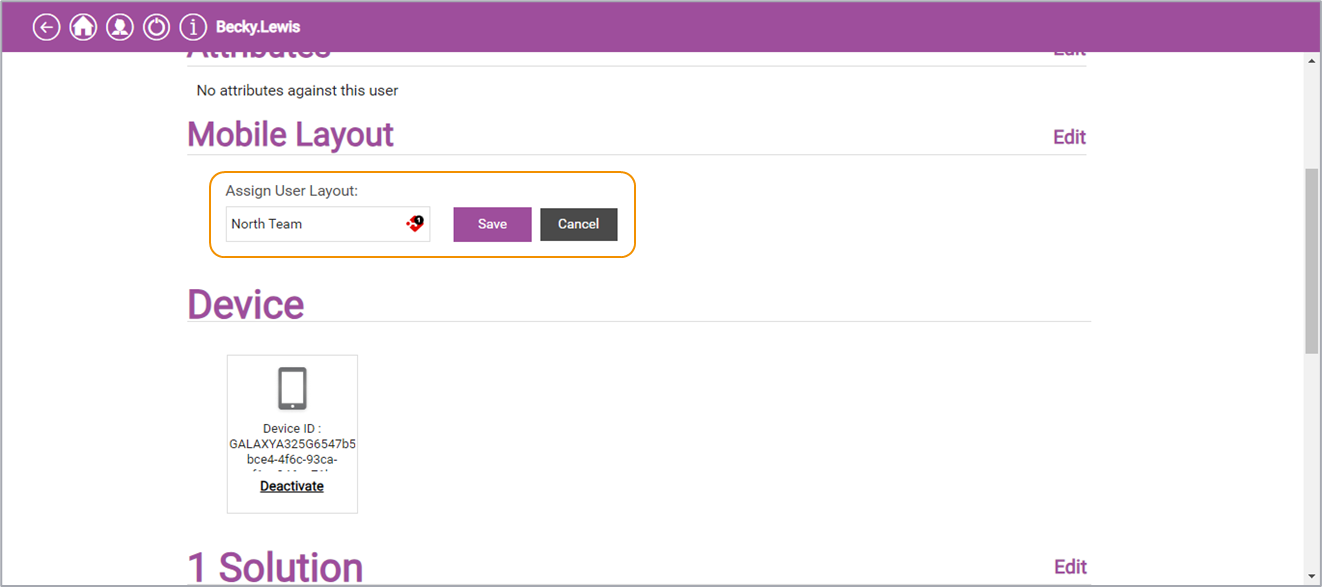
Select the Assign User Layout field and either select the required layout from the dropdown, or start typing the name of the layout to filter the dropdown list and then select the required layout.
-
Select Save .