Upload Visits
If enabled, external providers can upload visits into the Care Provider Portal via the Visits tab.
To find out what information is required when uploading visits, and to download a template, select the Help icon  in the Upload Visits panel.
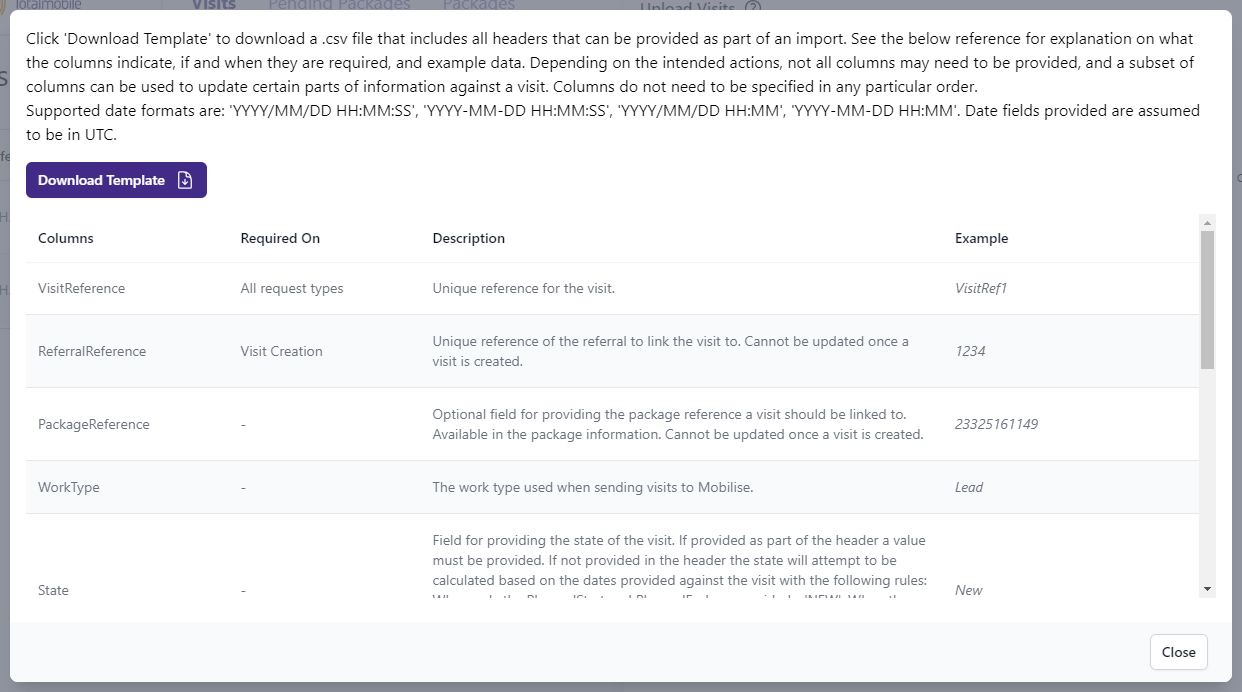
The template and the information required depend on the options selected when the external provider is created in Referral Management (Carelink). If the external provider is allowed to upload both planned and completed visits, additional fields are available on the Help dialog and in the template. If the external provider can only upload planned visits, the template and listed fields do not include those additional options. For more details refer to Create External Providers.
To upload visits:
-
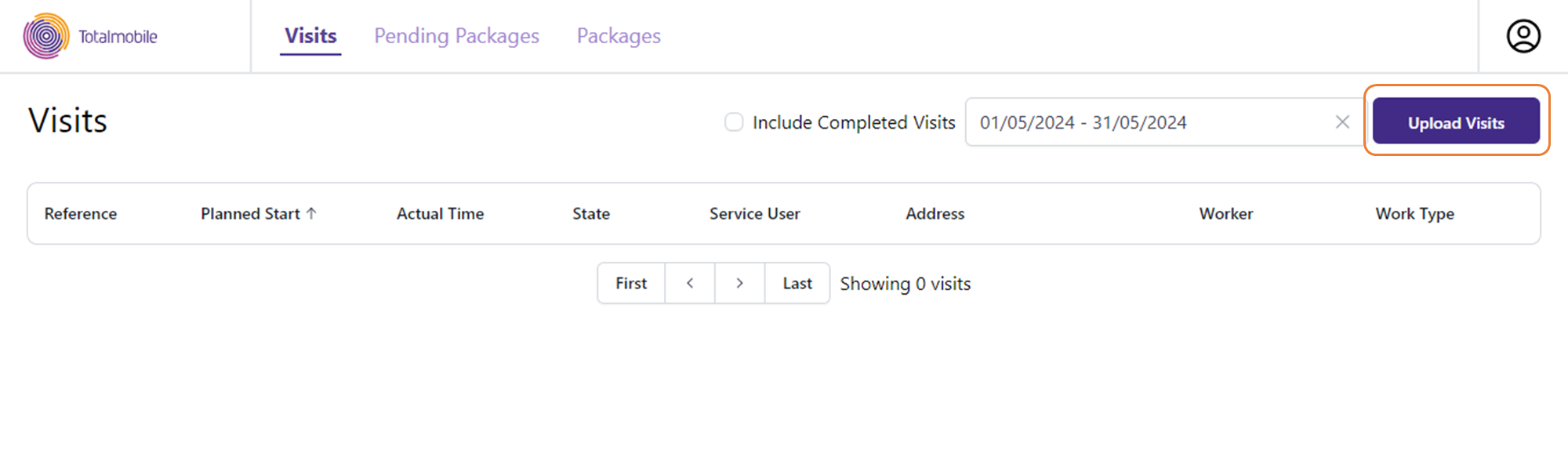
Select the Visits tab.
-
Select Upload Visits.
-
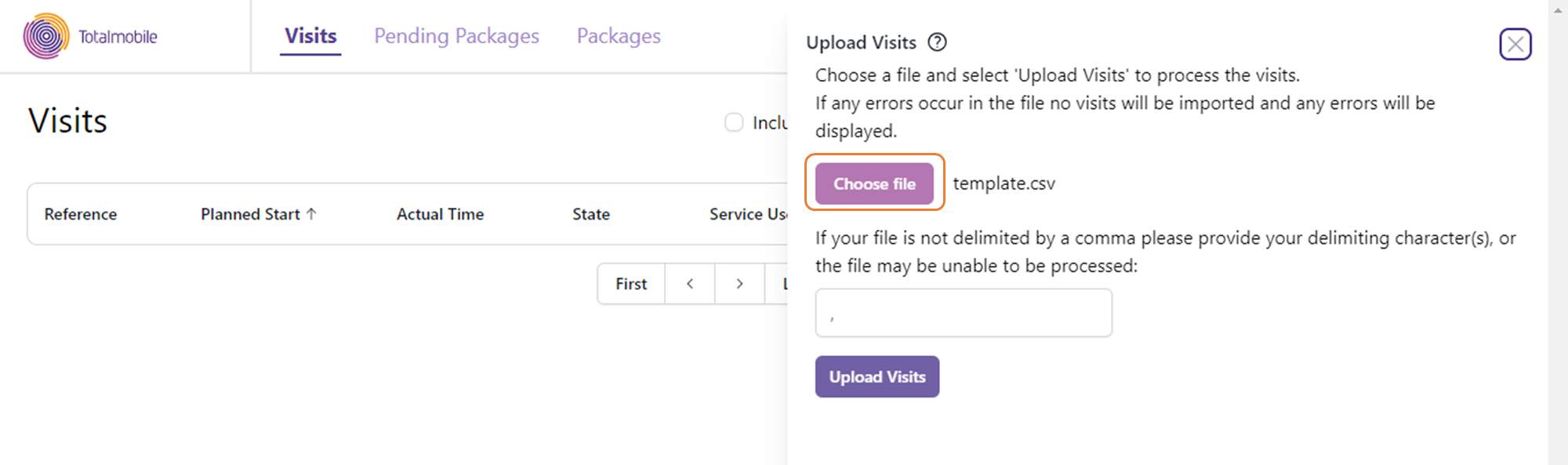
Select Choose file, then browse to the file location and select the file.
-
Select Upload Visits.
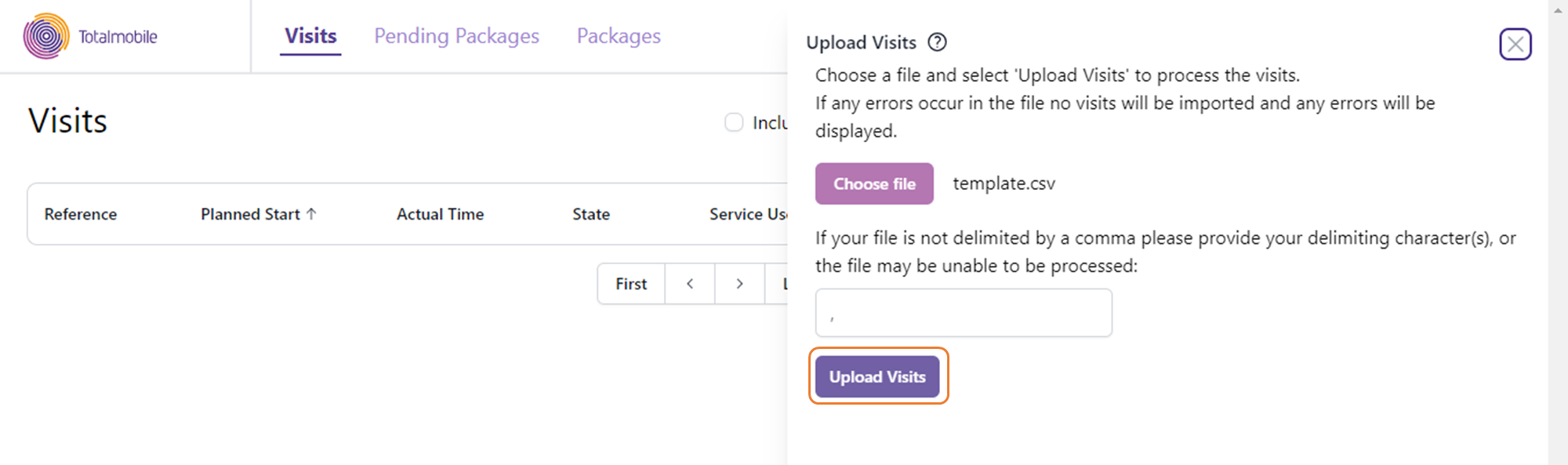
Once the upload is complete, a Successfully uploaded visits from ‘[file name].csv’ message is displayed.
-
Close the Upload Visits side panel.
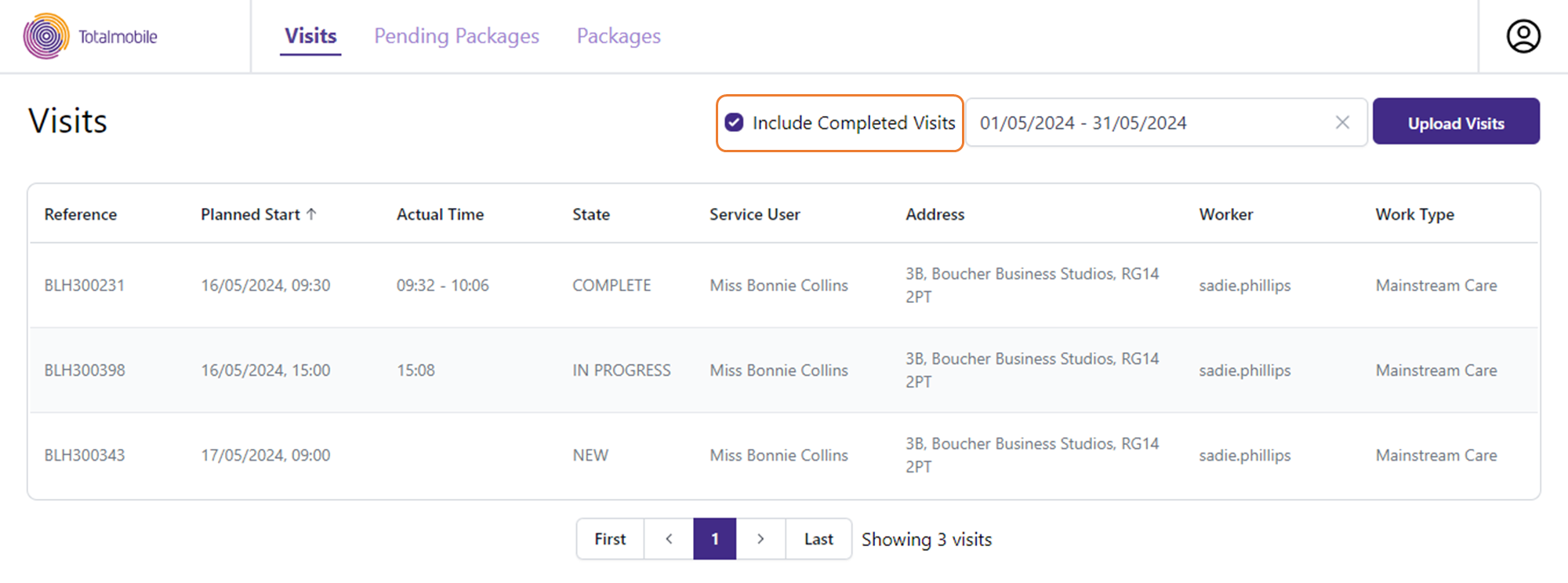
The Visits section updates to display the uploaded visits.
-
To view completed visits, select Include Completed Visits.
Additional information may be available for completed visits, including details of actual visit start and end times and whether there is proof that the mobile worker attended the visit. If the Attendance field is set to Unverified, you can hover over the tag to view the reason if one has been supplied.
You can also update visits in the Care Providers Portal using an API integration. This option reduces the need for manual updates and streamlines data management, giving providers more flexibility and efficiency in keeping visit information accurate and up to date. For more information, contact Totalmobile.