Delete an employee record/Record an employee leaving date
Use the People tab to delete any obsolete employee records or to mark a current employee’s leaving date.
Records can also removed from the system using the GDPR purge function.
-
Open the People tab.
-
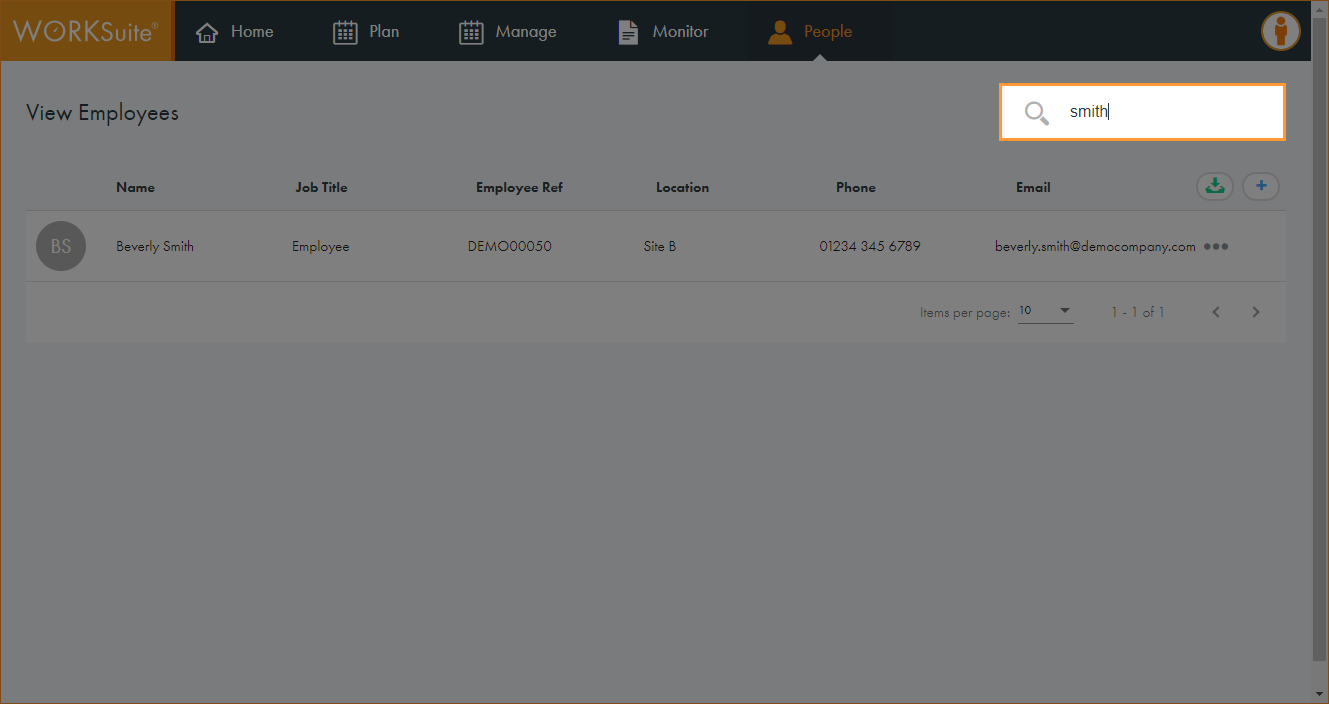
Use the Search field to locate the record that you want to work with. Enter any term shown under the column headers:
-
The records filter automatically.
-
Click in any of the column headers to sort the records as required.
-
Click … in the record that you want to work with and select Delete Employee.
-
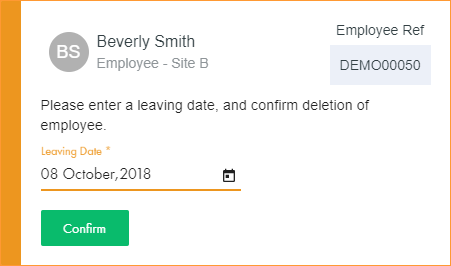
A pop-up window is displayed:
-
Click
 and select a leaving date for the employee.
 -
Click Confirm. The window closes.
-
The employee record is deleted from the system at the end of the stated leaving date.