Users and Permissions
The Users and Permissions page lets you manage your users, and the permissions associated with their roles.
In the Navigation menu > Configuration section select Users and Permissions.
The Users and Permissions page displays with the User Management tab selected as default.
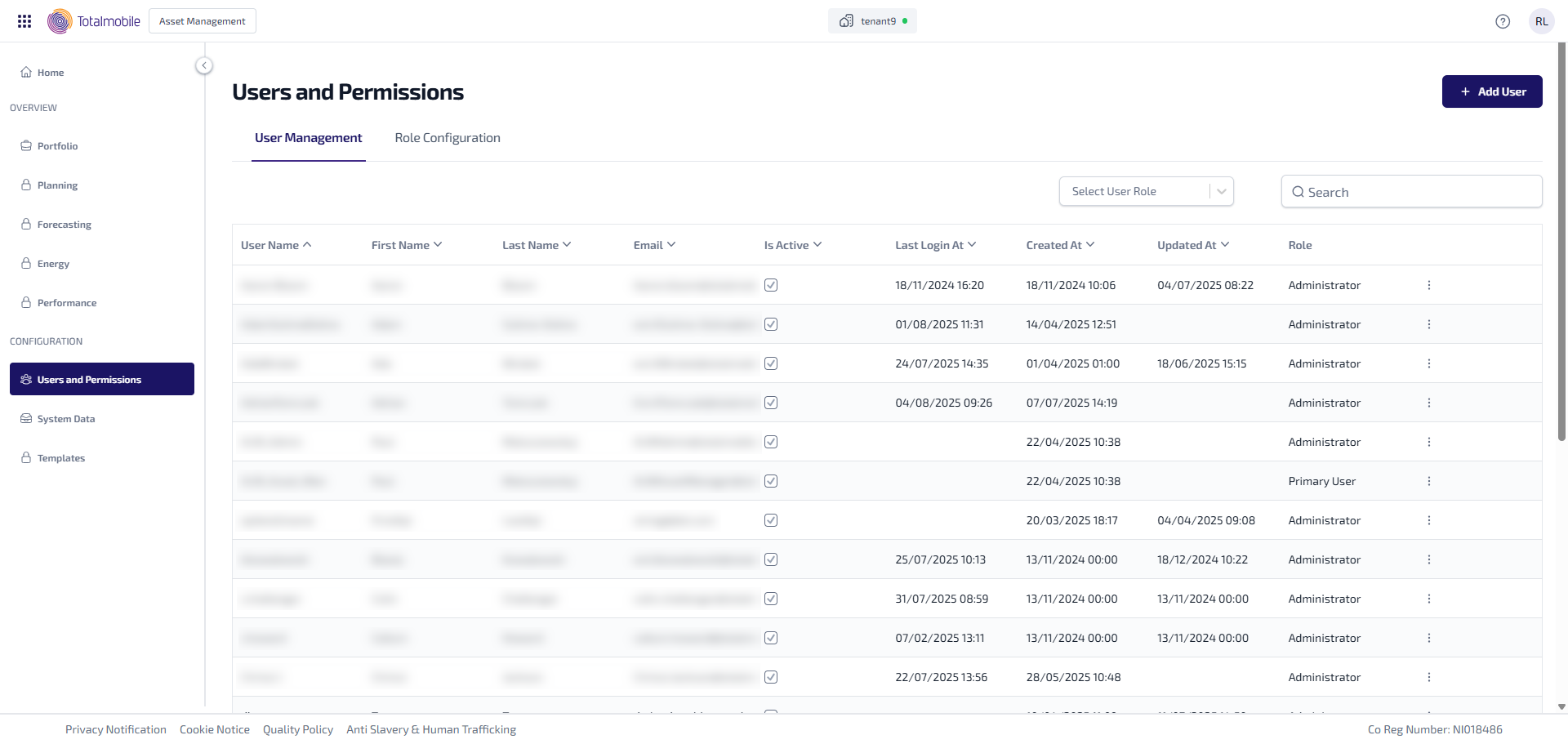
The User and Permissions page contains the following tabs:
-
User Management
-
Role Configuration