Getting Started with WORKSuite
Welcome to WORKSuite's Online Help.
This guide helps you to navigate WORKSuite and complete the tasks required to plan and manage shift patterns for different parts of your business.
To start using the system, work through the following procedures:
-
Import account information. This ensures that records are kept up to date.
-
Import employee records in bulk. This is a useful time saving tool.
-
Import task demand in bulk. Such as the minimum and maximum staffing requirement for each task and shift.
-
Use the Plan tab to plan shifts and publish calendar shifts.
-
Use the Monitor tab to run reports on employee hours and variances.
See Change your password if you want to update the password you use for WORKSuite.
Accessing WORKSuite
Choose to:
 Log in to WORKSuite
-
Enter the WORKSuite URL into your browser to display the log in screen:

-
Enter your username and password. These are provided by Working Time Solutions.
-
Click Sign In.
You are logged in to WORKSuite.
Log out of WORKSuite
-
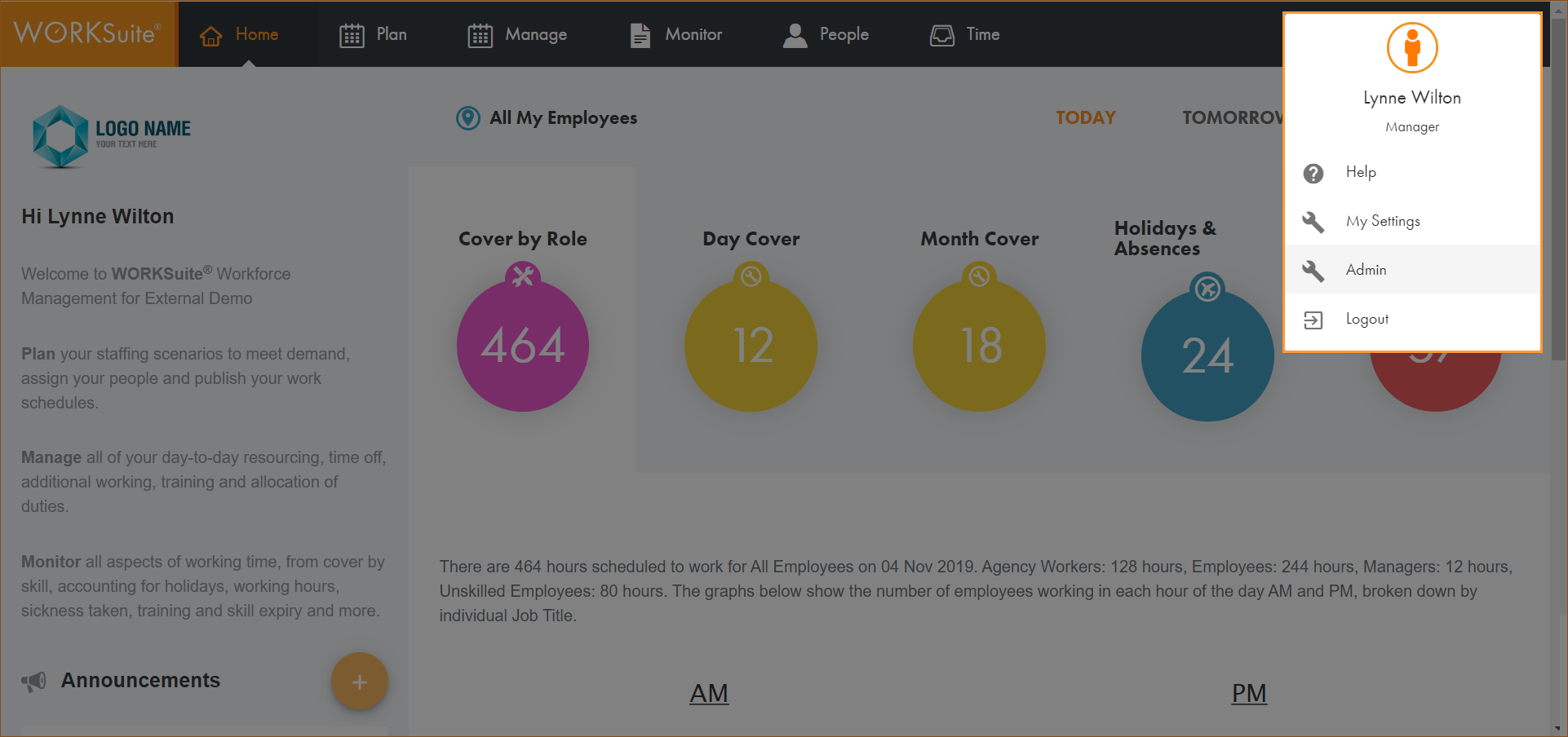
Click in the top right of any screen in WORKSuite:
-
Click Logout.
You are logged out of WORKSuite.