Energy
The Asset Details > Energy tab provides you a way to manage the full lifecycle of your properties Energy Performance Certificate (EPC) data.
The Energy tab only appears for assets marked as Property.
The Energy tab is greyed out and a  appears next to it when the asset is marked as a Property, but belongs to a Portfolio with data model of Job Management (Connect), for more information on portfolios and their data models refer to System Data - Portfolios.
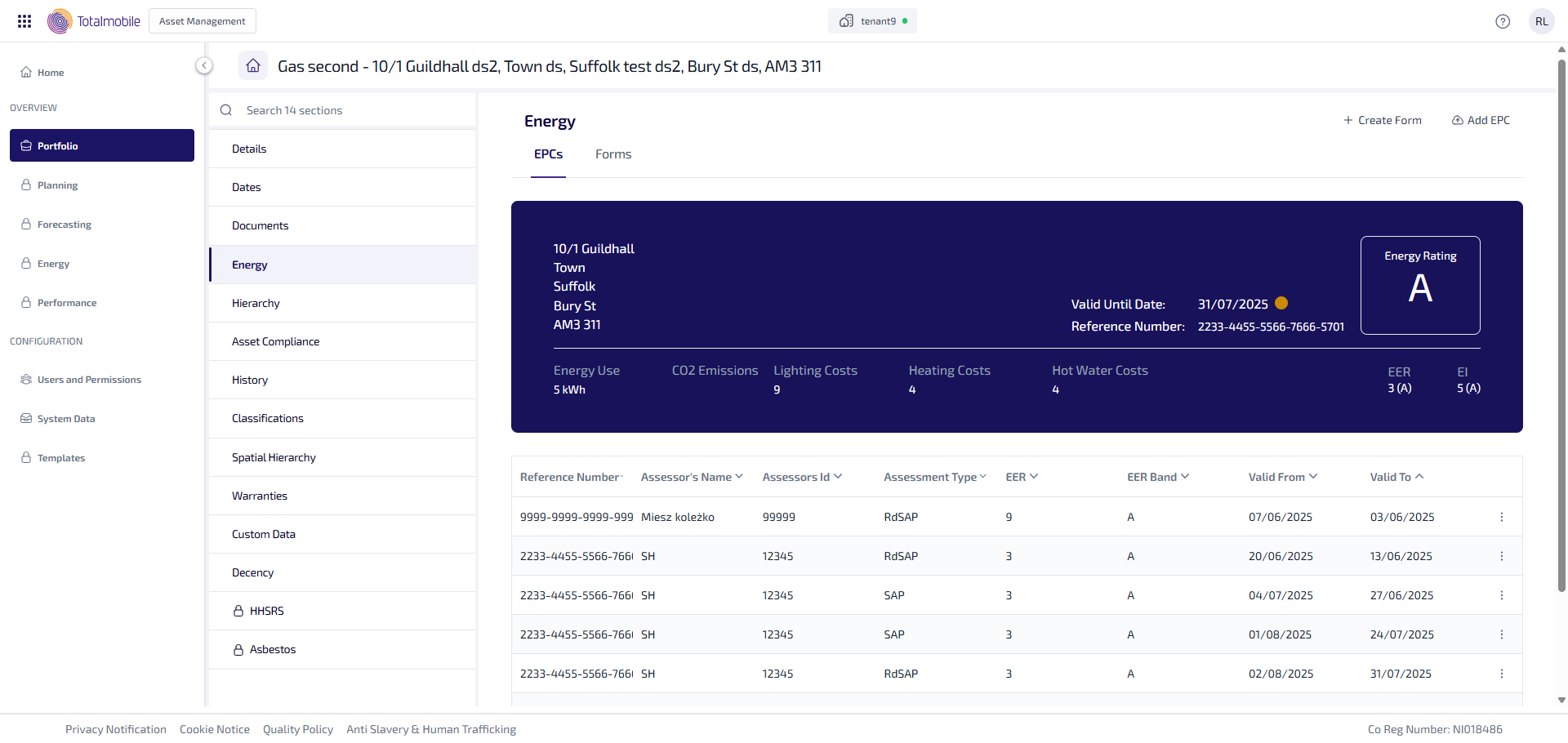
Energy defaults to showing you the EPCs sub-tab. There are the following sub-tabs: