Manage Goals
The Goals page in a referral displays a summary of active and completed goals.
On the Active tab, each goal has a card that summarises the current status, progress made, and any sub-goals. For each goal, you can:
-
View and update the goal status.
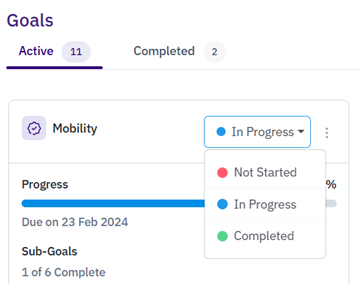
If you select Closed, you will be prompted to select a reason for closing the goal. You can also add supporting notes.
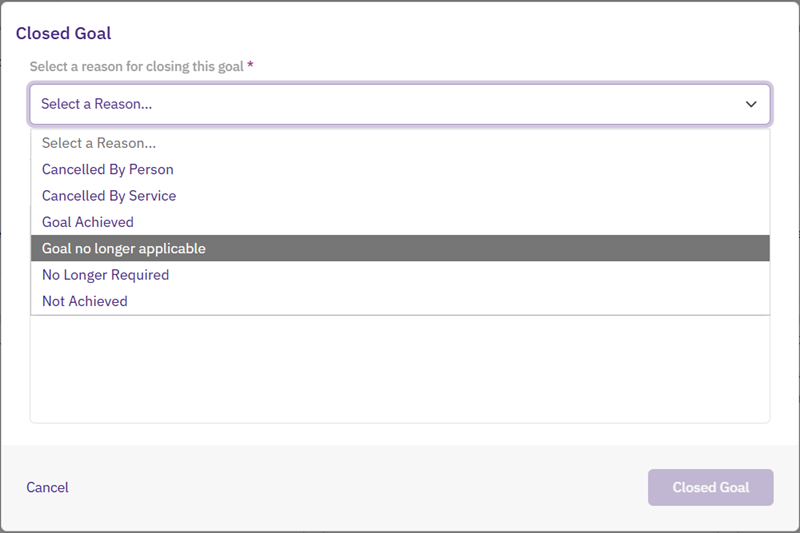
When you select Closed Goal, the goal moves to the Closed tab.
You can close a goal at any stage, regardless of its status. Closed goals cannot be edited or reopened.
-
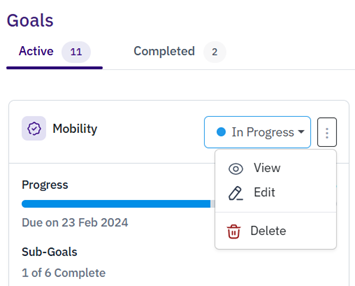
Select the goal menu to View goal details, Edit the goal, or Delete the goal.
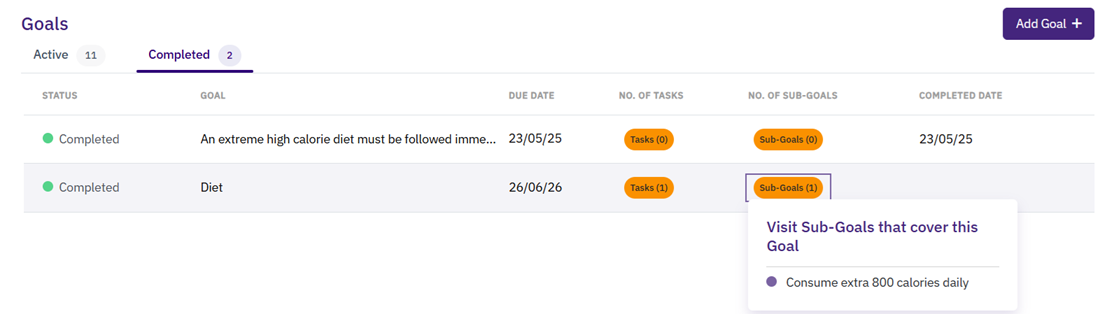
On the Completed tab, completed goals are listed with their due date and completion date. If there are tasks or sub-goals associated with the goal, hover over the tags to view further details.
On the Closed tab, closed goals are listed with their due date and closed date, as well as the closure reason and any additional notes.

You can create both goals and sub-goals as lists in WebAdmin. These are then available for selection when you add a new goal or sub-goal to a referral. For more details refer to Referrals Lists.
Alternatively, you can create goals and sub-goals when adding a goal to a referral, and choose whether to synchronise each one with the WebAdmin list to be available in other referrals, or to keep it specific to one referral or service user.