Create Form
To create a form:
-
From the Portfolio page, select the asset in the Asset Register.
-
Select View Asset.
-
The Asset Details page is shown, select the Energy tab.
-
Select Create Form.
-
The Energy Data Preparation page appears.
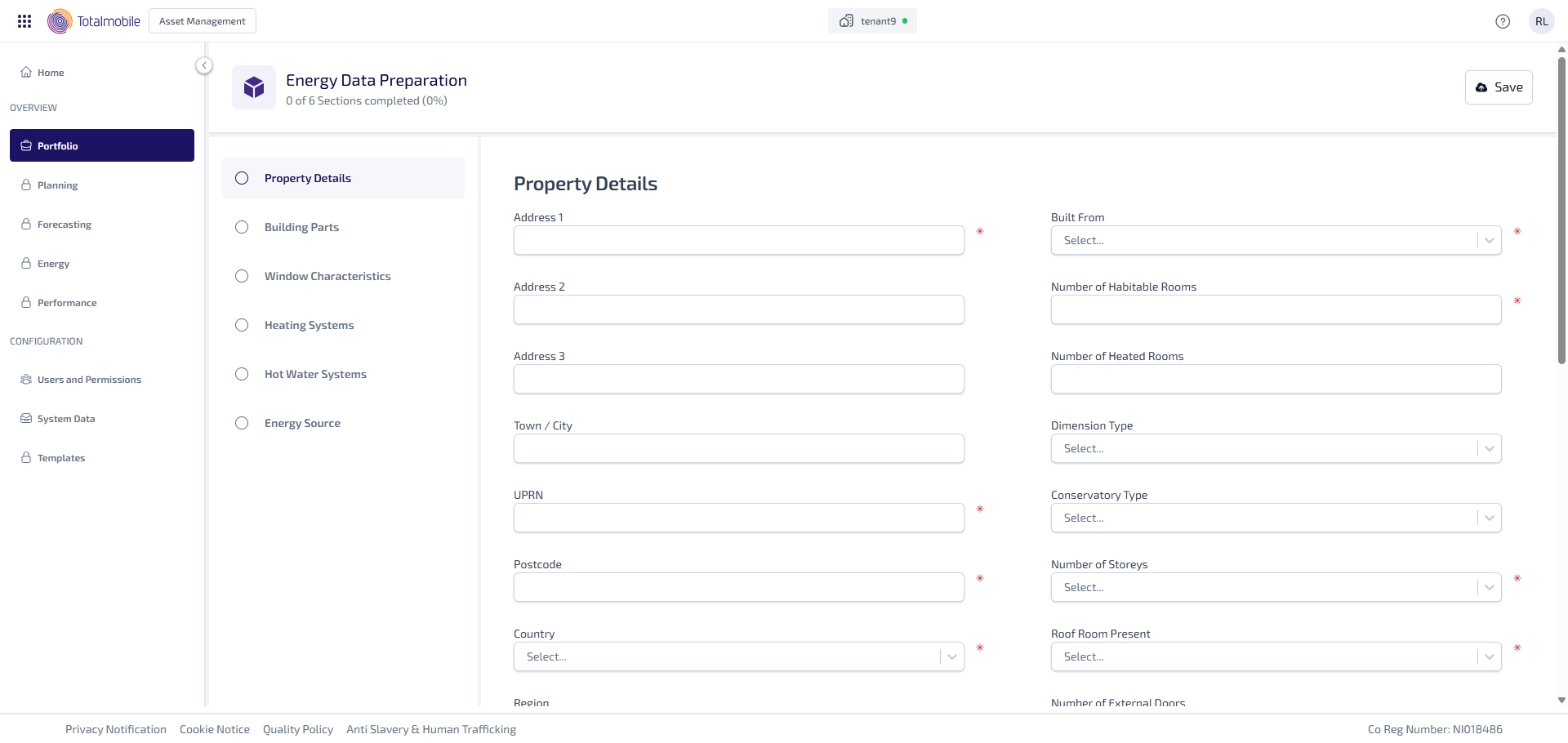
The form contains 6 sections, which you can navigate between using the menu on the left of the form. The 6 sections of the form are:
Required fields must be completed before proceeding to the next section.
-
Select Next at the end of a section to move onto the next section. A
 appears next the completed section name in the menu on the left of the form.
 -
Select Save to store your progress at any time.
The Property section is required and must be completed before accessing the other sections of the form. It contains fields such as Country and Property Type, which determine available options in the other sections.