System Data
The System Data page lets you manage the associated data available to your assets, such as the organisations and portfolios which can be assigned to them.
In the Navigation menu > Configuration section select System Data.
The System Data page displays with the Organisations tab selected by default.
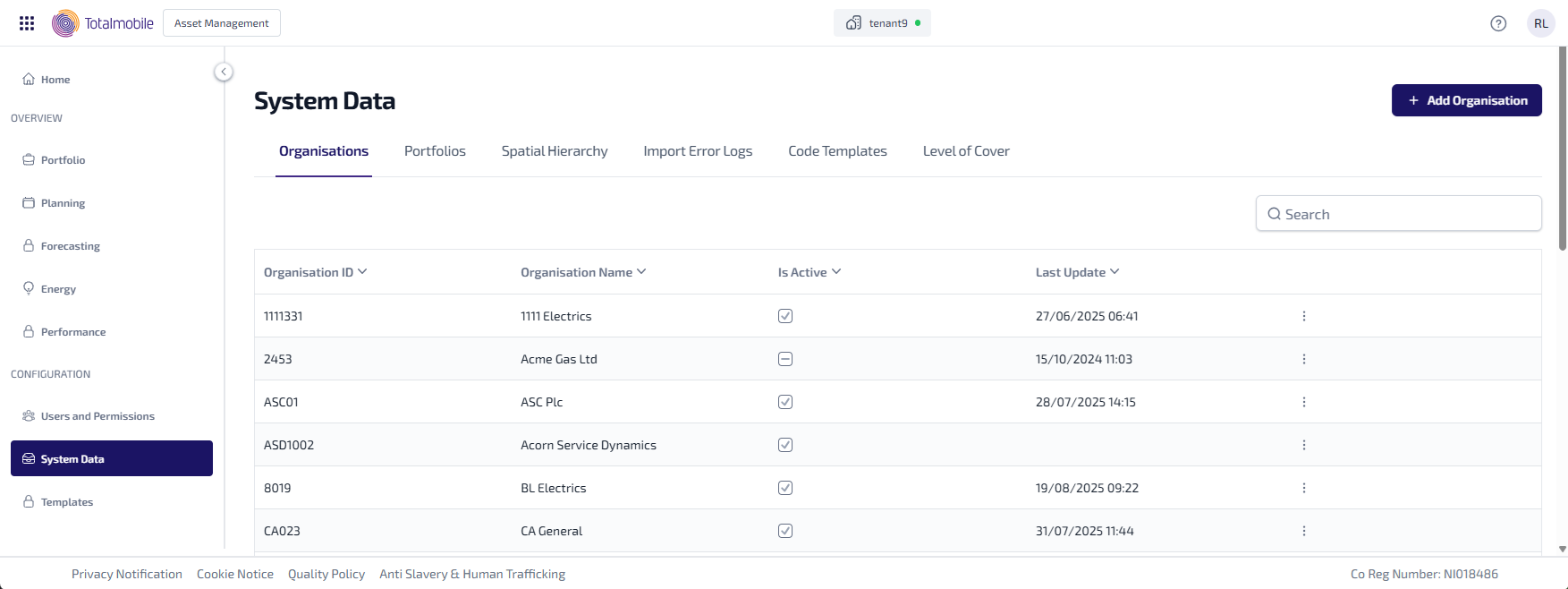
The System Data page contains the following tabs:
-
Organisations
-
Portfolios
-
Property Types
-
Asset Category Data
-
Asset Custom Data
-
Code Templates
-
Warranty Level of Cover
-
Spatial Hierarchy
-
Connect Integration Error Logs